Skip to guide
TR
GET ADD-ONSAdd-Ons Maps News & UpdatesNews
Upload Your Add-On

Background Settings

Background

Connect your Patreon account. It's free!

Continue with Patreon

Zip to MCworld

Import Maps on Bedrock

Get App
Documentation
All guides

Getting started

Install Add-Ons
Overview Windows Installation Android Installation iOS Installation
Update Add-Ons
Overview Windows Update (TRMC ADD-ONS) Android Update (TRMC ADD-ONS) iOS Update (TRMC ADD-ONS) Windows Update (Other Add-Ons) Android Update (Other Add-Ons) iOS Update (Other Add-Ons)

Add-On guides

Better Beds
Overview Main Form Options Sleep Options Accelerate Time Options Phantom Spawning Options Reenable Natural PhantomSpawning Disable Natural Phantom Spawning Sleep Settings Options Enable Sleep Functionality Only Allow Sleeping at Night and When Raining Lock with Password Password Require Percentage of Players to Activate Player Activation Percentage Clear Weather After Sleeping Display Sunrise Option Display Morning Option Display Noon Option Display Sunset Option Display Night Option Display Midnight Option Accelerate Time Settings Options Enable Accelerate Time Functionality Lock with Password Password Require Percentage of Players to Activate Player Activation Percentage Clear Weather After Accelerating Time Max Multiplier of Time Phantom Spawning Settings Options Show Phantom Spawning Settings In Beds Disable Phantom Spawning while using beds but reenable after use Always Disable Phantom Spawning After Use Only Allow Phantom Spawning at Night Lock with Password Password Limit Phantom Spawn Number Max Phantom Spawn Number Set Time Between Spawns In-Game Hours
Modern Furniture
Overview Tag System Interactive Stackable Bright Seat Modular Configurable Interactable Blocks Switch Fireplaces Mirror Trash Can Calendar Garage Door Doorbell Piano Microphone Stand Disc Stand Cork Board Curtain Trampoline
Feudal Furniture
Overview Tag System Interactive Stackable Bright Seat Modular Interactable Blocks Window Automatic Trapdoor Spikes Fireplaces
Indexer Add-On
Overview Crafting Installation System Structure System Input and Output UI MANAGER Indexer Manager UI Overview Controller UI Frequently Asked Questions (FAQ) Common Questions about the Indexer System
Custom Paintings
Overview Main Features Crafting Recipes TUTORIAL: Using the Web Editor 1. Start Your Project 2. Adding & Previewing Images 3. Exporting Creative Ideas Frequently Asked Questions (FAQ)

No matching guides.

Home/Documentation
Minecraft Bedrock

Documentation

Everything you need to install, update and get more from your Add-Ons.

Getting started
Install Add-Ons

Import and activate your packs on Windows, Android and iOS.

Read guide

Update Add-Ons

Replace older packs and keep your worlds up to date.

Read guide

Add-On guides

Better Beds

Sleeping, time acceleration and phantom settings.

Read guide
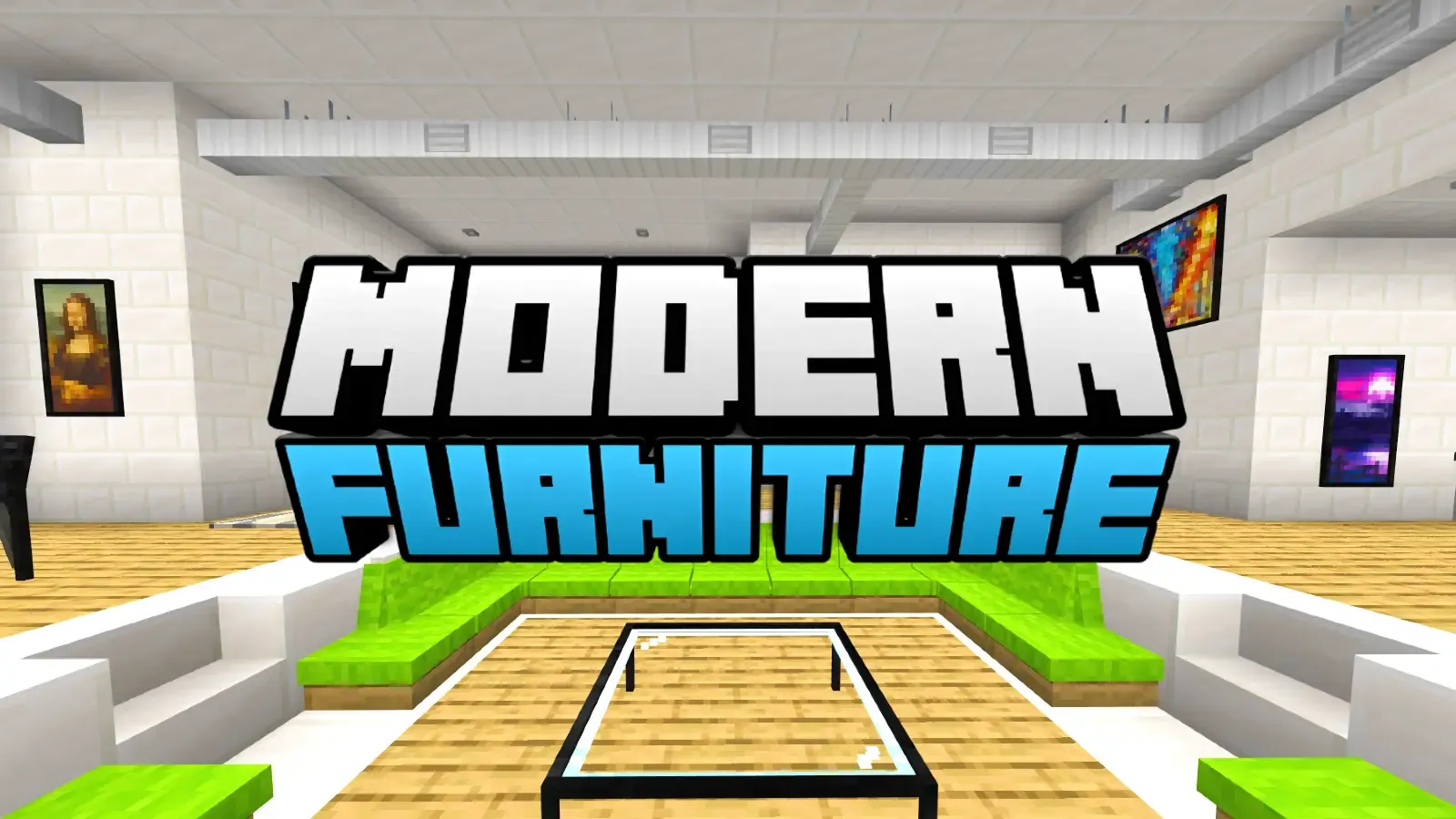
Modern Furniture

Furniture tags, interactive blocks and how to use them.

Read guide

Feudal Furniture

Medieval furniture, functional blocks and decorations.

Read guide
Indexer Add-On

Connect containers, build networks and manage your storage.

Read guide

Custom Paintings

Create your own paintings and learn to use the web editor.

Read guide

© 2026 TRMC Add-Ons | NOT affiliated with Mojang |

Guides Contact Privacy