Trotamundos872
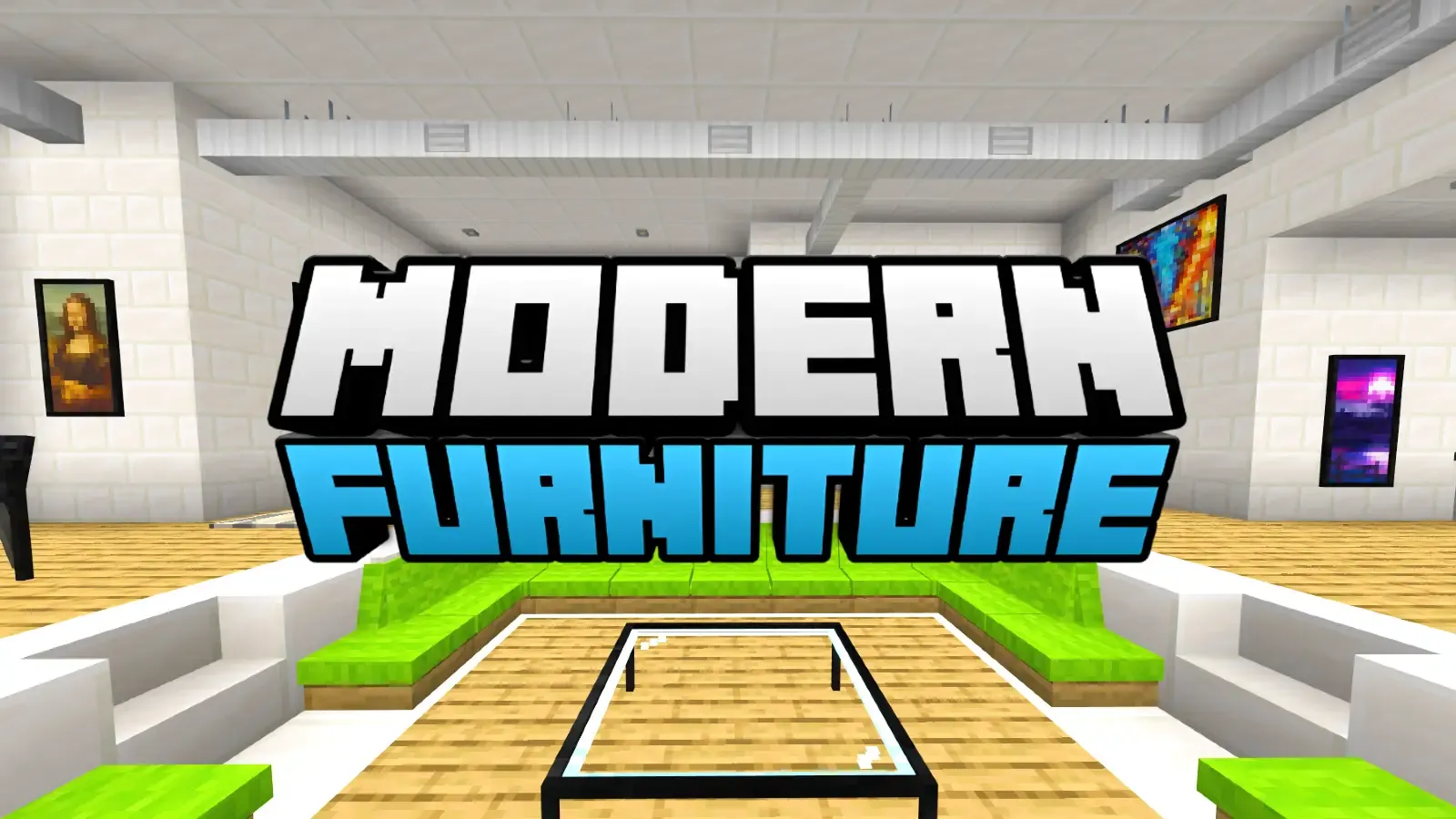

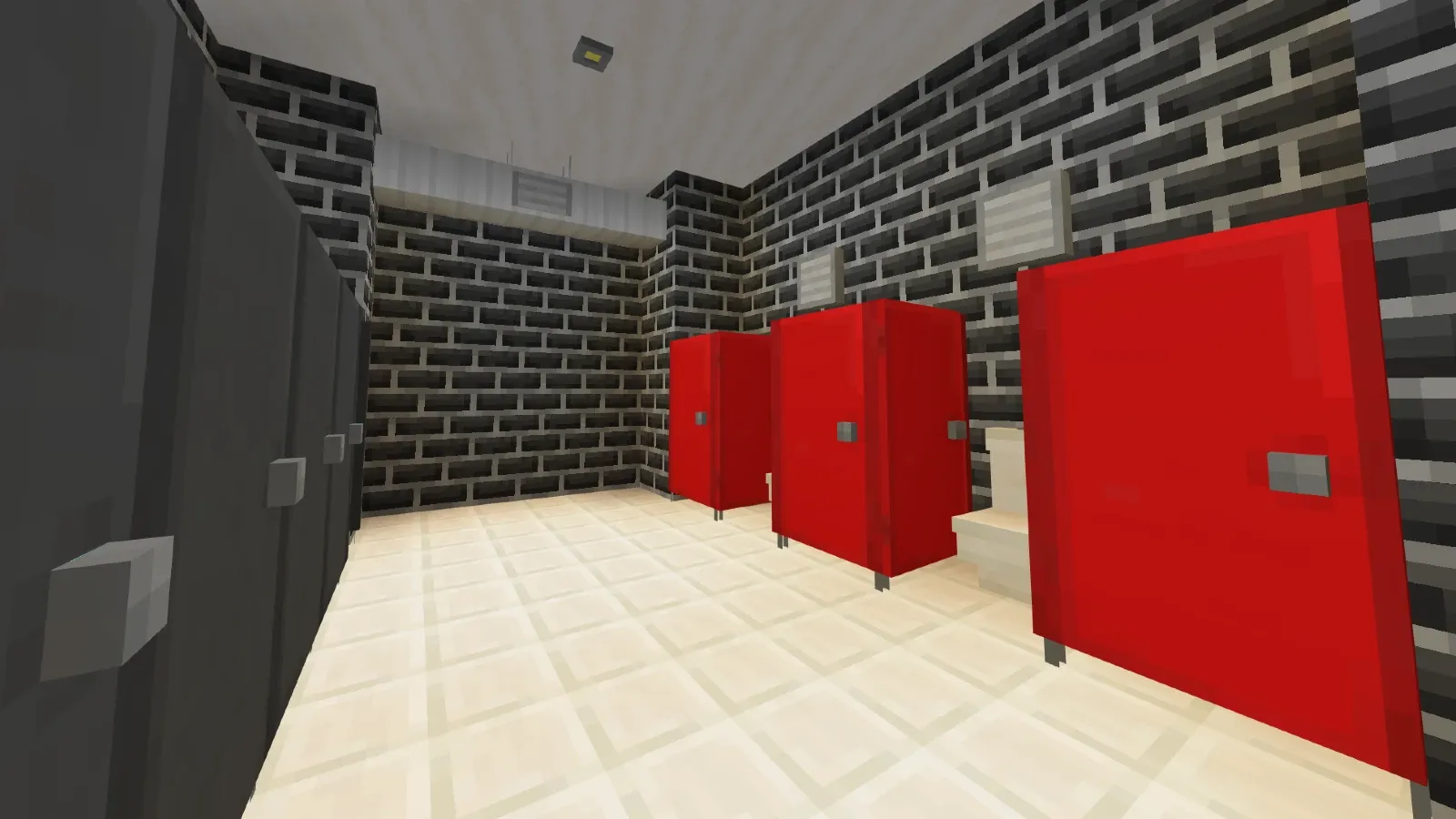
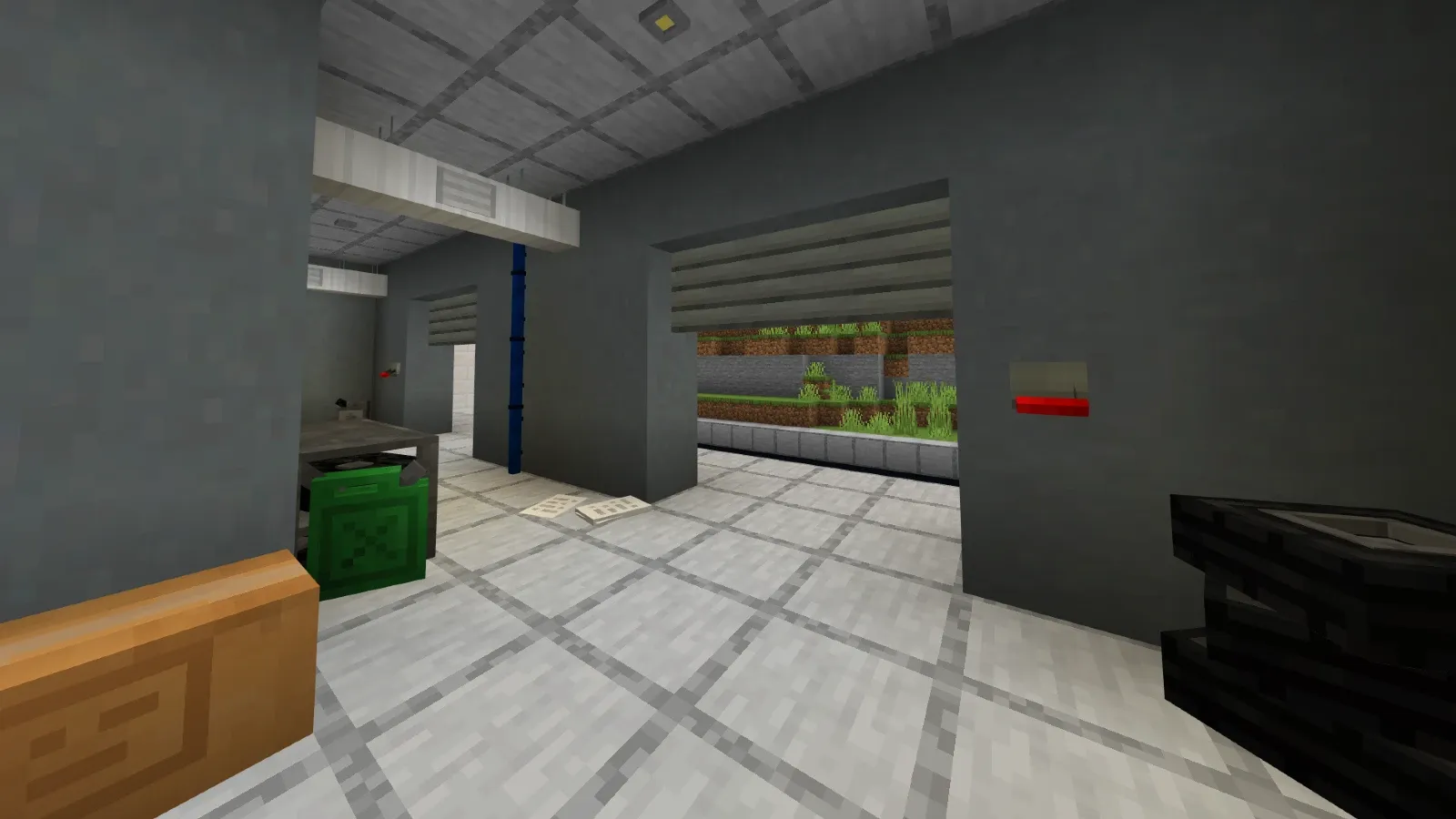
Modern Furniture is an Add-On for Minecraft Bedrock designed for decorating houses, buildings, and modern streets. This Add-On adds over 800 furniture pieces/blocks, categorized into different boxes such as the sofa box, armchair box, construction box, and more.
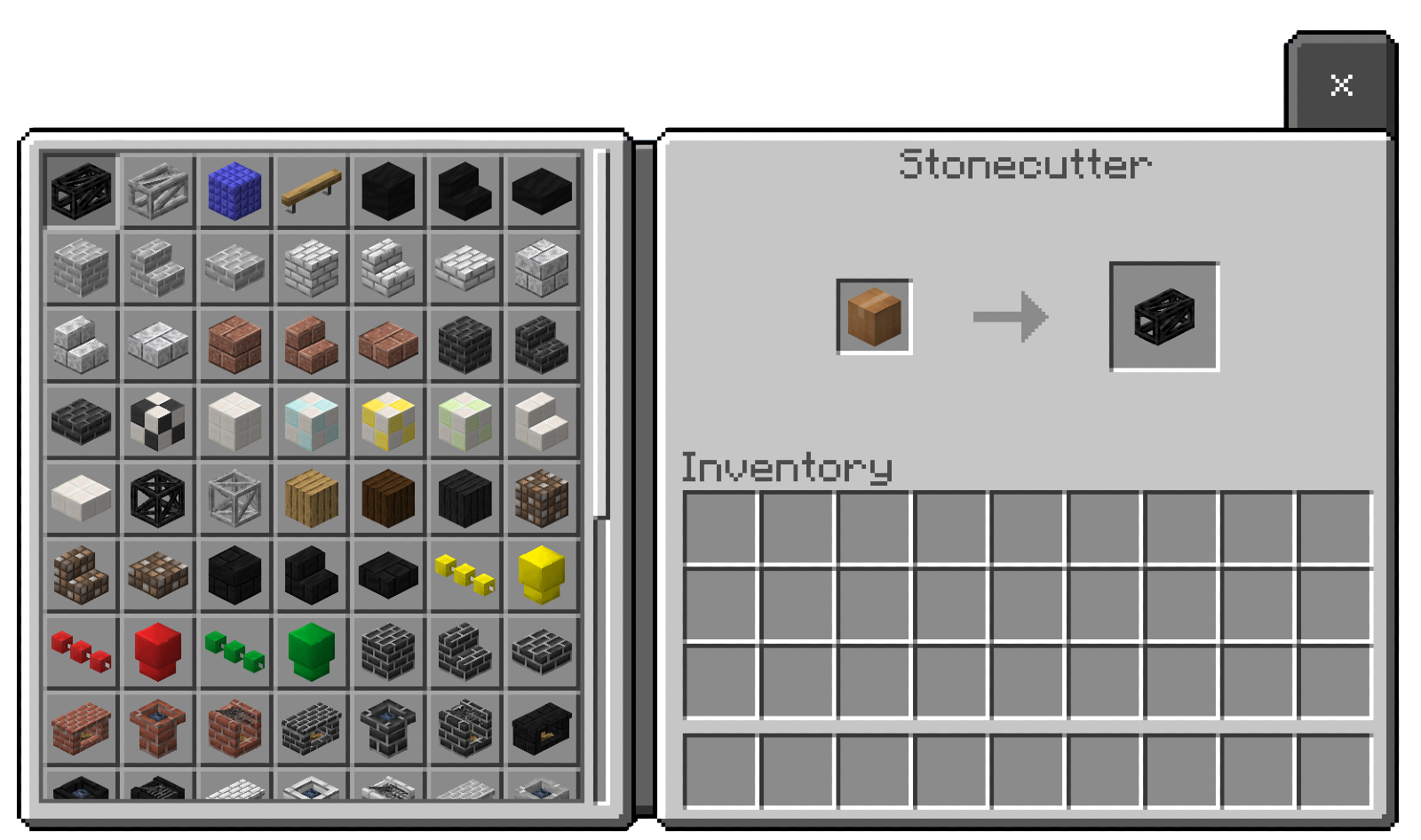
To create the furniture, you’ll need clay balls. You can place them in a stonecutter, and from there, you’ll be able to select all kinds of furniture to decorate your Minecraft world.
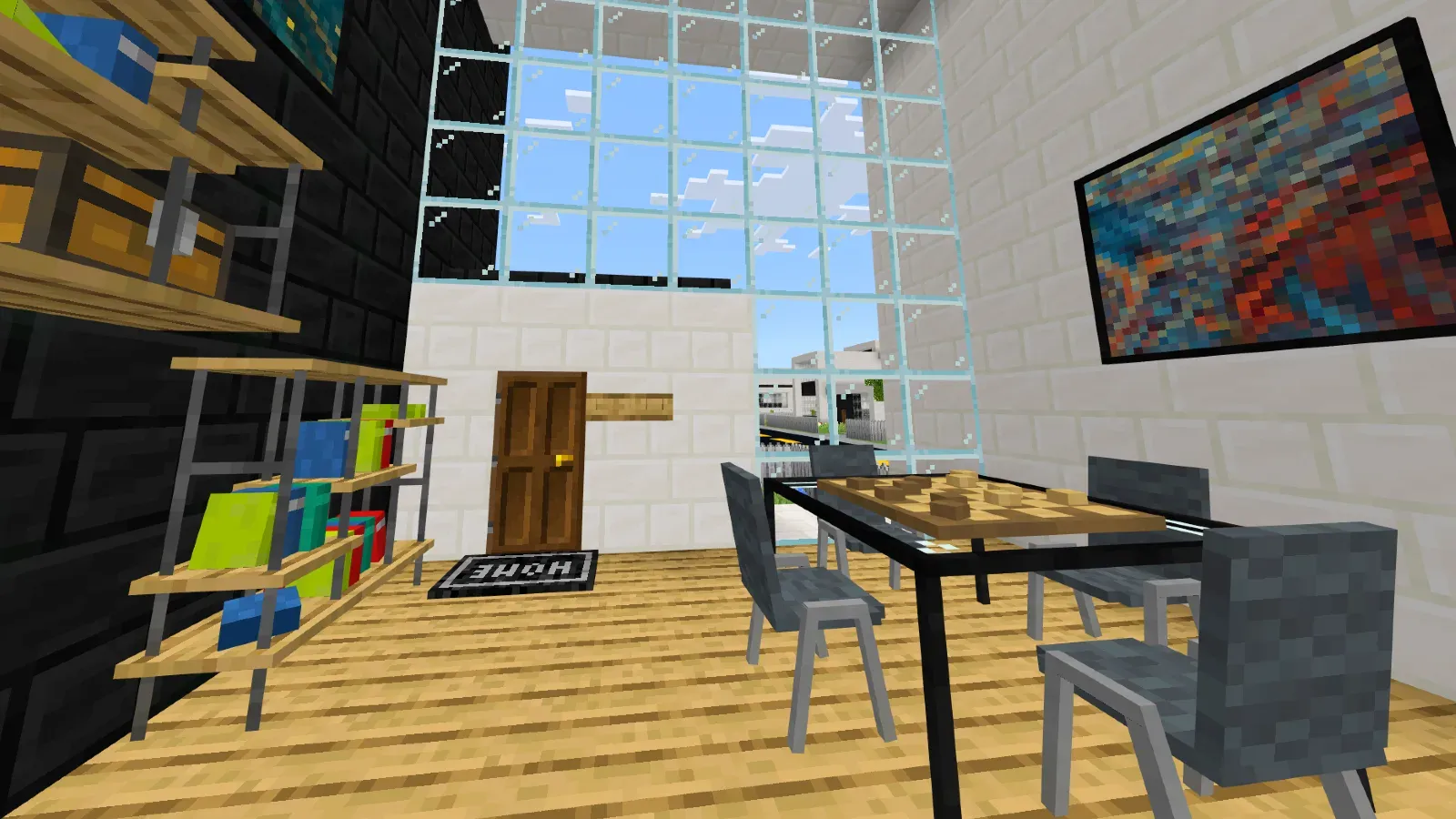
The furniture design can be described as having a "simple" touch. This means the furniture aims to be minimalist while maintaining a Minecraft-style coherence. Thanks to this consistency, most furniture pieces blend seamlessly with Minecraft’s blocks, allowing for easy integration with other vanilla-style Add-Ons.
The furniture categories are varied. The following are the available categories:
- Interior: It includes functional rugs and curtains along with color variations.
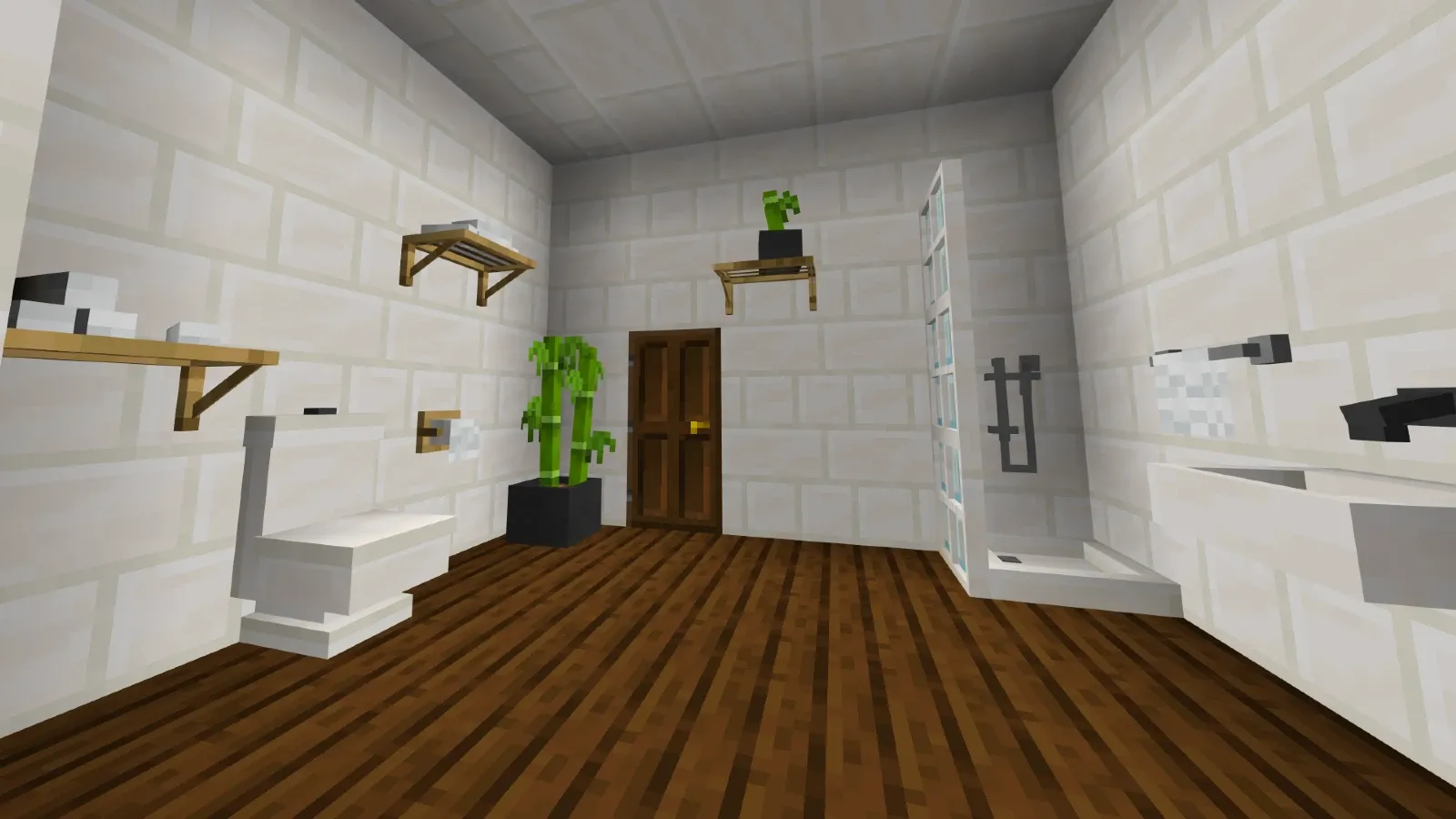
- Bathroom: It includes all bathroom decorations such as sinks, mirrors, decor, etc.
- Construction: Includes all kinds of exterior decoration, designed to enhance outdoor spaces and new construction blocks!
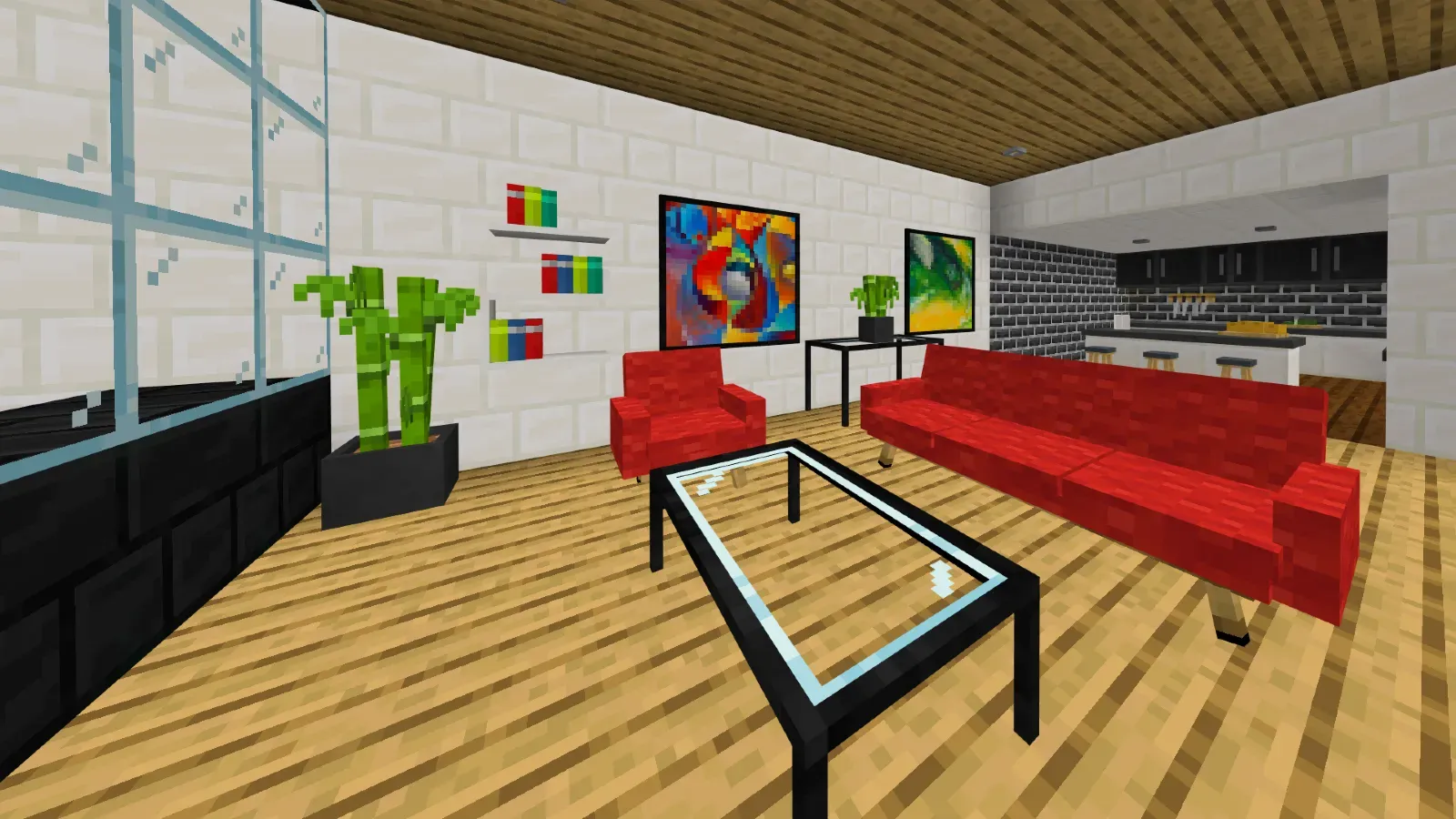
- Kitchen: It contains modern countertops for designing kitchens.
- Vent: It contains ventilation blocks, ducts, and air hatches.
- Painting: It includes dozens of paintings, including custom paintings from Patreon donors!
- Decorations: All kinds of miscellaneous decorations that don’t fit into other categories.
- Festive: It includes all kinds of festive decorations, such as Christmas, Halloween, summer, and spring decor!
- Garage: It includes garage decorations such as compression machines, repair machines, wheels, functional garage doors, and much more!
- Light: It includes functional lamps and LED lights along with smart switches by range, allowing you to configure and use them!
- Bookshelf: It includes many variations of bookshelves.
- Table: It includes all kinds of tables: modern, simple, and medieval.
- Chair: Category that encompasses armchairs, their variations, and colors.
- Sofa: Category with all the sofas, varieties, and colors.
The Add-On includes a wide variety of features. Because of this, it has a special functionality tag. For example, a block might have the tag "Sit-able", indicating that you can click on it and sit down.
If you want to filter and find these specific blocks, you can use the search bar and type keywords like "Ignitable" or "Configurable".
The add-on includes more than a dozen unique, fully interactive features:
- Chairs & Sofas: Sit on any chair or couch.
- Mirrors: See your reflection with one click—switches to a fixed third-person view at a set position.
- Modularity: Sofas (and tables) snap together dynamically when placed side by side.
- Fireplaces & Grills: Light them with flint and steel, and extinguish them by hand.
- Message Boards: Persistent world chat that saves even after you leave.
- Traffic Lights: Build functional roads with working traffic signals.
- Whiteboards: Draw with markers or use preset doodles.
- Lights: Toggle lamps and LEDs with a single click.
- Switches: Control lamps and LEDs remotely with three brightness levels.
- Trampolines: Bounce for fun or create jump parkour courses.
- Stackable Food: Place plates and store food on them.
- Trash Bins: Toss unwanted items into working bins.
- Doorbells: Ring realistic, fully functional doorbells.
- Pianos: Play a wide range of notes.
- Curtains: Open and close functional window curtains.
- Garage Doors: Operate them with redstone levers.
And much more—everything is 100% functional.
Images


Crafting
Creative:
To acquire the furniture in Creative mode, you will find it in the decoration tab of the Creative menu. If you want to obtain it using commands, you will need to type /give @p f: (then you can add the name of the furniture you want).
Survival:
To create the furniture, you will need clay and a stonecutter. Then, you will need to place the clay in the stonecutter.
A list of boxes will appear—this list represents the furniture categories (such as chairs, sofas, tables, decorations, etc.).
You will have to choose a box. Once selected, you will place it back in the stonecutter, and it will display all the available options. From there, it's up to you to decorate!

Modern Tool:
The Modern Tool is used to modify the geometry of blocks. If you want to know which blocks are interactive, they will have the label "Configurable" and a wrench symbol.
Clicking on them will change their geometry or a specific aspect of the block. If you want to revert it to its original state, you can either break and replace the block or click it a few more times until it returns to its original form.

Language Support
 English
 Spanish
 Portuguese
 Chinese
Changelog
Downloads


Hytale News
Check for new updates