Agustheking


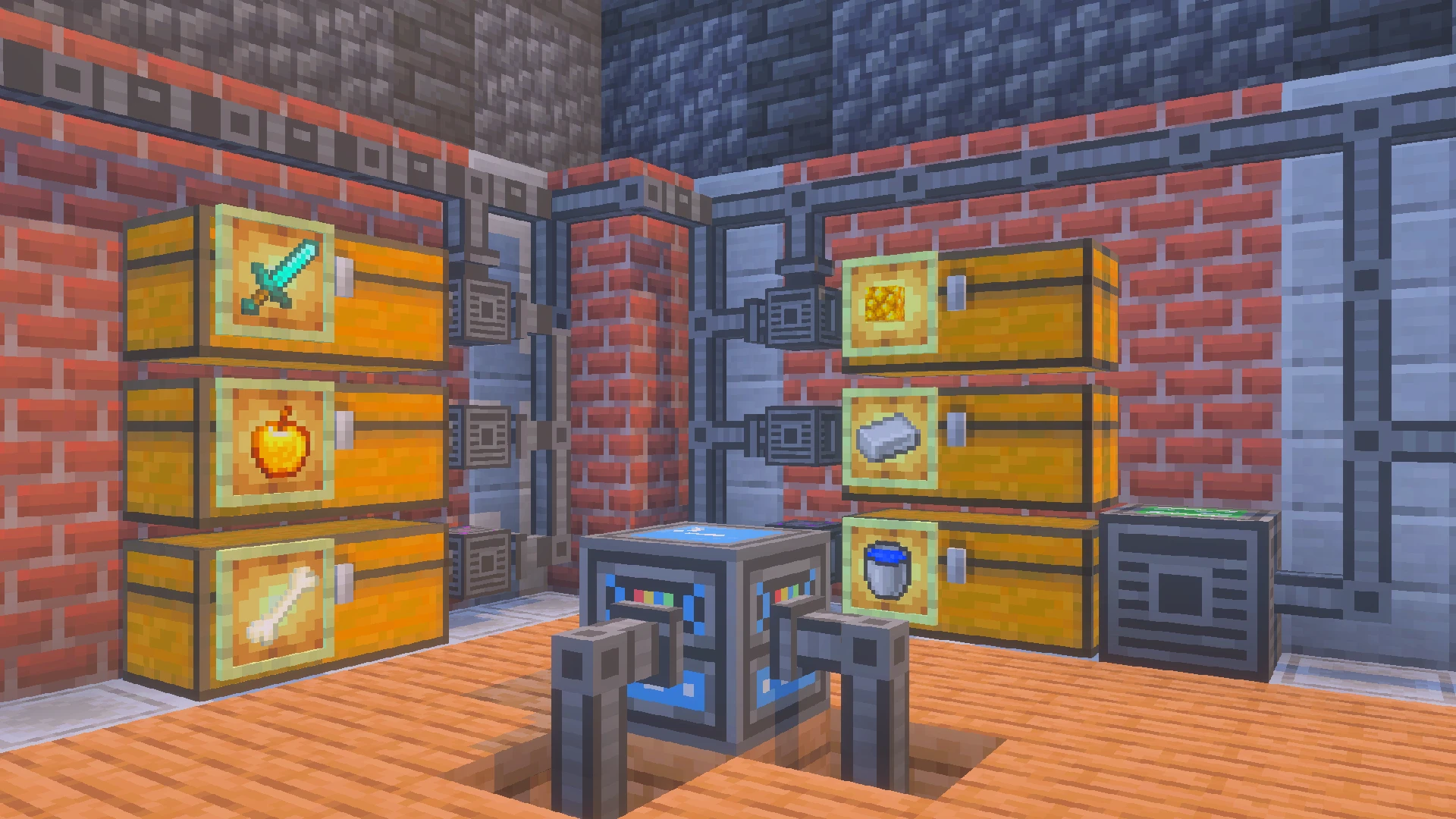
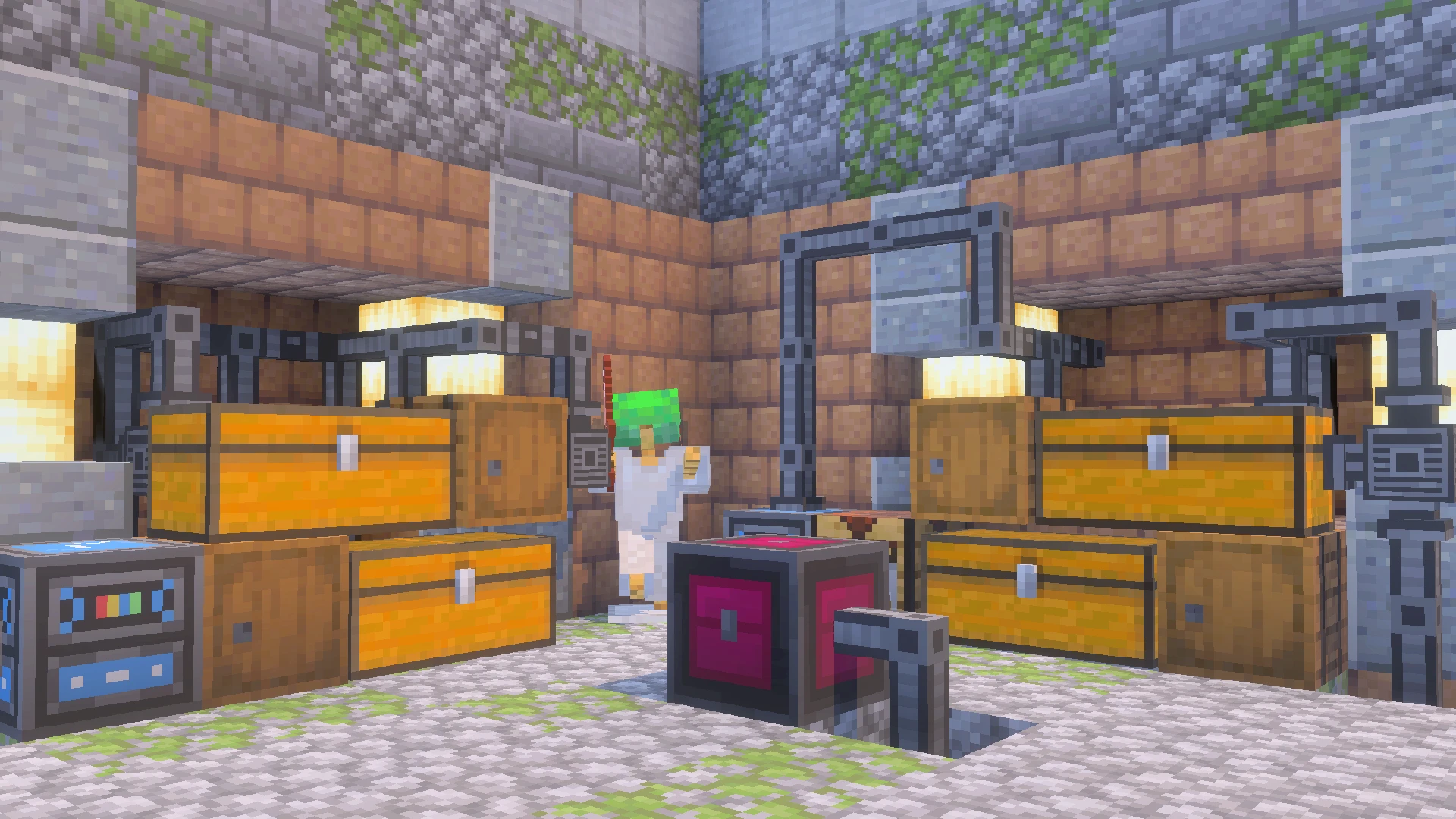
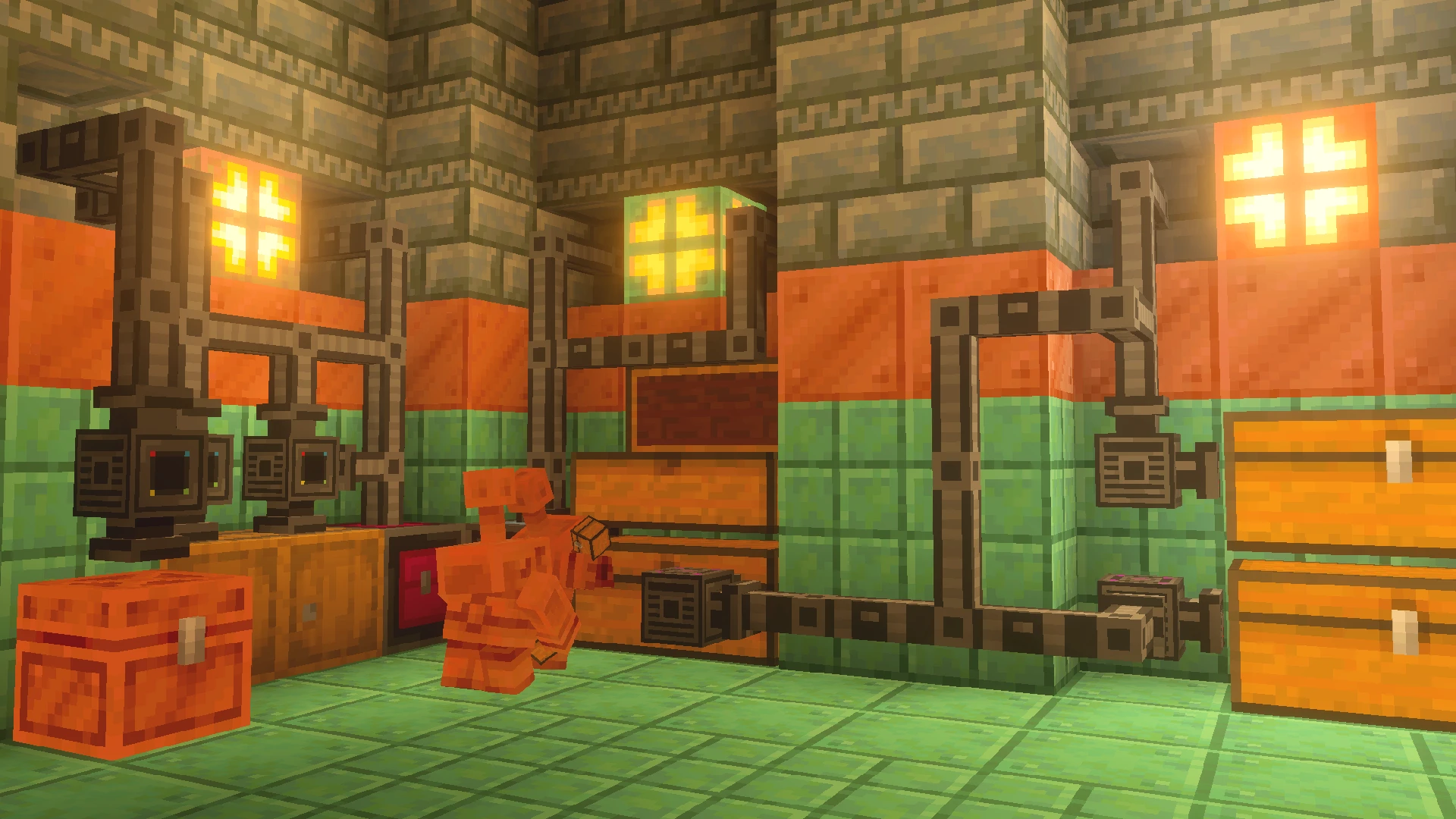
The Indexer Add-on allows you to organize your chests effortlessly and locate any item instantly without the need for complex Redstone circuits or hoppers. This add-on introduces pipes that link all your chests and containers together, centralizing your storage into a single Indexer Manager.
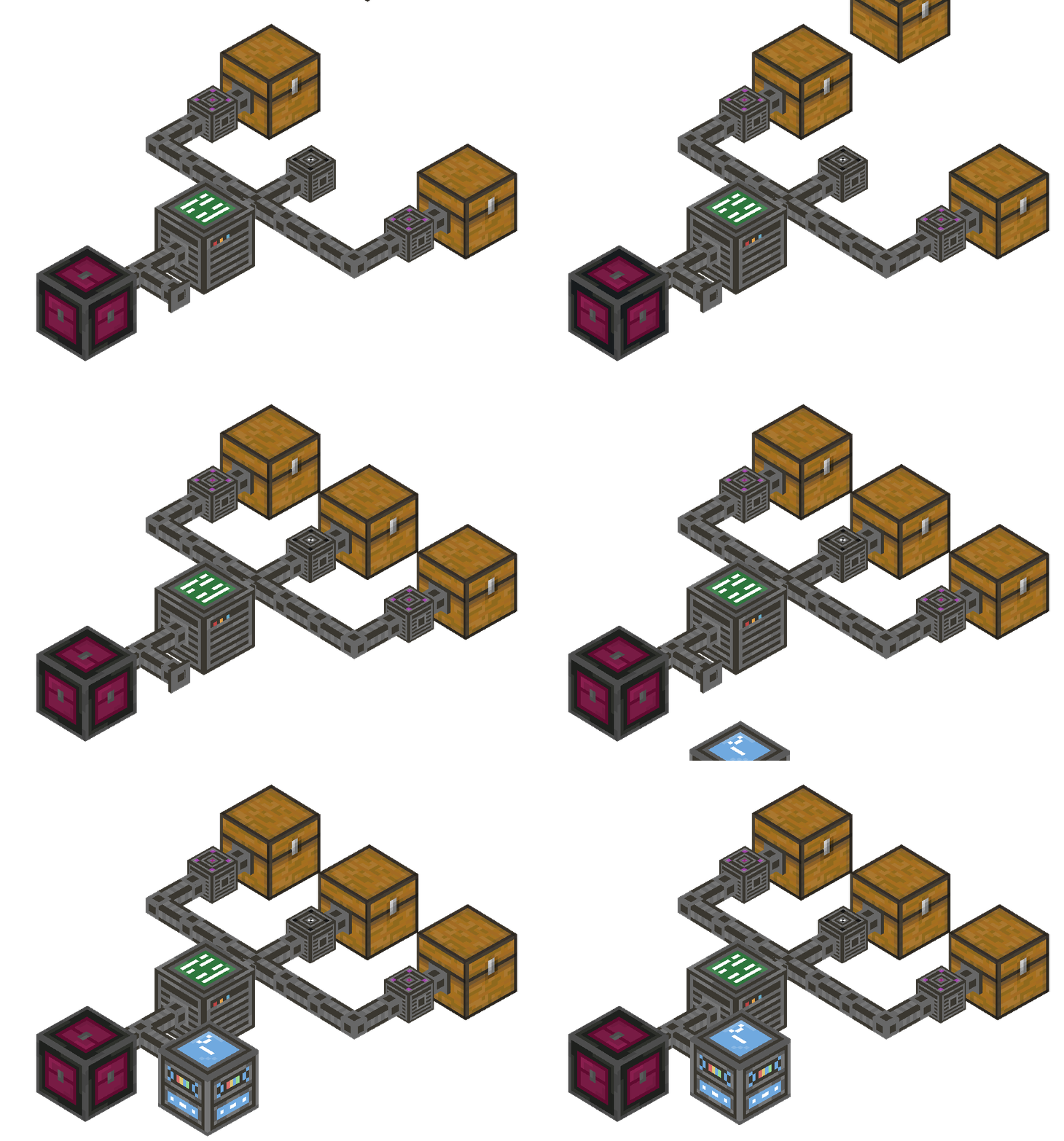
The Indexer system is easy to set up and very intuitive. First, place the Indexer Controller (the system's CPU);
every pipe in your network must be connected to this controller by at least one line.
From there, it’s as simple as laying down pipes and attaching containers—whether they're chests, barrels, or furnaces.
To link a container to a pipe, just use a Connector block. The top of the connector will turn pink if it's connected and black if it’s disconnected
Next, there are two interfaces:
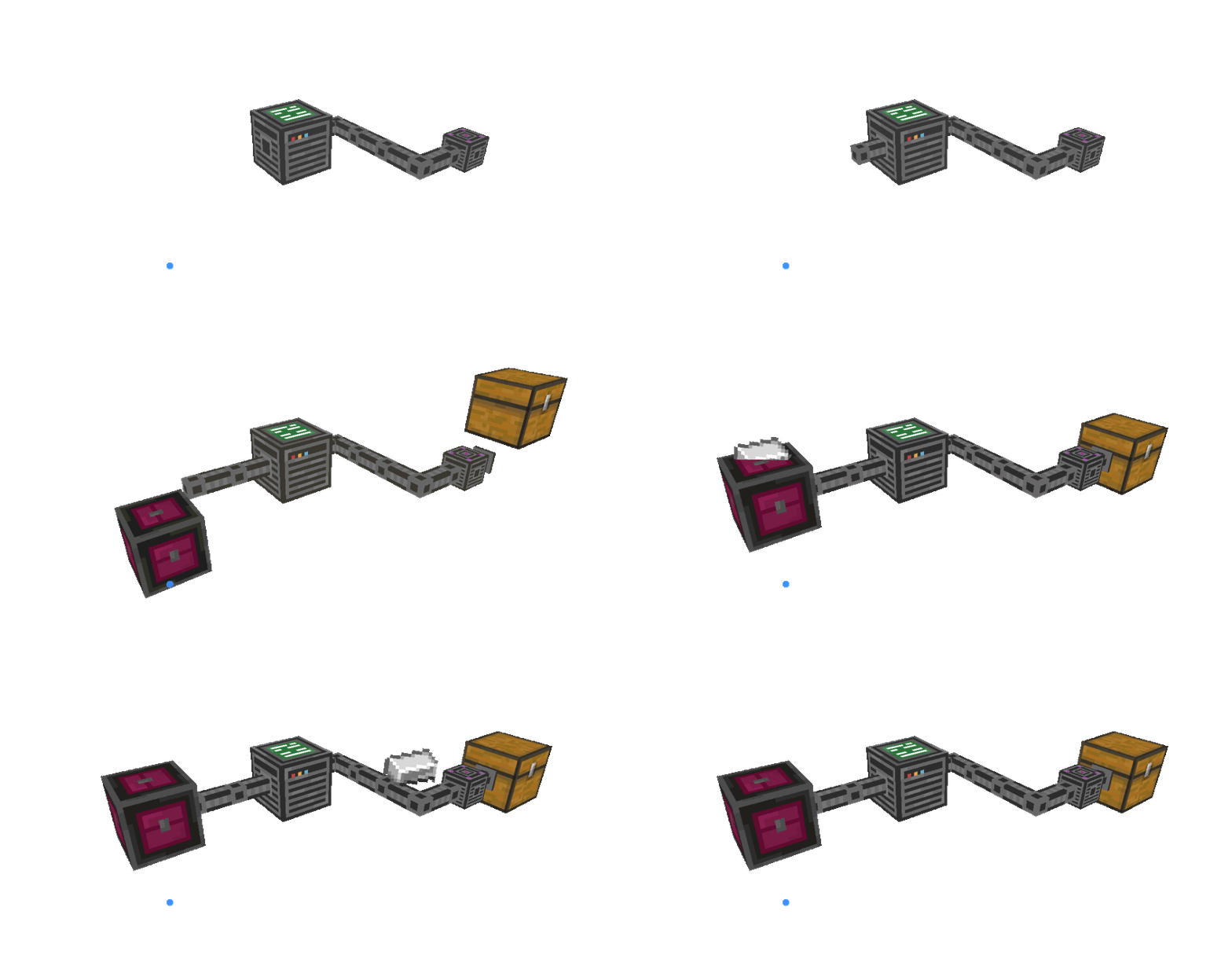
The Block Indexer Dropbox (input interface) is a block connected to the system via pipes. When you click it while holding an item, you can store any amount of that item into the chests, and they will be sorted automatically. If you click it with an empty hand, you can deposit your entire inventory, excluding armor slots.
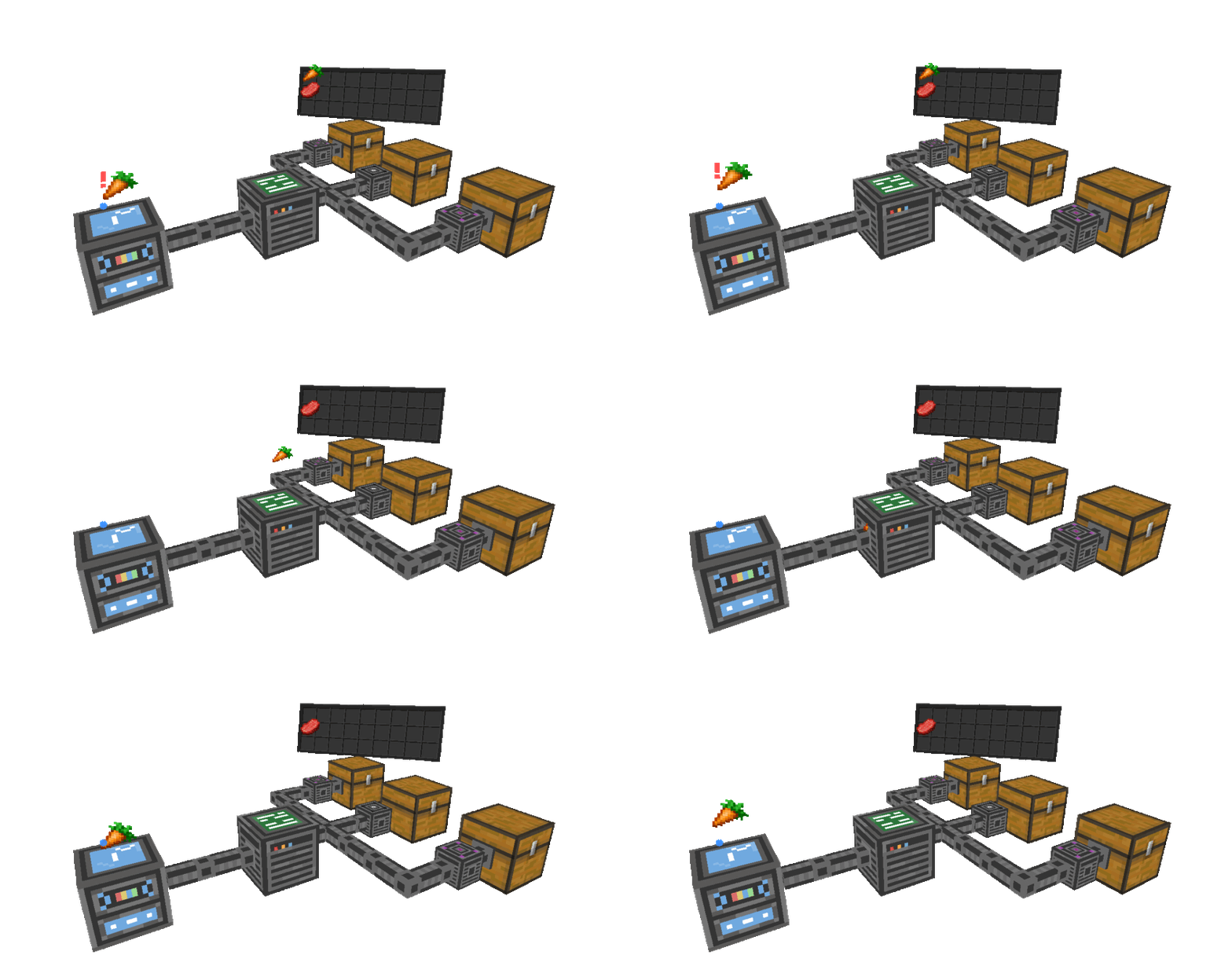
The Block Indexer Manager (output interface) is a block connected to the system via pipes. Clicking it opens a UI that displays a complete list of all items stored in your chests. This interface allows you to search for specific items by name or sort them by quantity or alphabetical order.
This system is a game-changer for keeping your inventory organized and ensuring your items are always within reach.
Technical Limitations: The system can only access chests or containers located within loaded chunks.
- Indexer Controller: The system's CPU. Every pipe in your network must be connected to this controller for the system to function. By interacting with it, you can view real-time statistics, such as the total storage capacity and the number of connected containers.
- Pipes: Used to interconnect all components of your network and extend the system's reach throughout your base.
- Connector Block: Used to link containers (chests, barrels, furnaces, etc.) to the system. The top of the connector turns pink when successfully connected and black when disconnected.
- Block Indexer Dropbox (Input): An input interface that allows for easy storage. Clicking it with an item stores any amount of that item automatically; clicking with an empty hand deposits your entire inventory, excluding armor slots.
- Block Indexer Manager (Output): An output interface that opens a UI displaying all stored items. It features a search bar to find items by name and sorting options for quantity or alphabetical order.
- Indexer Manual: An essential guide item. When used, it displays a QR code that links directly to the mod's official wiki on this website.
Indexer Manager Interface:
This UI displays a comprehensive, indexed list of every item stored across your connected chests.
To keep your inventory precise, enchanted items will only stack if they share the exact same enchantments; otherwise, they are listed separately.
You can easily inspect the specific details of any enchanted tool or book by hovering your cursor over the item to reveal its full enchantment list.
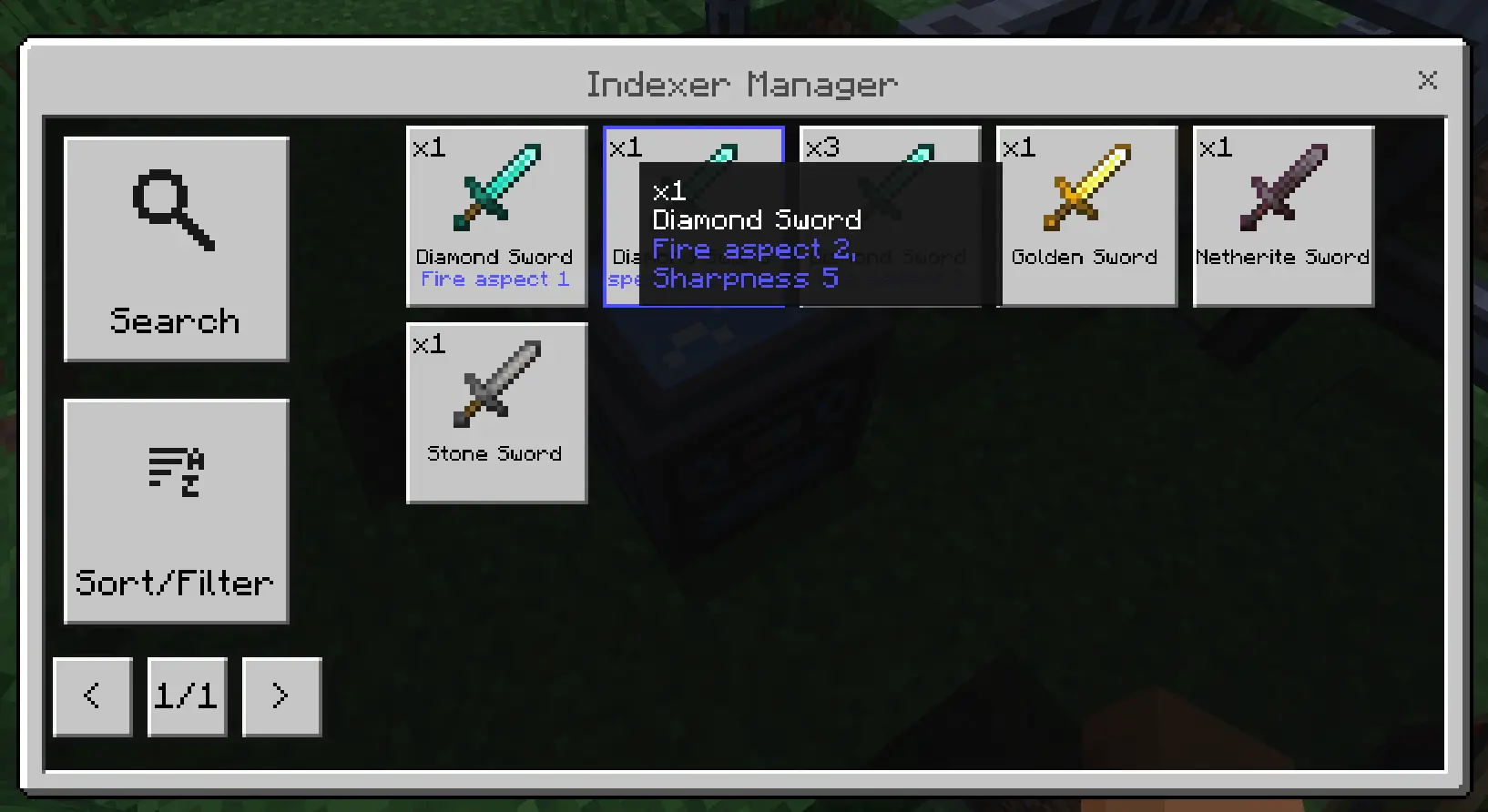
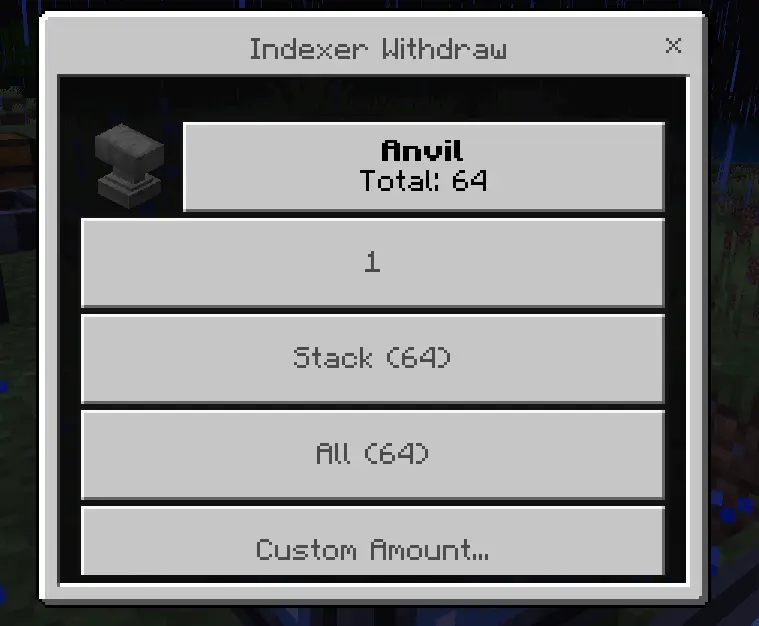
When you pick up an item with the Indexer Manager, it will allow you to:
- Take 1
- Take 1 stack
- TAKE ALL
- Take a custom amount
Images


Crafting
Creative:
To acquire in Creative mode, you will find it in the block indexer tab of the Creative menu. If you want to obtain it using commands, you will need to type /give @p he: (then you can add the name of the indexer block you want).
Survival:
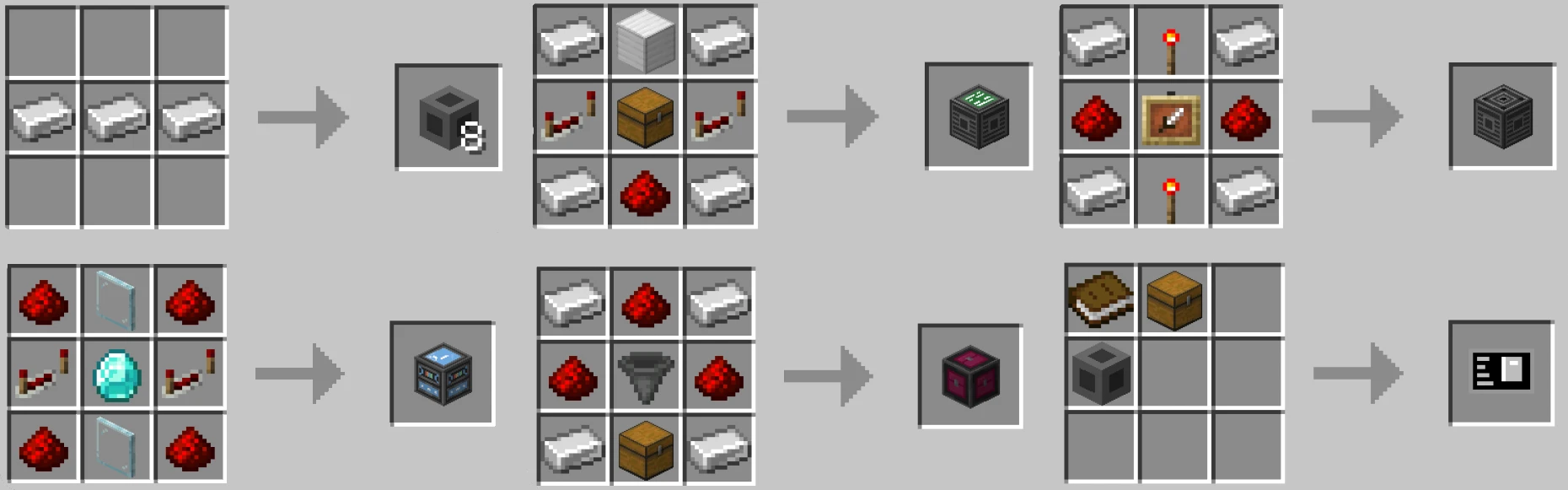
The recipes are simple, using Redstone, Iron, and a few other items
Language Support
 English
 Spanish
 Portuguese
 German
The mod is partially translated. All UIs have been translated into these languages, but the items in the Indexer Manager list are still in English (compatibility for these languages will be added to this UI in the future)
Changelog
Downloads


Zip to MCpack
Install MCaddons