endermen76428


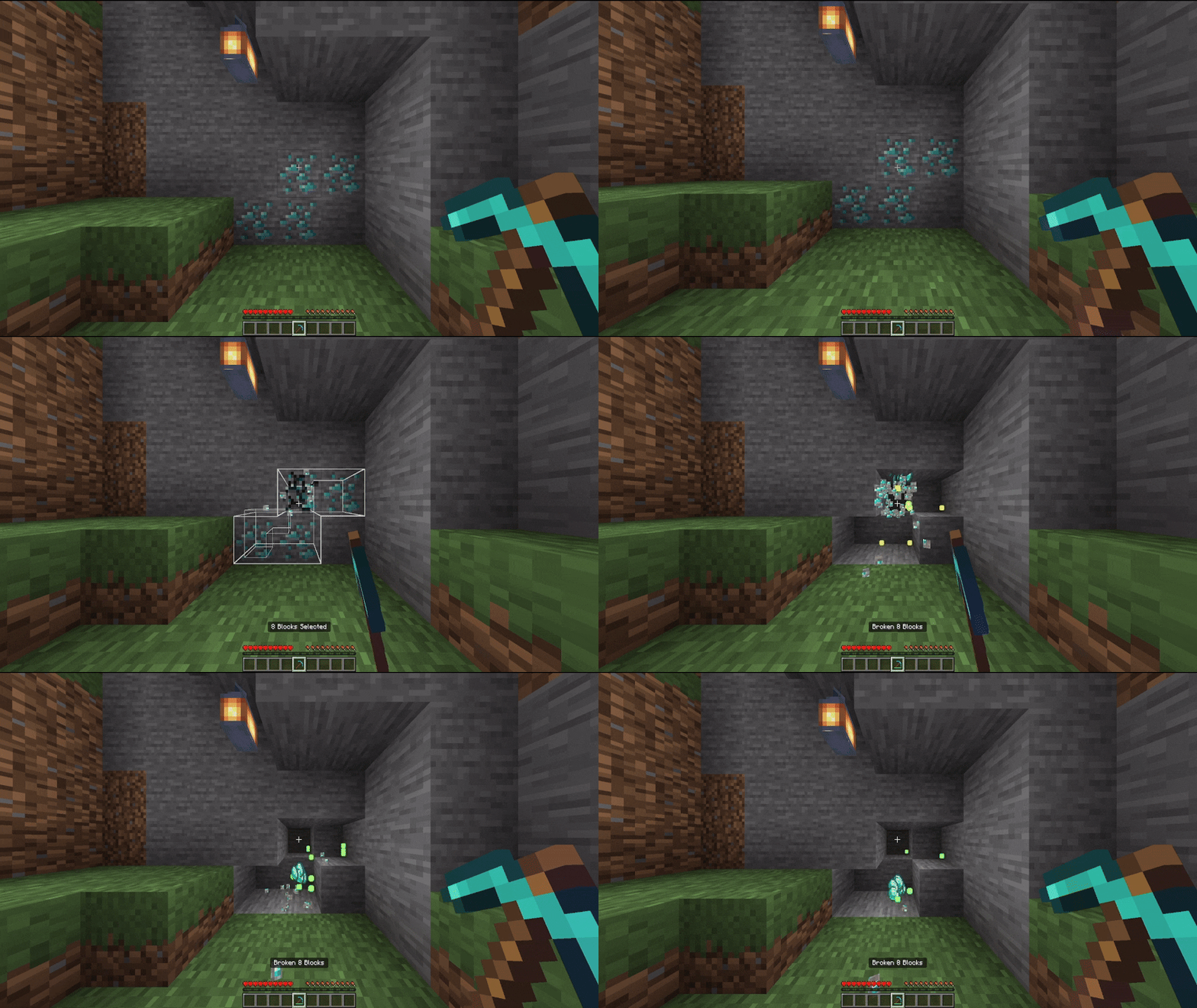
While you were mining you found giant piles of gravel or minerals and wanted to break them faster, now you can with Utilities Vein Miner.
Utilities Vein Miner
Utilities Vein Miner is an addon that has many mining functions that will make mining easier in vanilla Minecraft and even with other addons.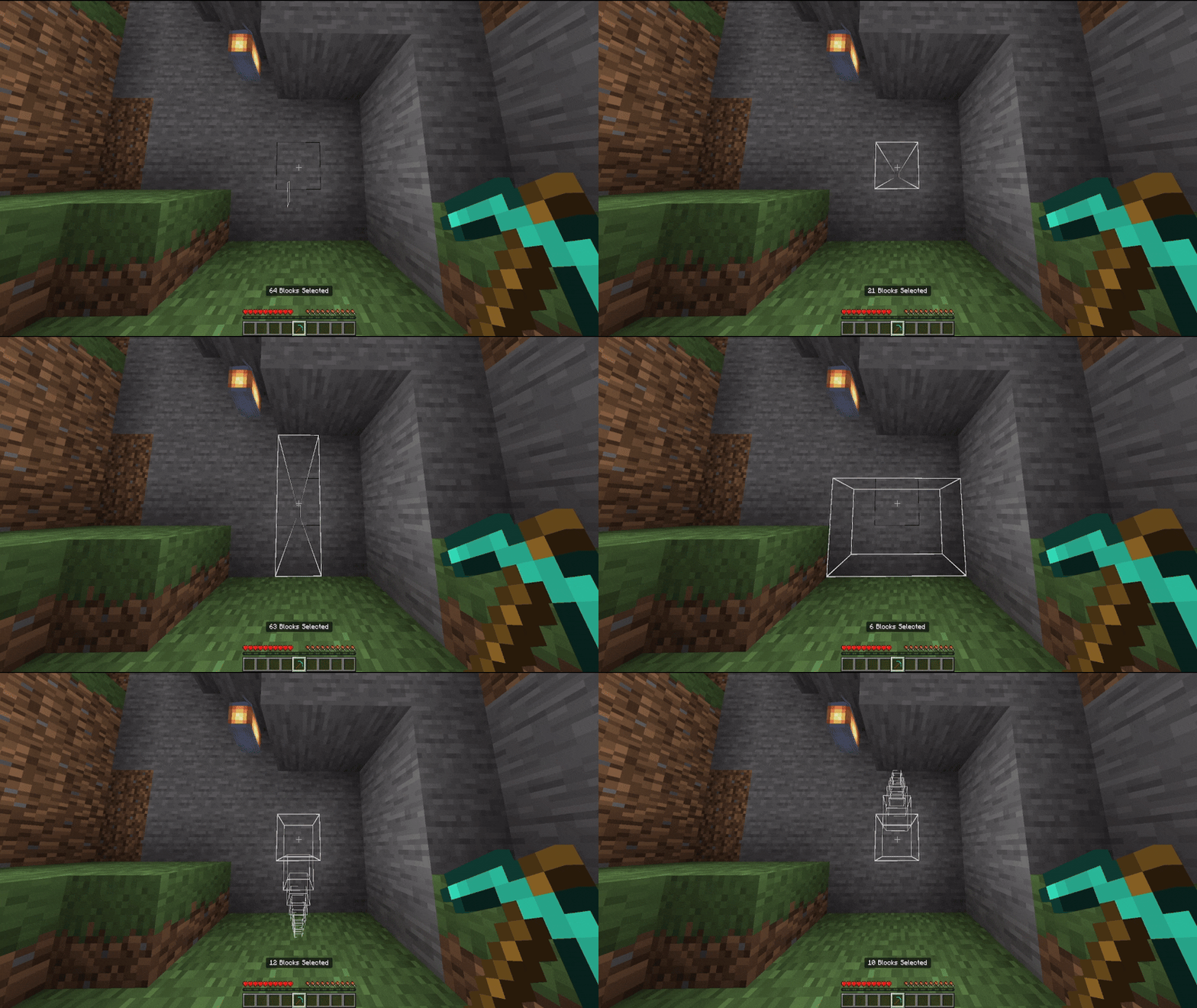
Settings:
Hold the shift and use any vanilla pickaxe (make sure you don't look at any blocks)
Or run the command "/uvm:veinminer [function:string]", If the command doesn't have a defined function parameter, it will open the panel, but with the parameter, it will quickly switch functions without opening the panel.
-
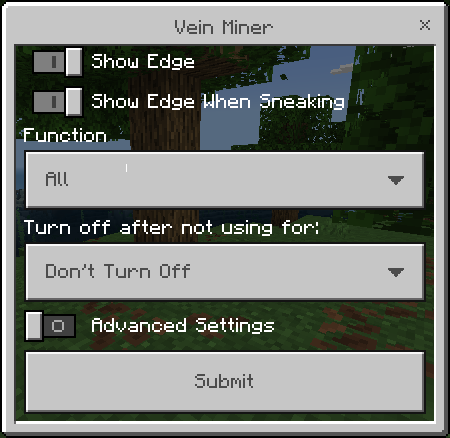
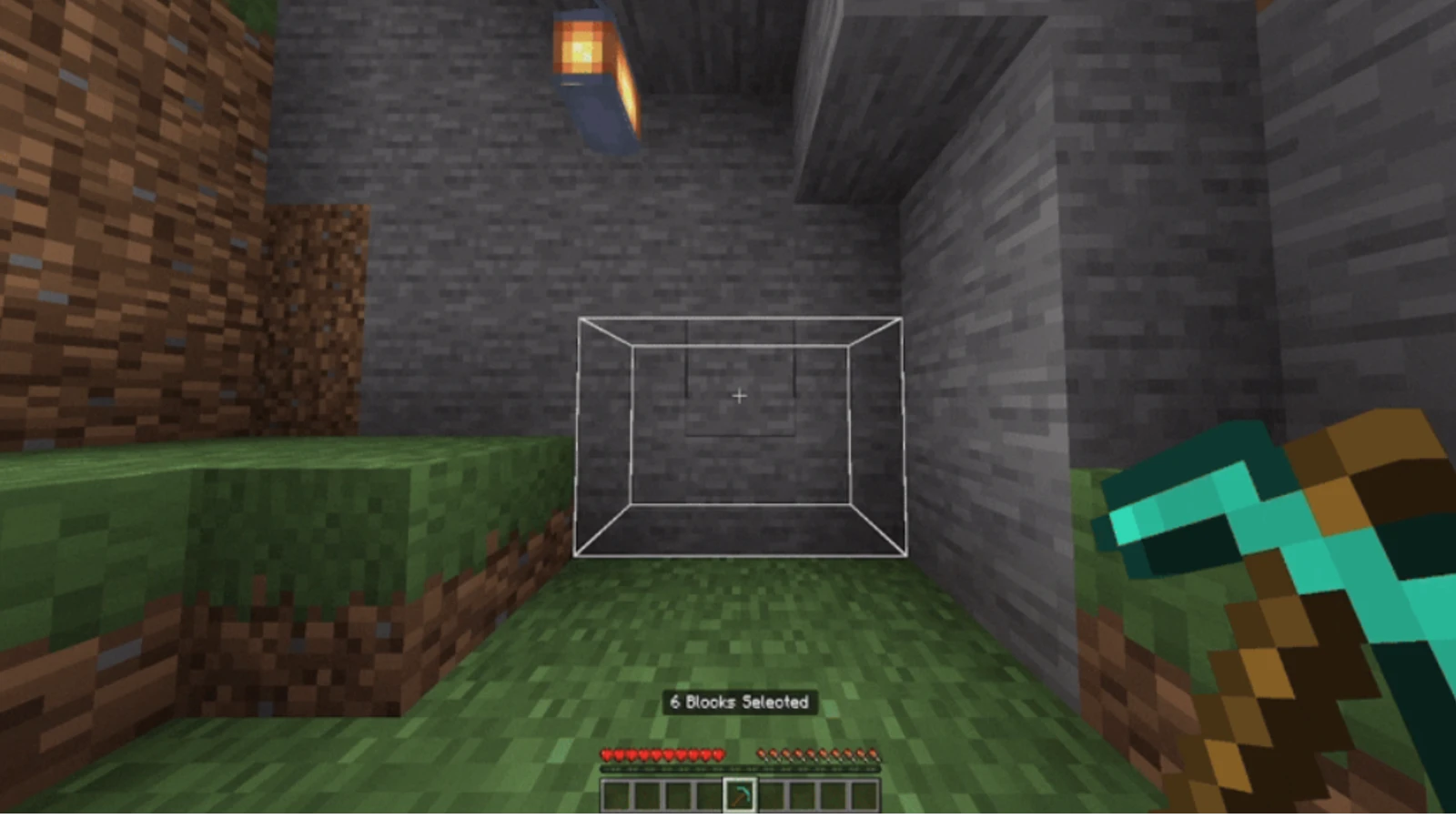
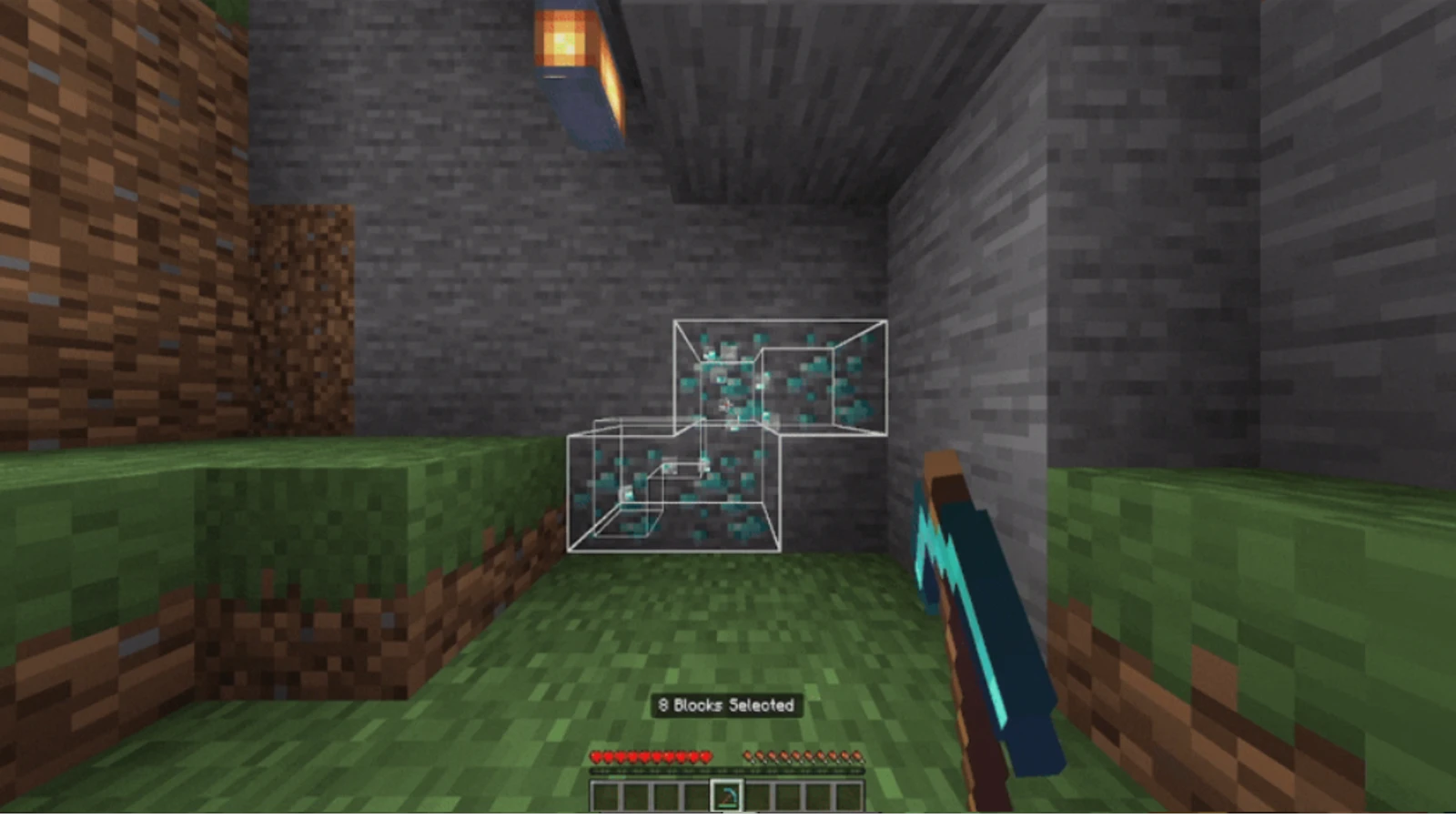
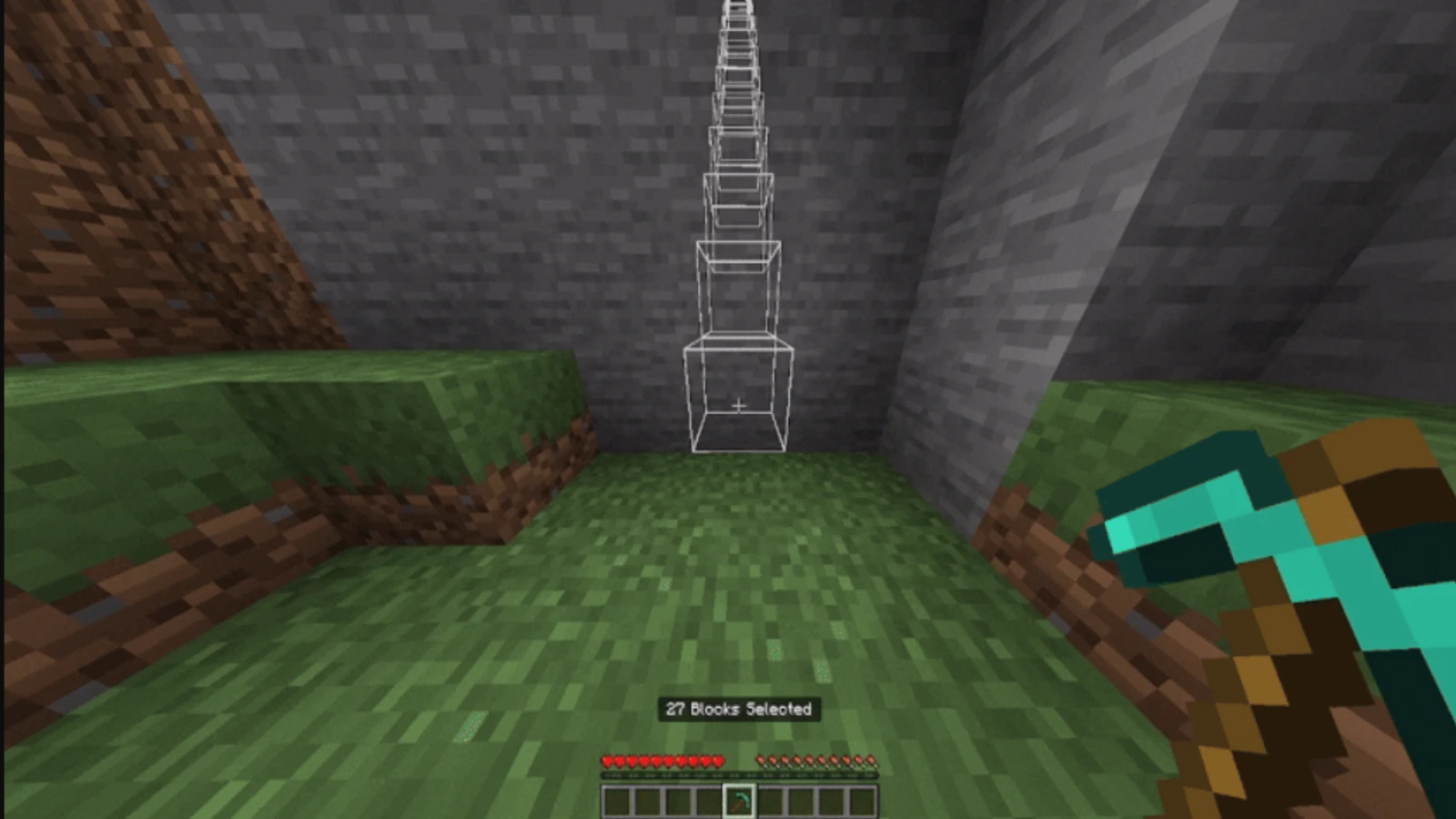
Show Edge: Show a white border in the selected area;
-
Show Edge When Sneaking: Make the same thing of the option above, but don't need to hit a block to show the white border (You need to enable the "Show Edge" for this option work);
-
Function: The method used by Vein Miner to break the blocks, (exemples below);
-
Turn Off: A Timer to automatically disable your vein miner after some time;
-
Advanced Settings: Open advanced settings panel.
-
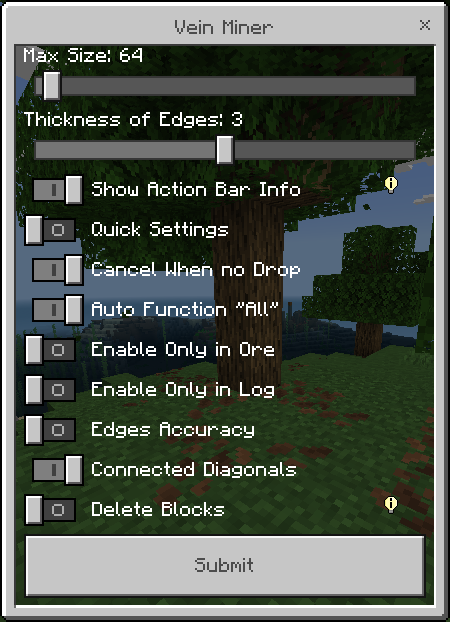
Max Size: The max amount of blocks you can break;
-
Thickness: The thickness of the edges;
-
Show Action Bar Info: Enable the text on the Action Bar that say how many blocks will be broken;
-
Quick Settings: Enable the Quick Settings;
-
Cancel When no Drops: Cancel the Vein Miner if the block doesn't drop anything;
-
Auto "All": Automatically turn the function to "all" when use the Vein Miner in ores or gravel;
-
Only Ore: Only enable the Vein Miner when use on ores;
-
Only Log: Only enable the Vein Miner when use on logs;
-
Edges Accuracy: Corrects edge errors, may cause lag in large areas.
-
Connected Diagonals: Consider the diagonals in the scan;
-
Delete Blocks: Open Delete Blocks Penal.
-
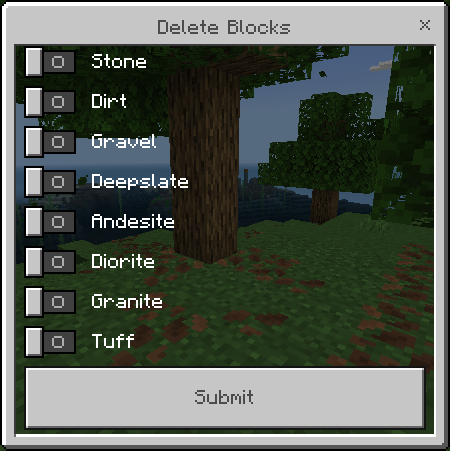
Delete Blocks: Delete blocks so they don't drop.
Quick Settings:
To use que Quick Settings, first you need to enable this option on the settings menu.
The Quick Settings can change the function method to break blocks, hold shift and use any vanilla pickaxe (need to use in a block).
Warning - The quick settings don't work well in the classic gui on phone, if you want to use it, use the controls "Joystick & aim crosshair" on your phone, (if you play in a Pc, don't worry)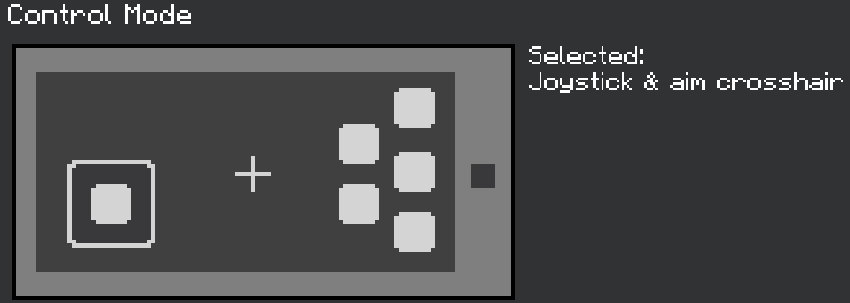
- Section for Addon Makers:
I plan to add more compatibility features in the future, but at the moment you can do it using the Bedrock Awakening Compatibility System (BACS):
> Disable Vein Miner for some block:
Add the Tag "bedrock_awakening:script_no_break", this will prevent the Vein Miner from activating, useful for blocks that have a system that can only be deactivated if the player themselves breaks it, or for multiple blocks.
Example: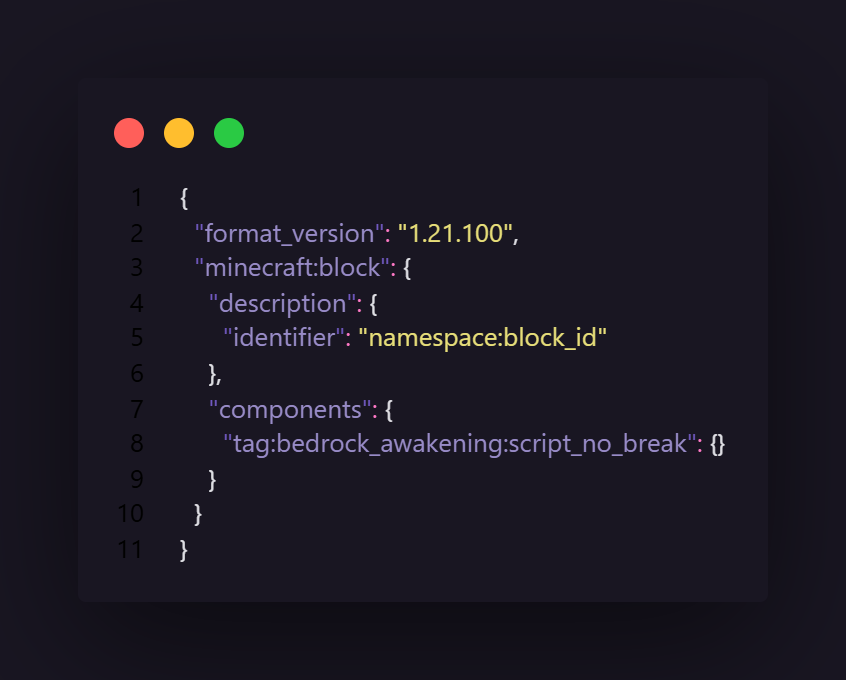
> Block as a Ore:
Add the tag "bedrock_awakening:ore" to Vein Miner to identify that the block is a ore.
Example: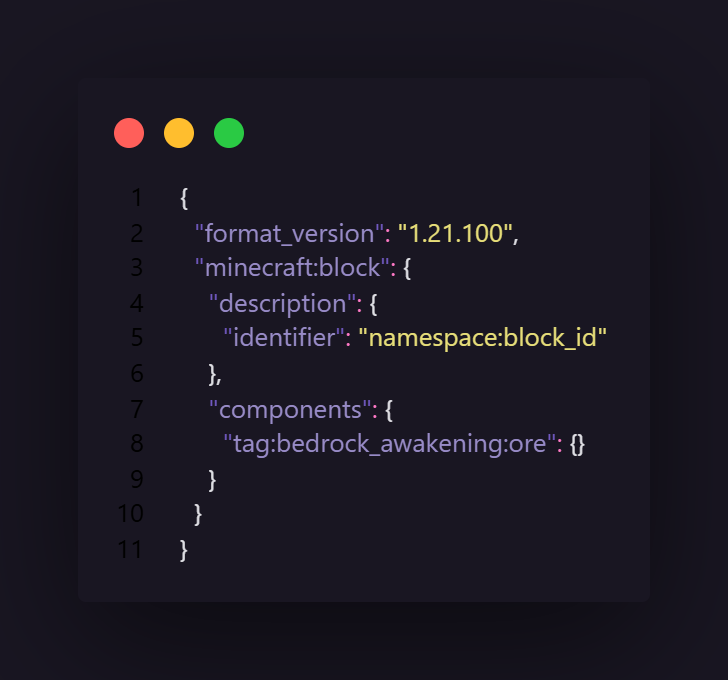
> Block as a Log:
Add the tag "bedrock_awakening:log" to Vein Miner to identify that the block is a log.
Example: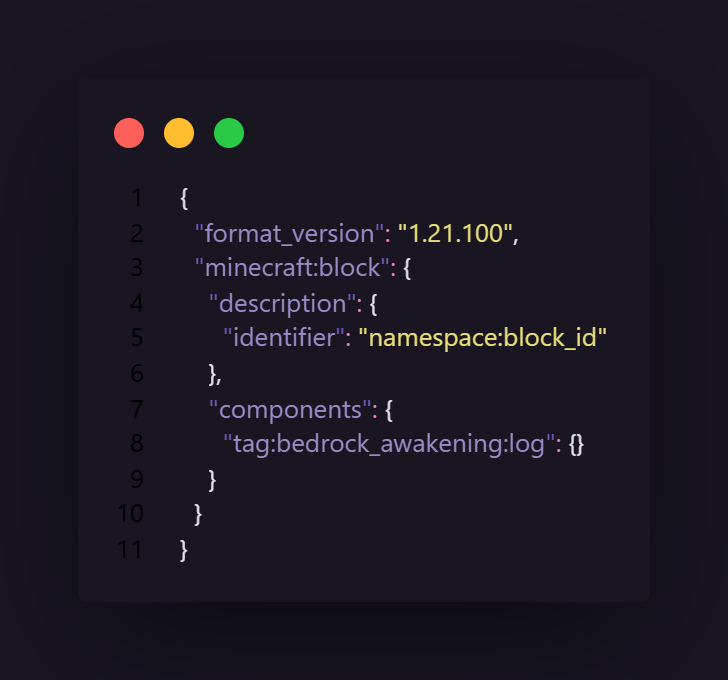
- Other Infos:
- This addon don't disable Achievements;
- This addon don't use player.json;
- This addon is compatible with other addons.
Images
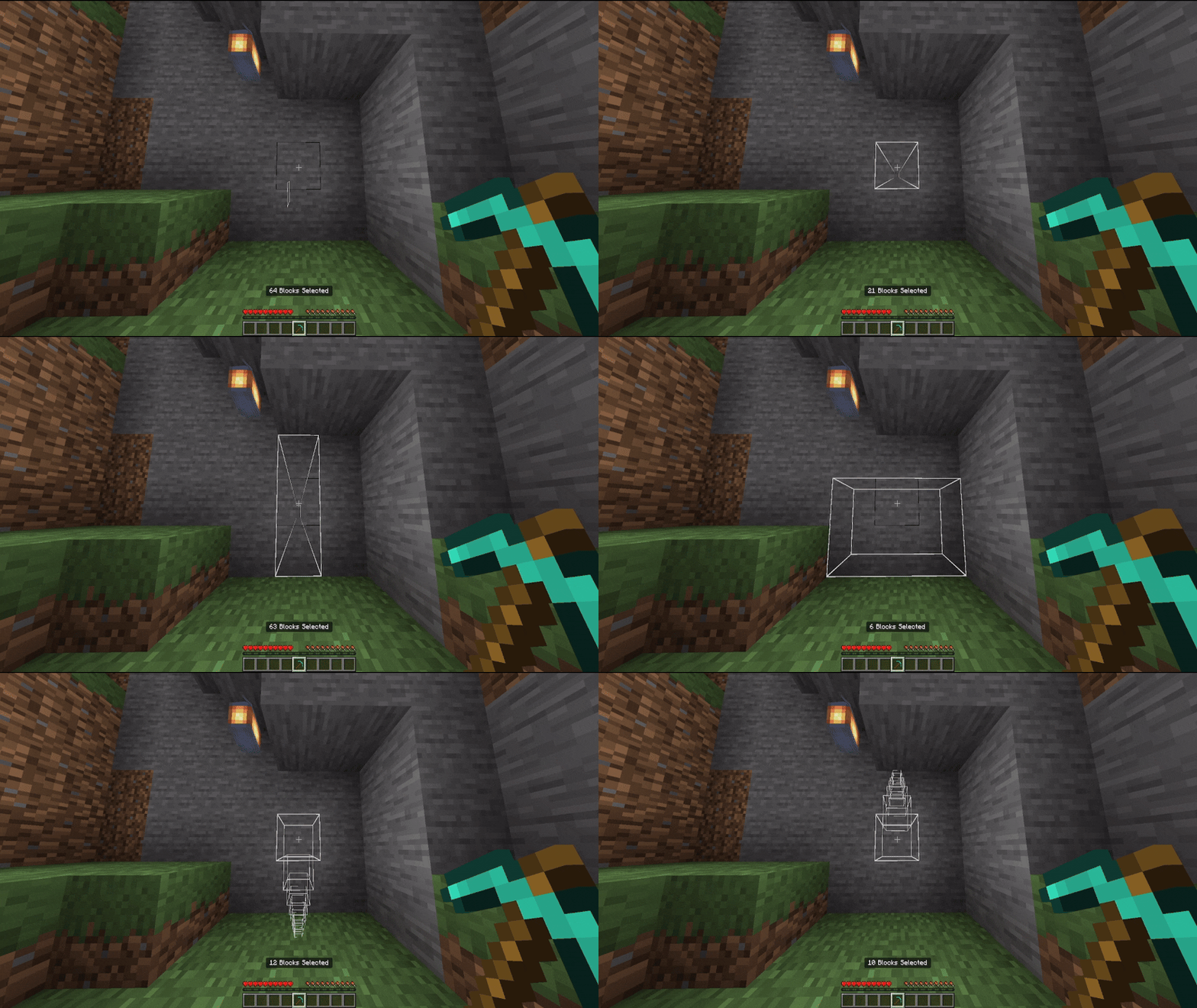
Images


Tree Capitator:
The Vein Miner can break any block, so, it have a built-in tree capitator.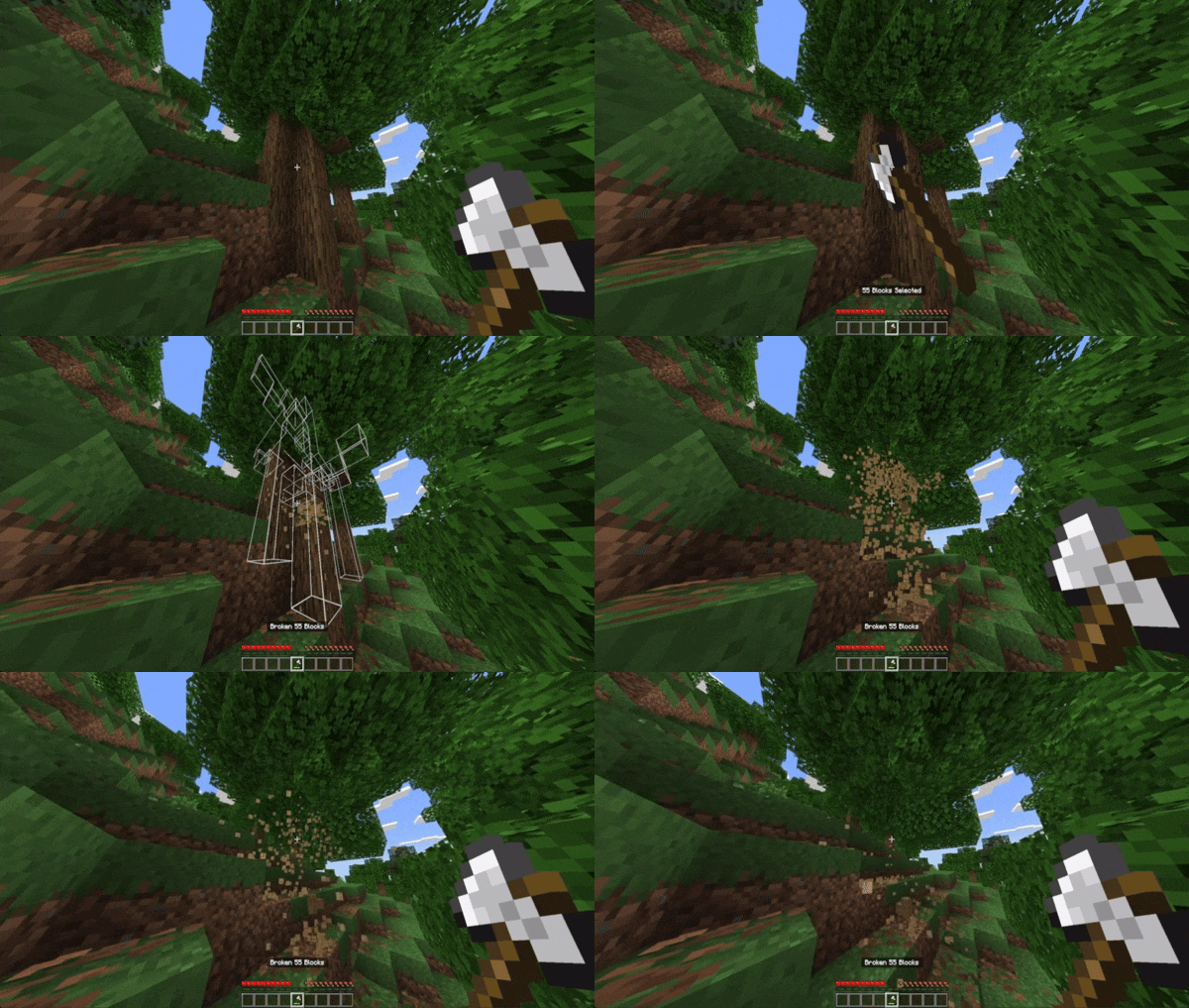
Functions:
Function All blocks:
This function is automatically selected when you start mining ores, gravel or sand.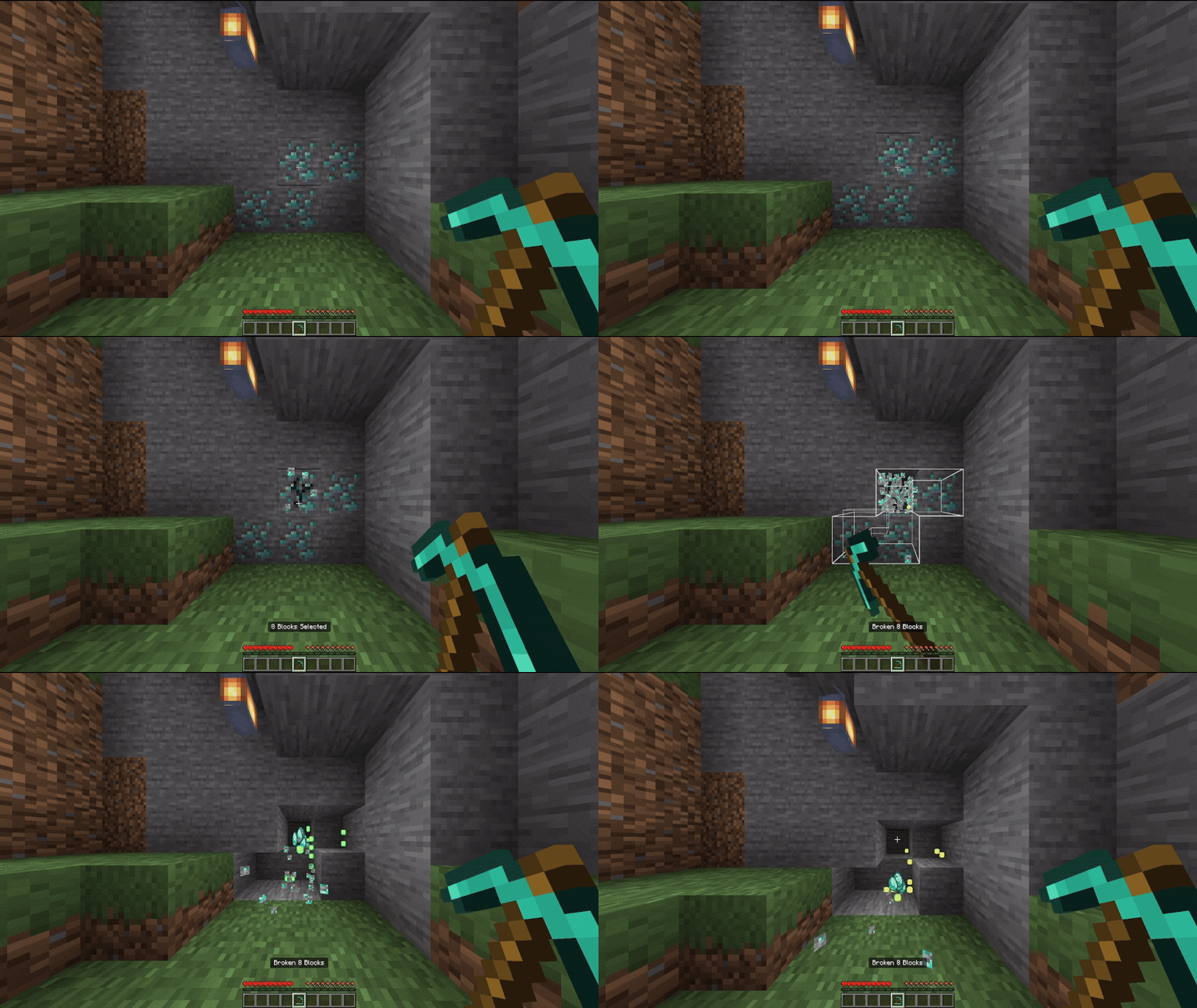
Function 1x1 Tunnel: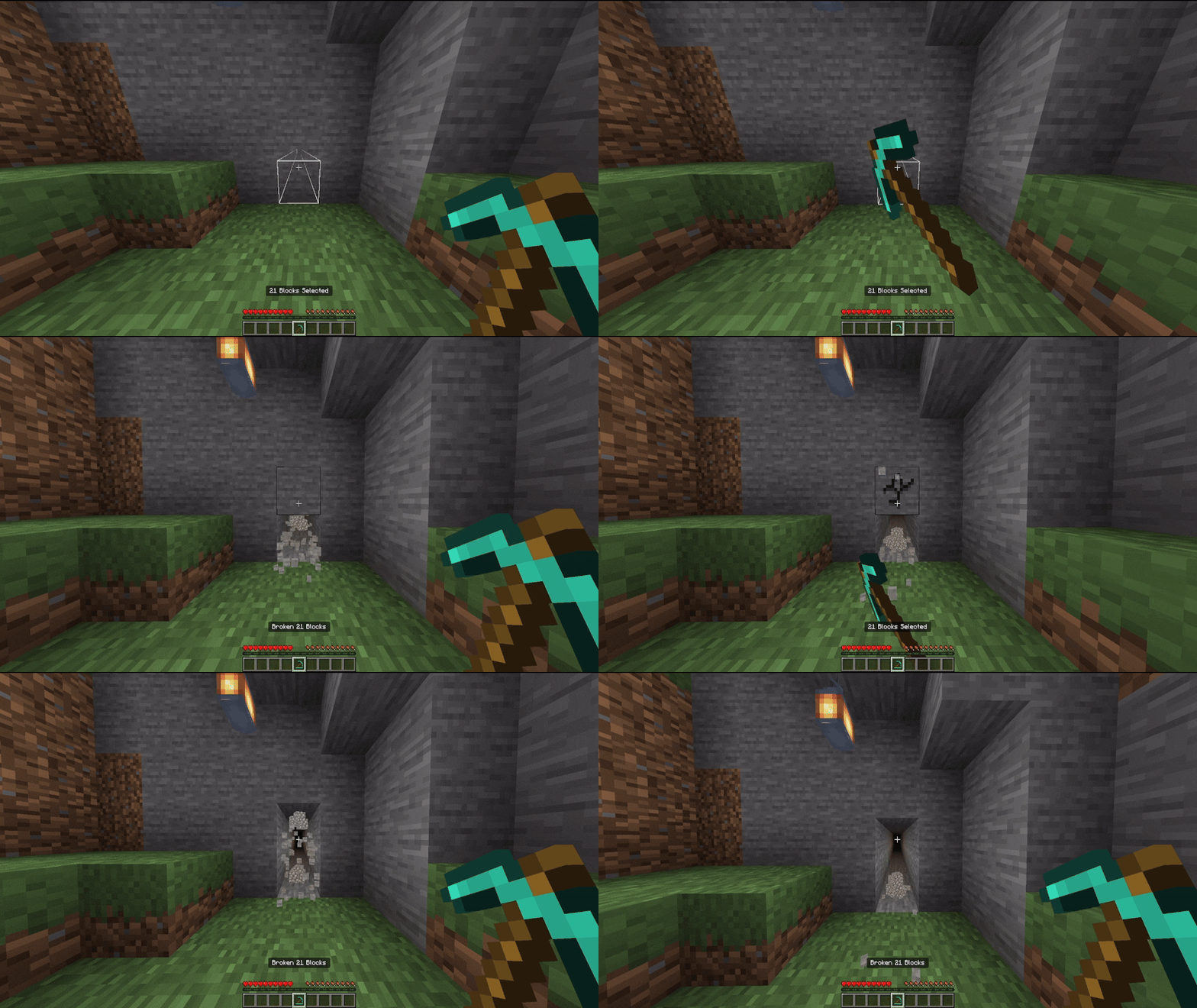
Function 1x2 Tunnel: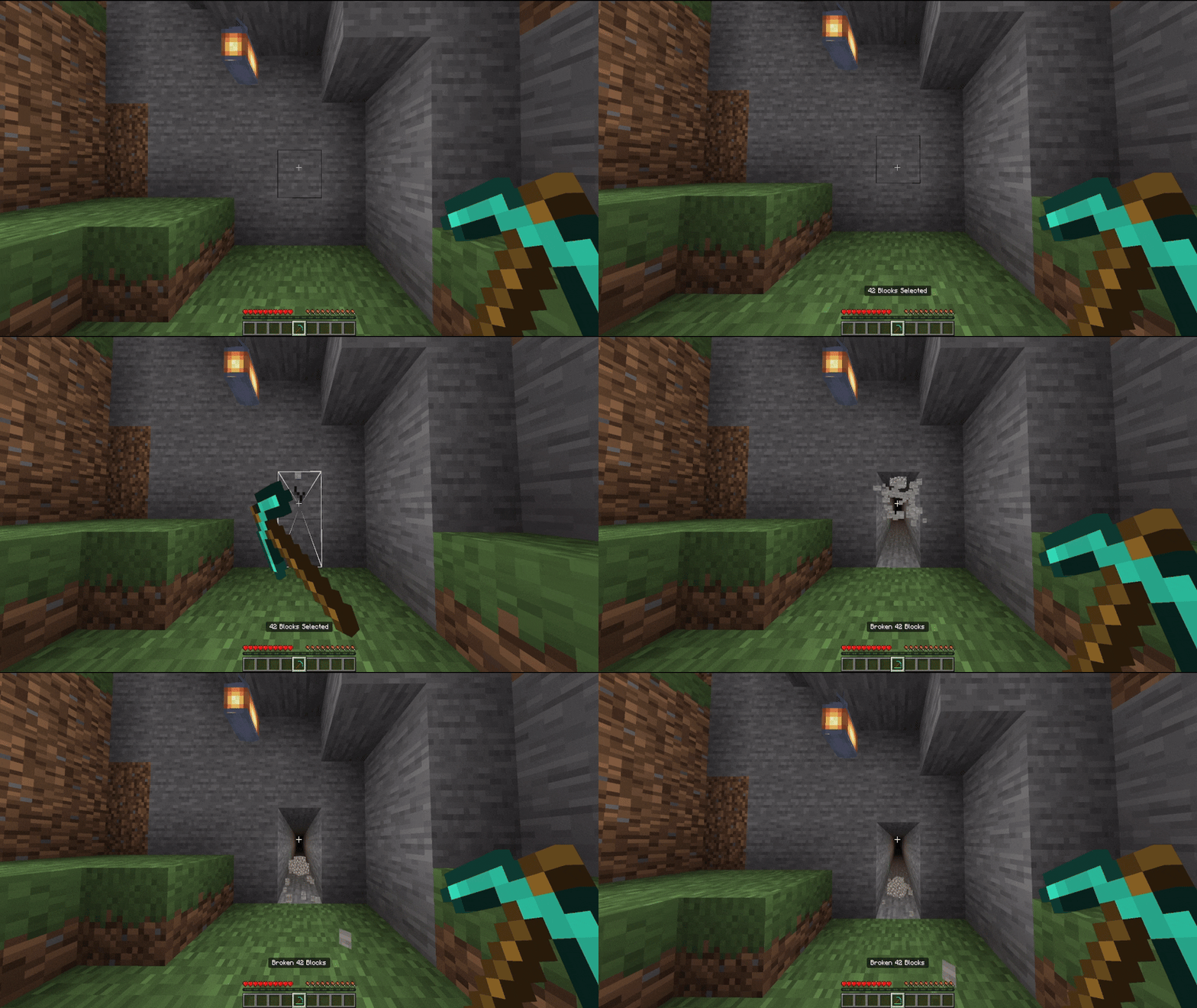
Function 1x3 Tunnel: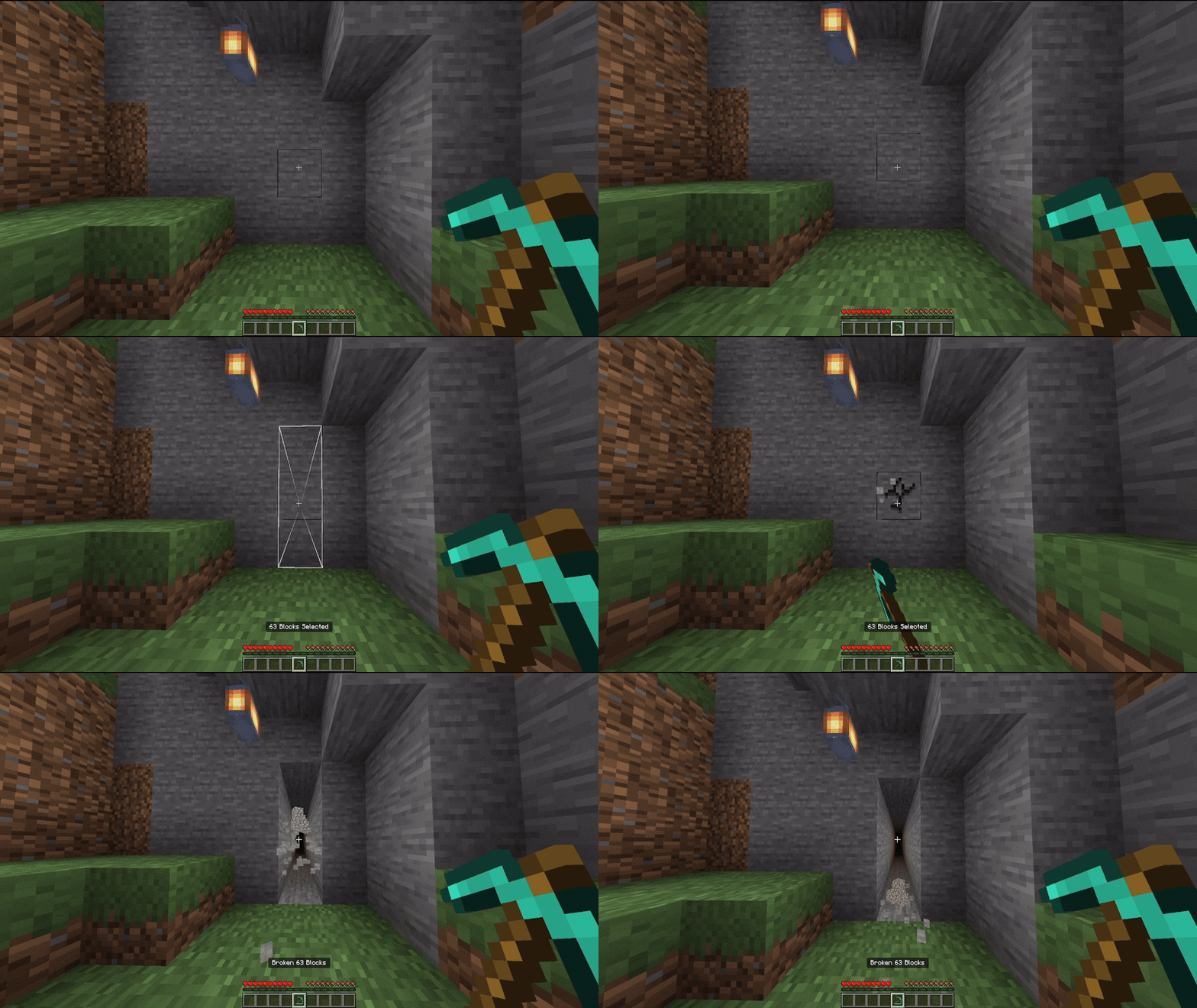
Function 3x2 Tunnel: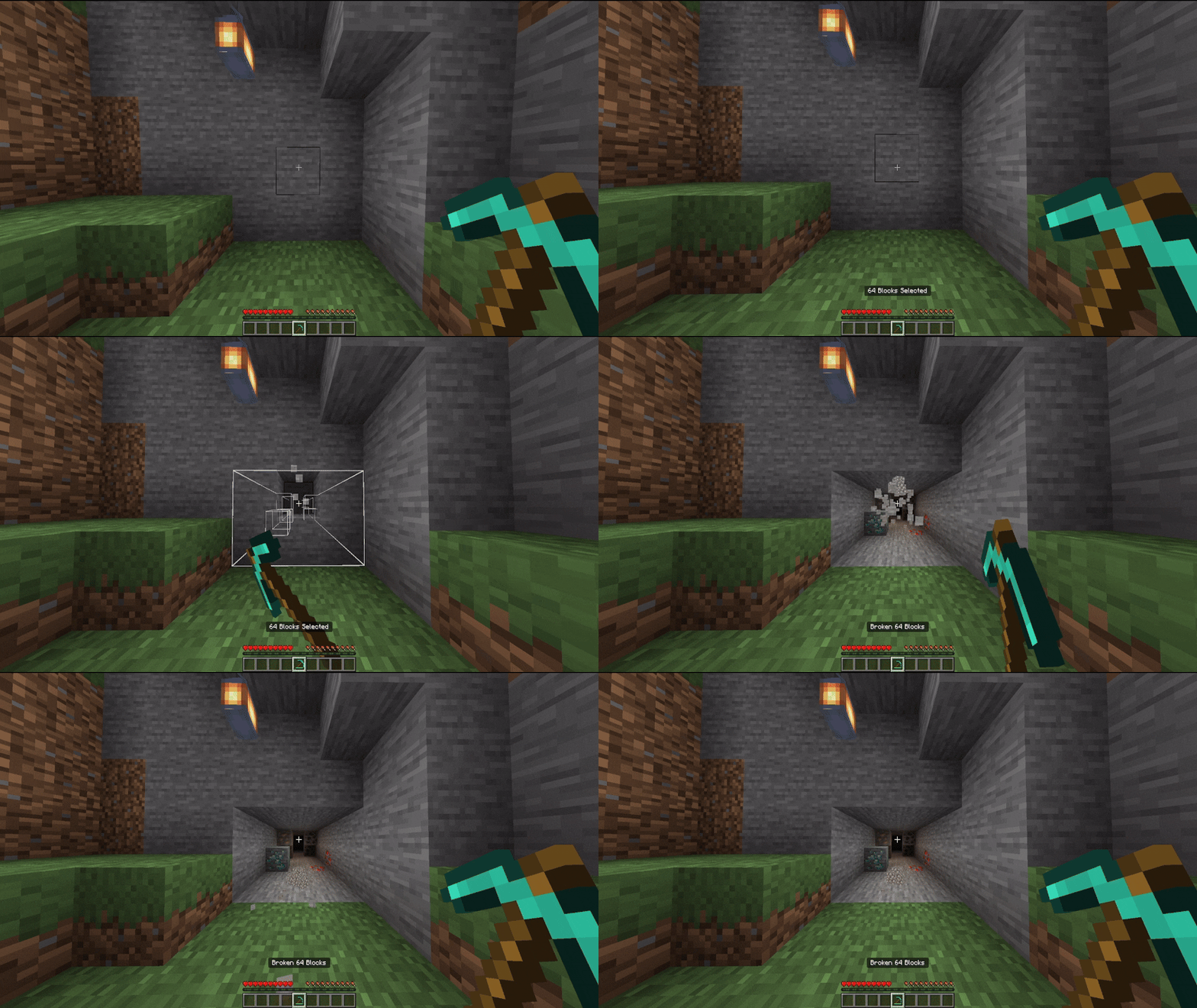
Function 3x2 Tunnel Small: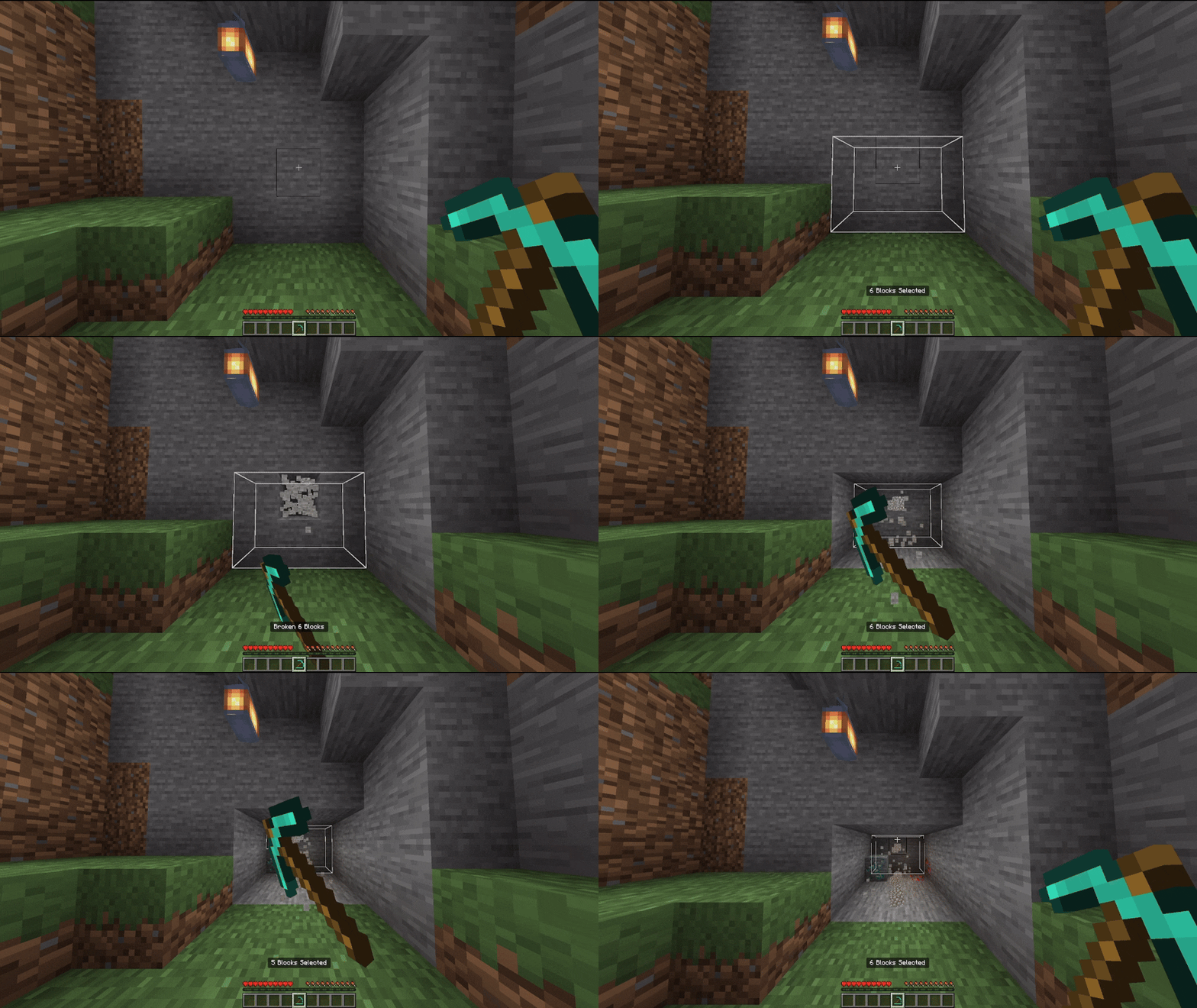
Function 3x3 Tunnel: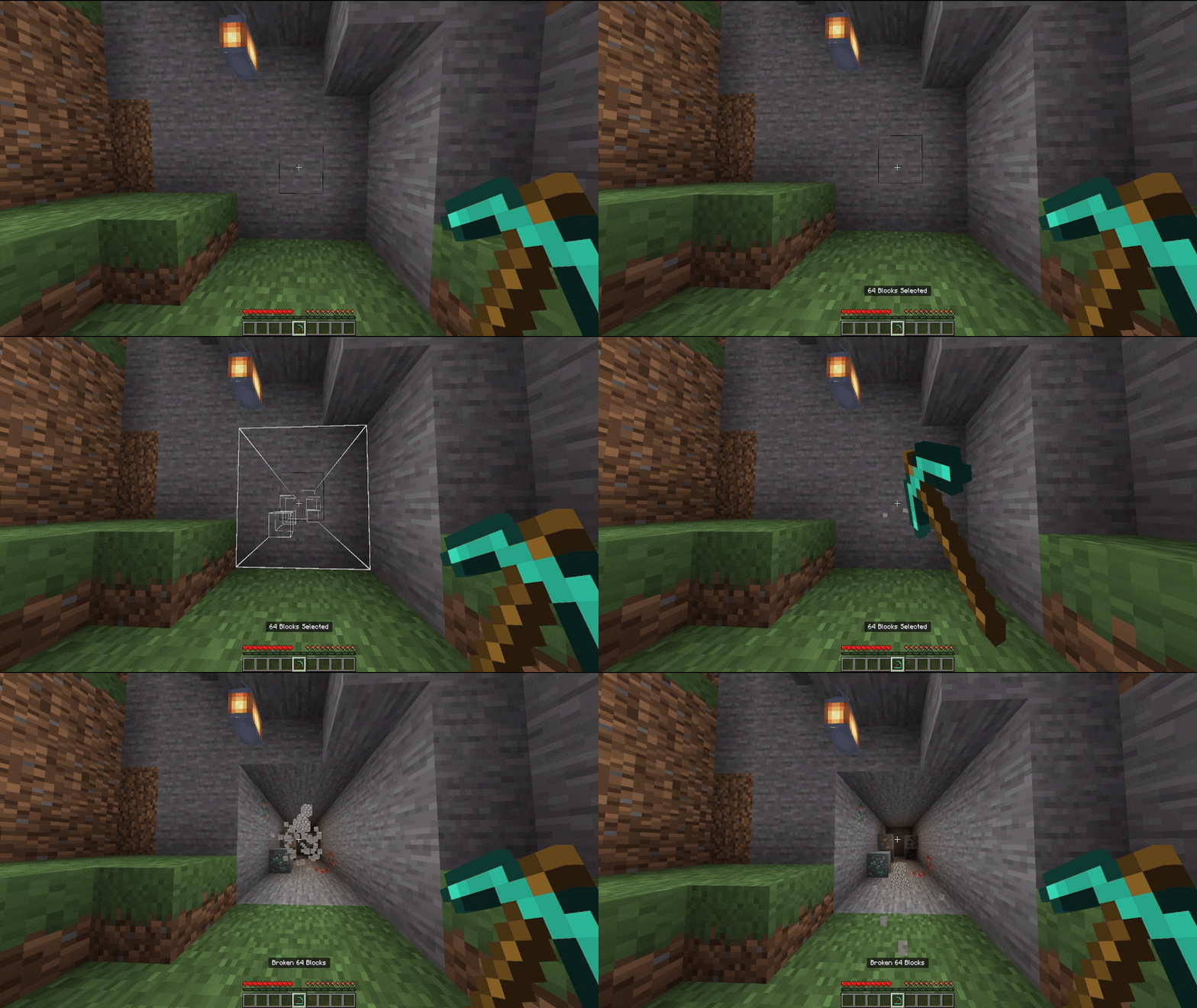
Function 3x3 Tunnel Small: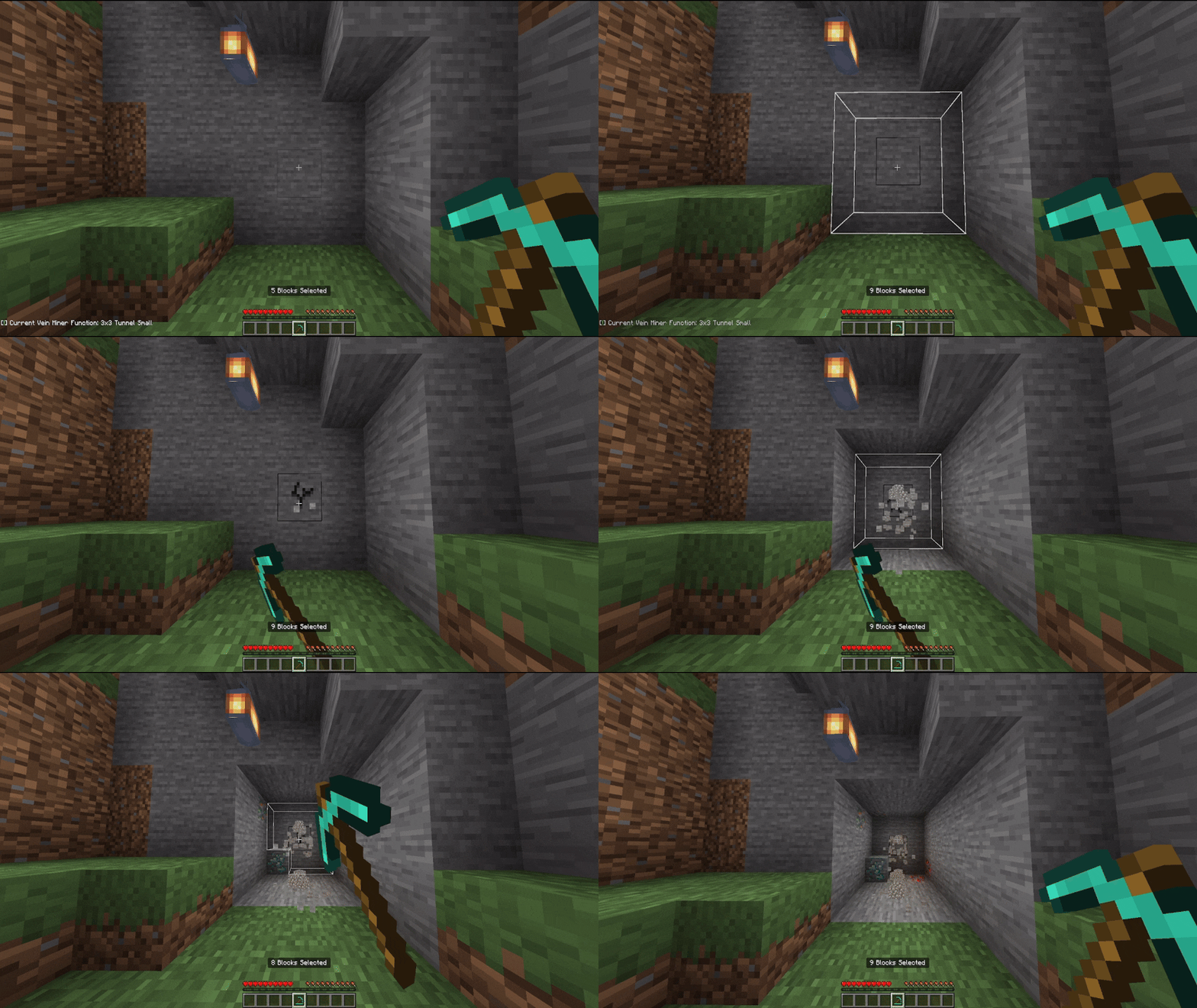
Function Mining Tunnel: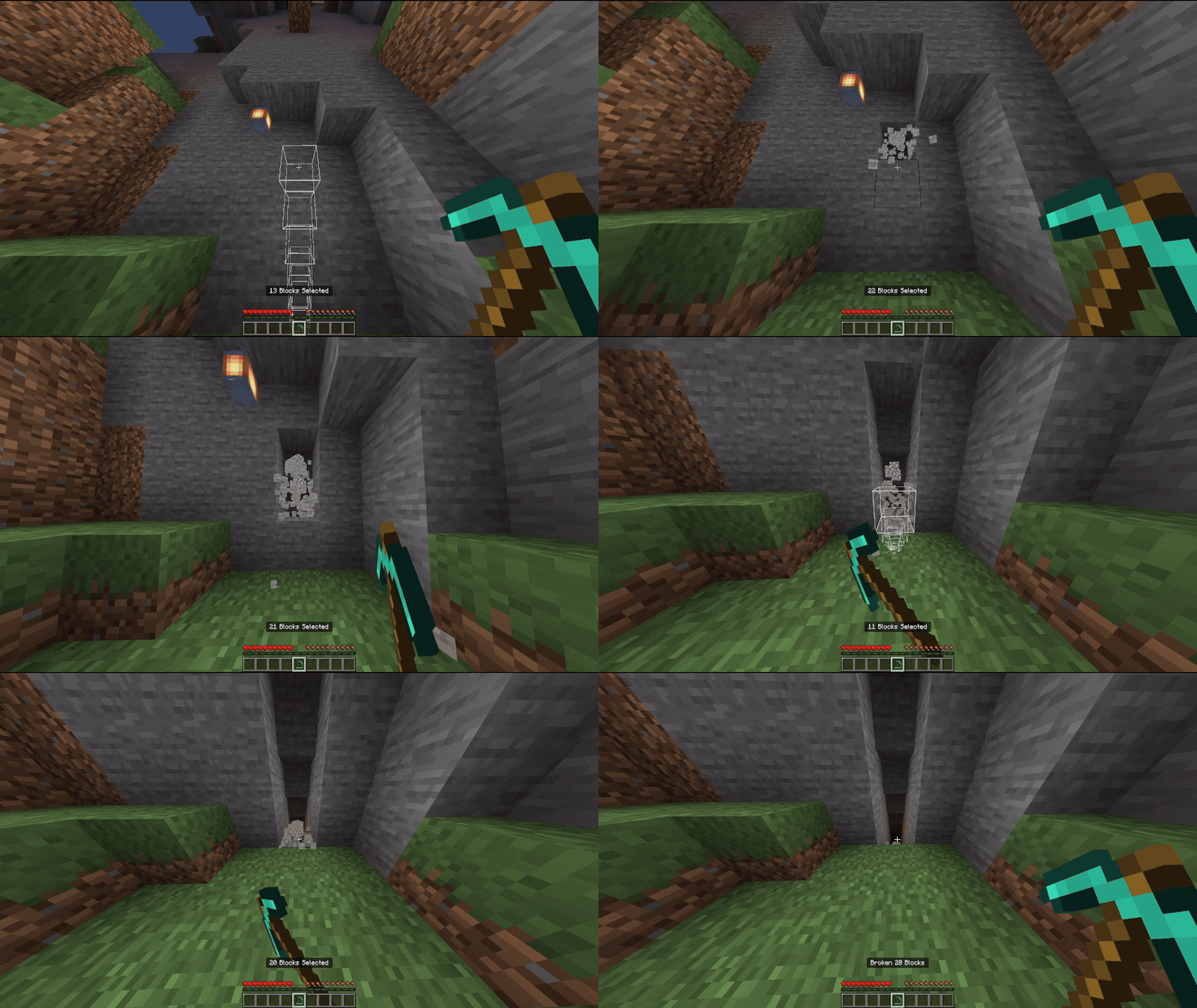
Function Escape Tunnel: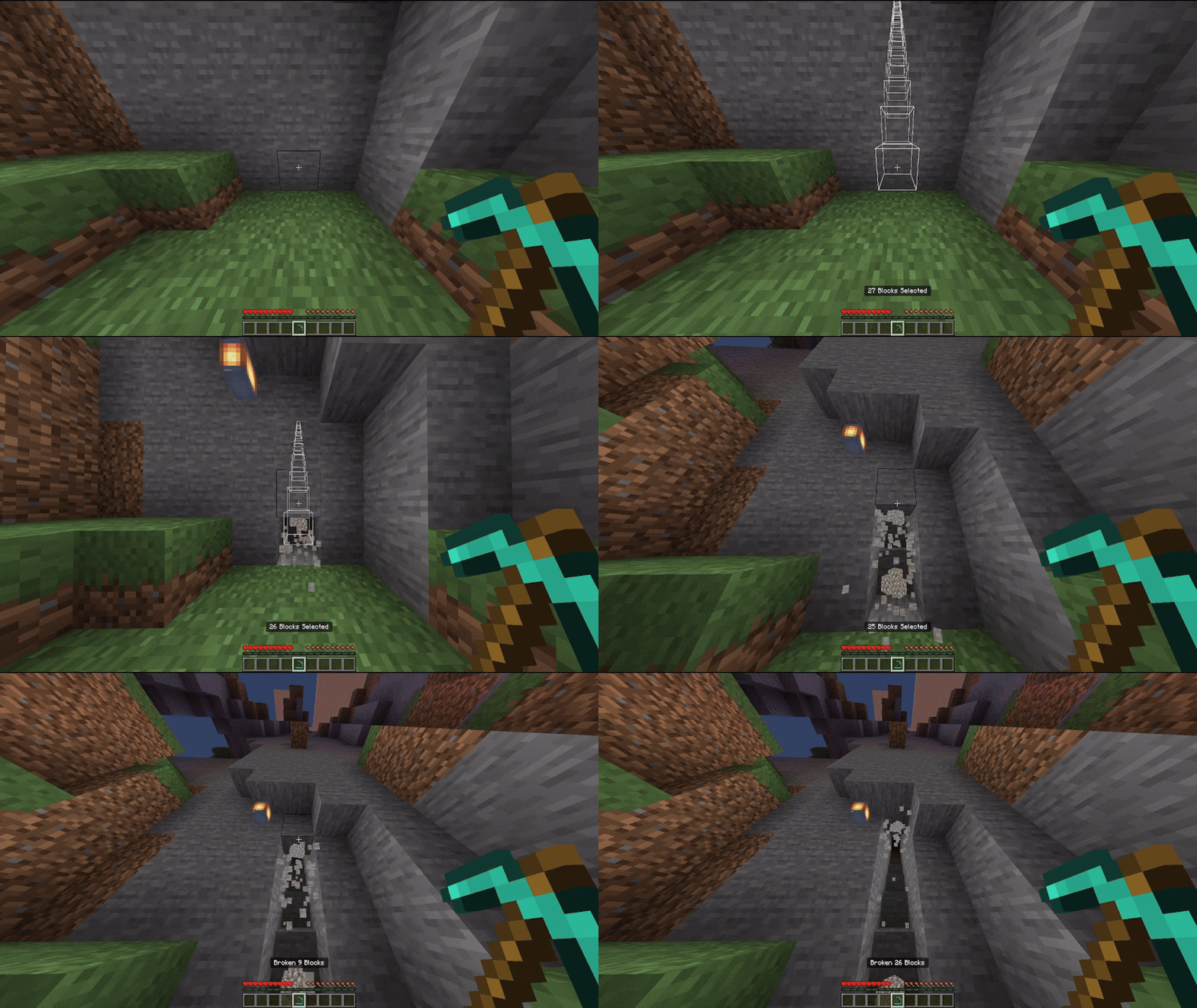
Enchantments:
Vein Miner has a compatibility with the enchantments:
-
Unbreaking
-
Silk Touch (It works with all addons)
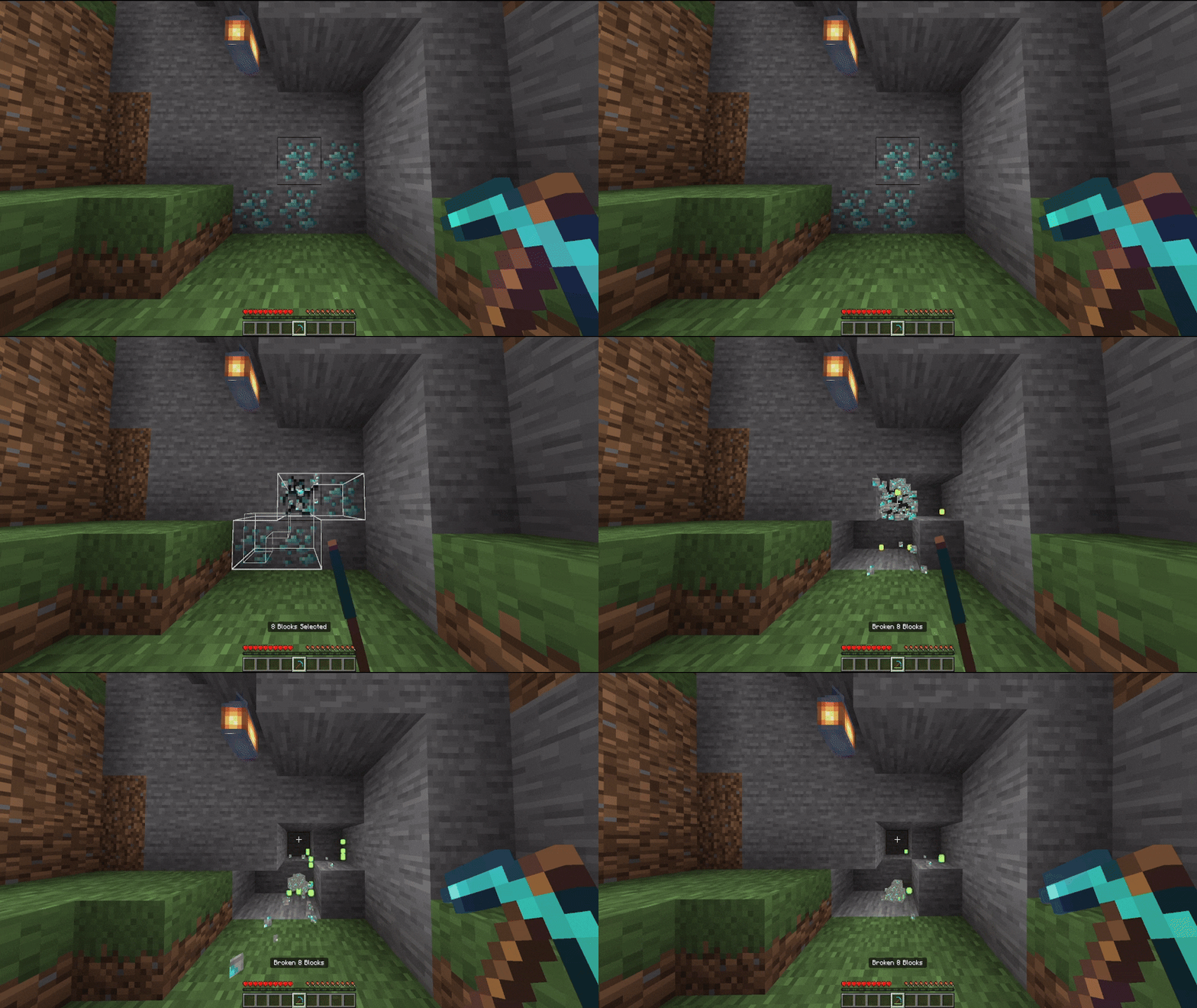
-
Fortune (It works with most add-ons.)
Language Support
 English
 Portuguese
Changelog
Downloads


MC Server List
Browse Bedrock Servers