Agustheking


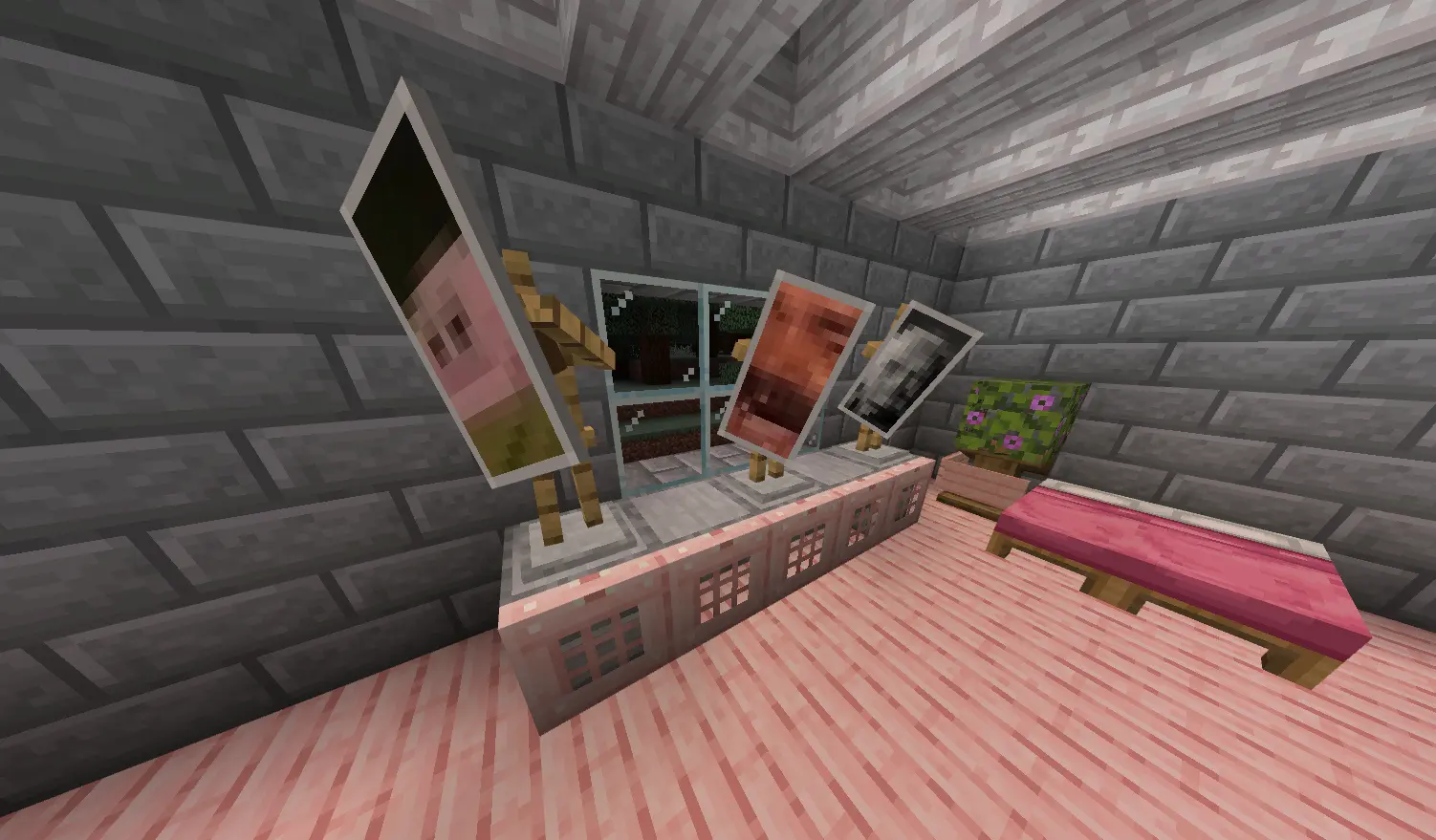
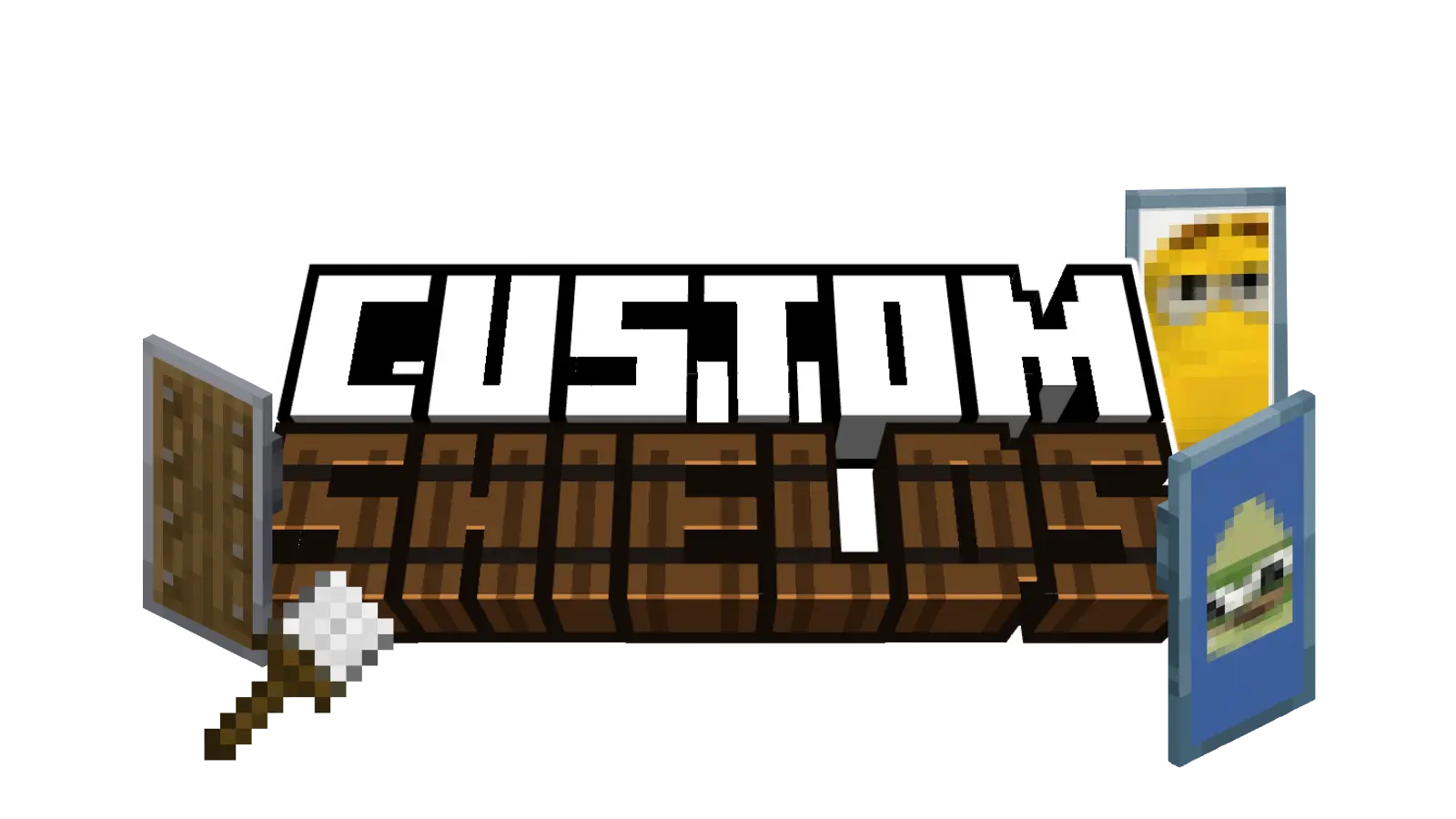
Custom Shields is a fully customizable addon for Minecraft Bedrock that turns your own images into usable shields. Through the TRMC ADDONS web editor, you can upload your designs, preview their final in-game appearance and export a personalized .mcaddon containing up to 150 shield textures.
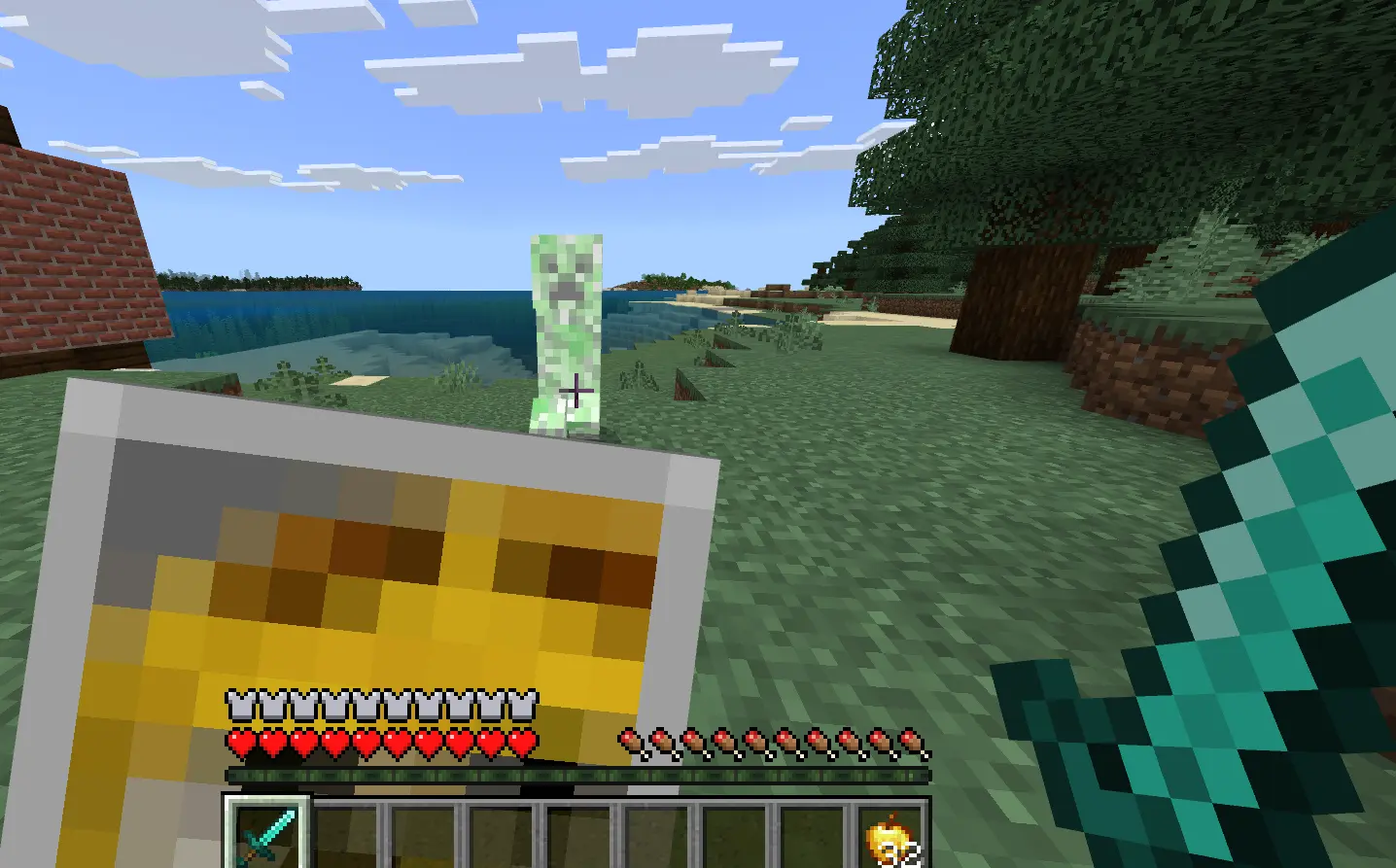
Once in-game, use the Shield Customizer with a shield in your off hand to open the selection menu, choose a texture and carry your design into battle.
Main Features:
Custom Shields:
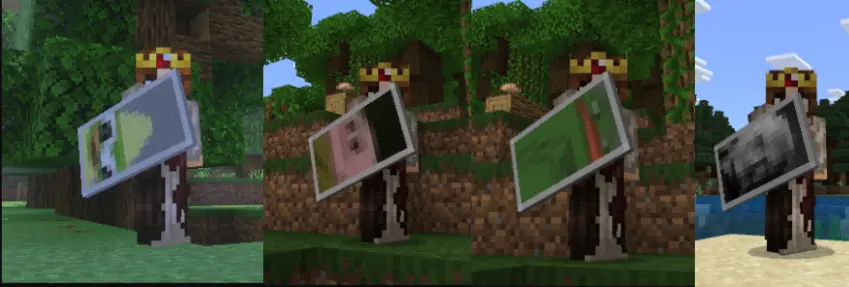
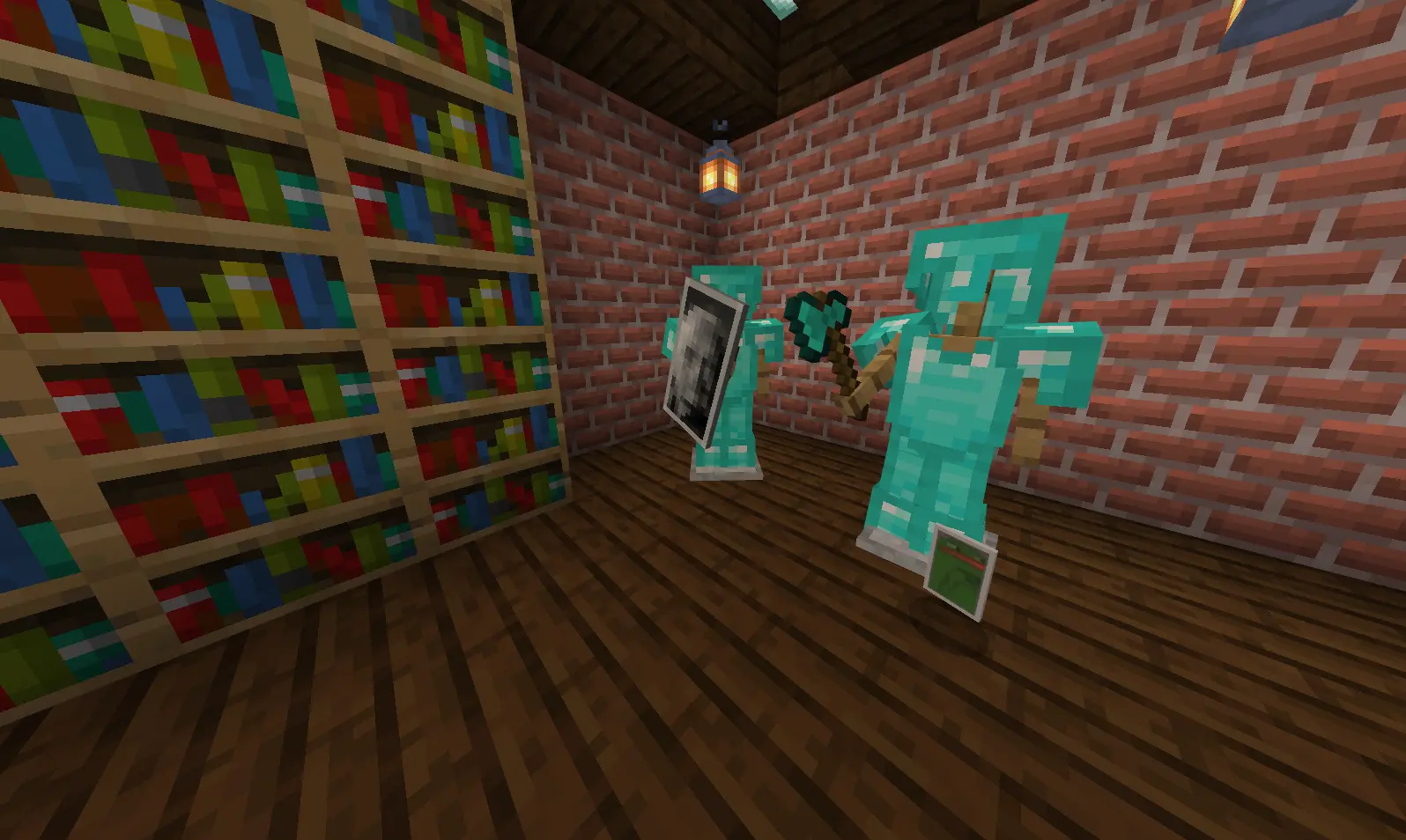
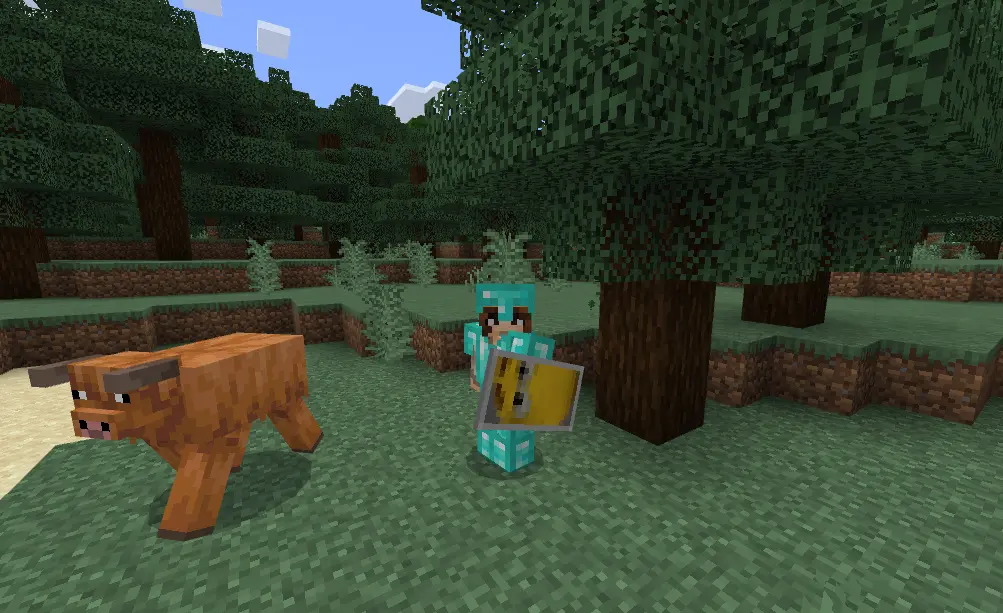
Every image added in the editor becomes its own shield texture. Custom shields support durability, compatible enchantments, custom names, first-person and third-person animations, and real damage blocking when you crouch or sneak.
The Shield Customizer:
Hold this tool in your main hand while a normal or custom shield is in your off hand. Use it to open a menu where you can search for a shield by name and instantly apply any texture included in your addon.

The Shield Customizer lets you change designs without crafting a new shield. The selected texture is applied while preserving the shield's durability, lore, custom name and compatible enchantments. Equip the result and crouch to defend yourself using the normal Minecraft Bedrock shield controls.
Crafting Recipes
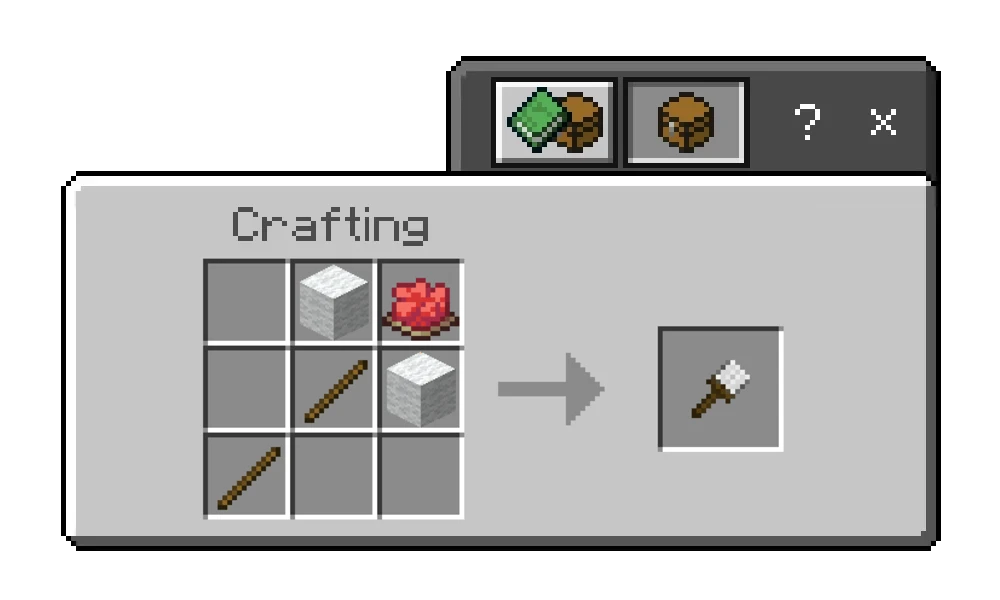
Shield Customizer: Craft it with 2 sticks, 2 blocks of white wool and 1 red dye. The recipe becomes available after obtaining a normal shield.
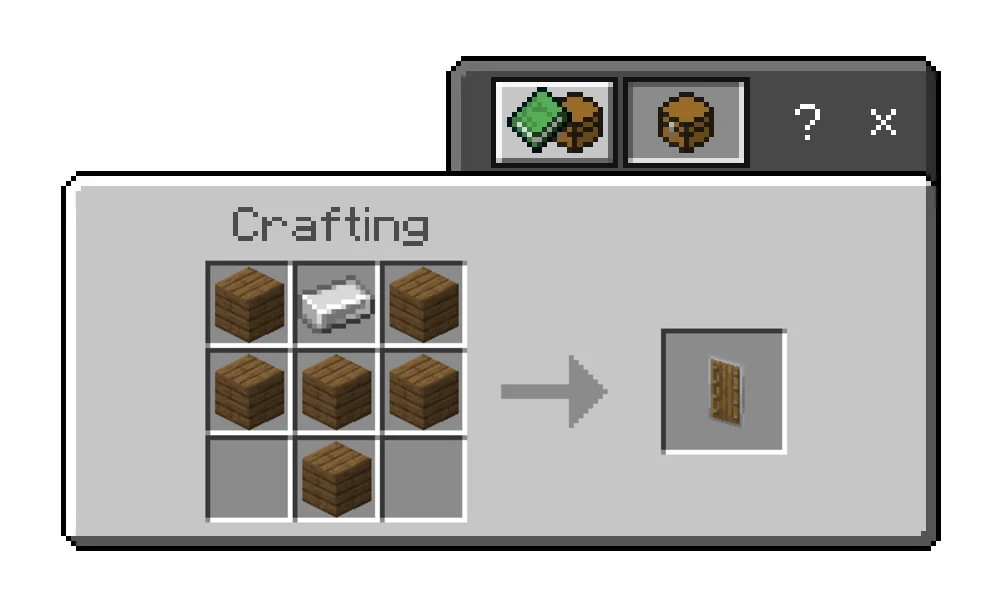
Custom Shields: Craft a normal Minecraft shield first, then place it in your off hand and use the Shield Customizer to apply one of your uploaded textures.
Creative Ideas
- Servers: Create unique shields for staff members, ranks, minigames or special events.
- Teams and Clans: Give every group its own recognizable flag, logo or emblem.
- Personal Use: Carry your own pixel art, favorite character, photo, flag or custom design.
- Roleplay and Adventure Maps: Design coats of arms, faction symbols, collectible shields or class equipment.
How to Download
Since every addon is personalized, there is no single standard download containing everyone's images. Use the editor below to add the shield textures you want, check how they will look in Minecraft and export your own ready-to-install .mcaddon file.
TUTORIAL: Using the Editor
To get your addon, follow these steps in our web editor:
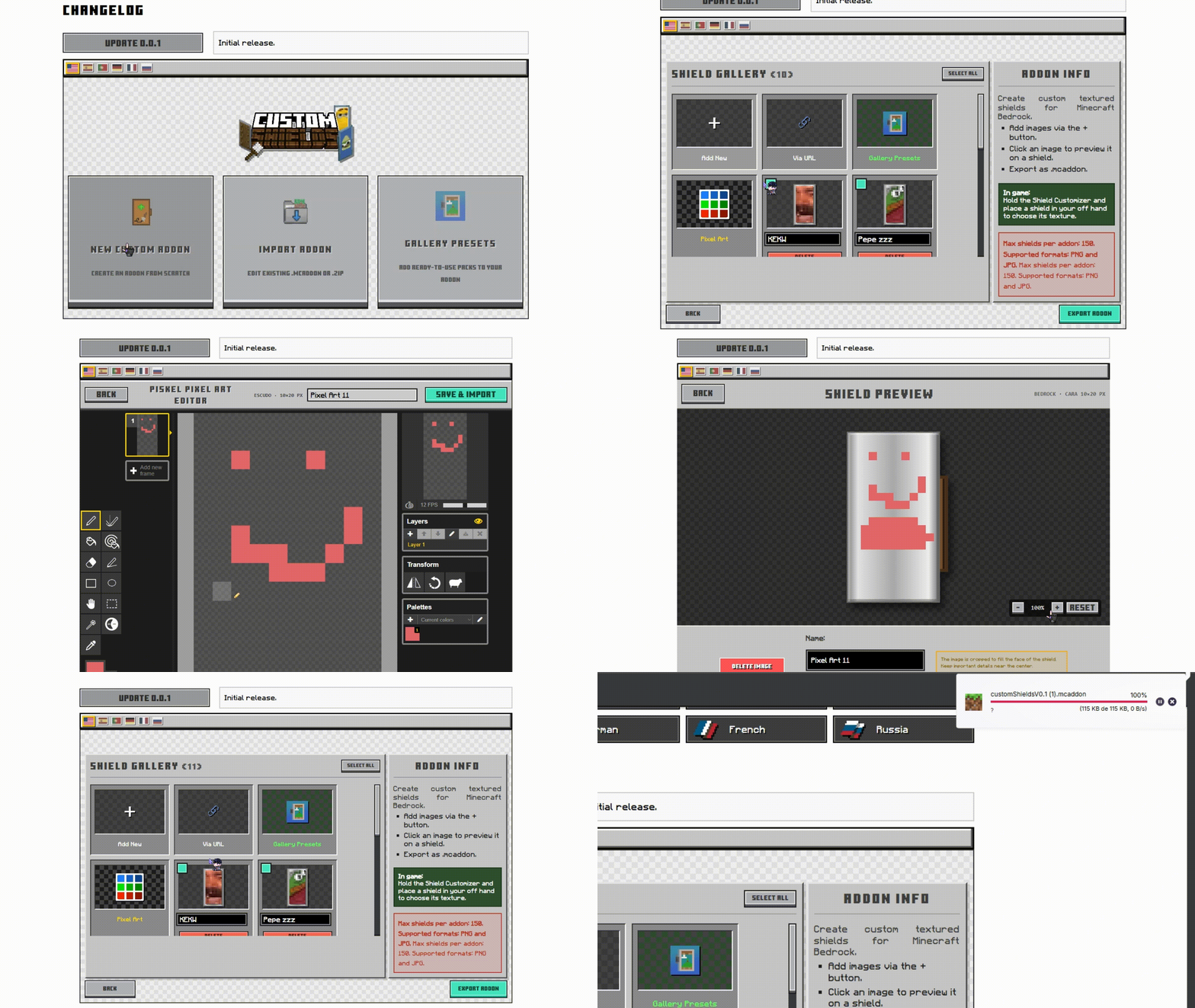
1. Start Your Project: Select "Create New Addon" to start from scratch, or "Import Addon" to upload an existing .mcaddon or .zip and continue editing its shield collection.
2. Adding Images: Use the (+) button to upload PNG or JPG files from your device, add an image through a direct URL, choose a ready-made preset or create a design in the built-in Piskel Pixel Art editor.
3. Preview & Edit: Click an image to see it on the rectangular shield preview. The editor displays the final 10 x 20 pixel resolution used by Minecraft, so you can see exactly how pixelated details will look in-game before exporting.
4. Organize Your Shields: Rename individual textures, select several images for quick deletion or upload multiple files at once. A single addon can contain up to 150 custom shields.
5. Exporting: Once you are satisfied with your collection, click "Export Addon". The editor will build the Behavior Pack and Resource Pack and automatically download a personalized .mcaddon file that you can open directly with Minecraft.
Images


Language Support
 English
 Spanish
 Portuguese
 Japanese
 Chinese
 German
 French
 Russia
Changelog


Importing...
filename.mcaddon
0%

New custom addon
Create an addon from scratch

Import addon
Edit existing .mcaddon or .zip

Gallery Presets
Add ready-to-use packs to your addon


Seed Viewer App
Get Super Seeds!