Trotamundos872

Placing player heads in Minecraft is essential, and currently there is no native function in Minecraft Bedrock to do so. This tool solves that! Custom Player Heads is an online program for generating player heads!
Main Features:
Player Heads in Minecraft:
Player heads are a very popular item in the Java Edition of Minecraft. They are widely used for roleplay, trophies, decoration, and many creative purposes.
Decoration Options:
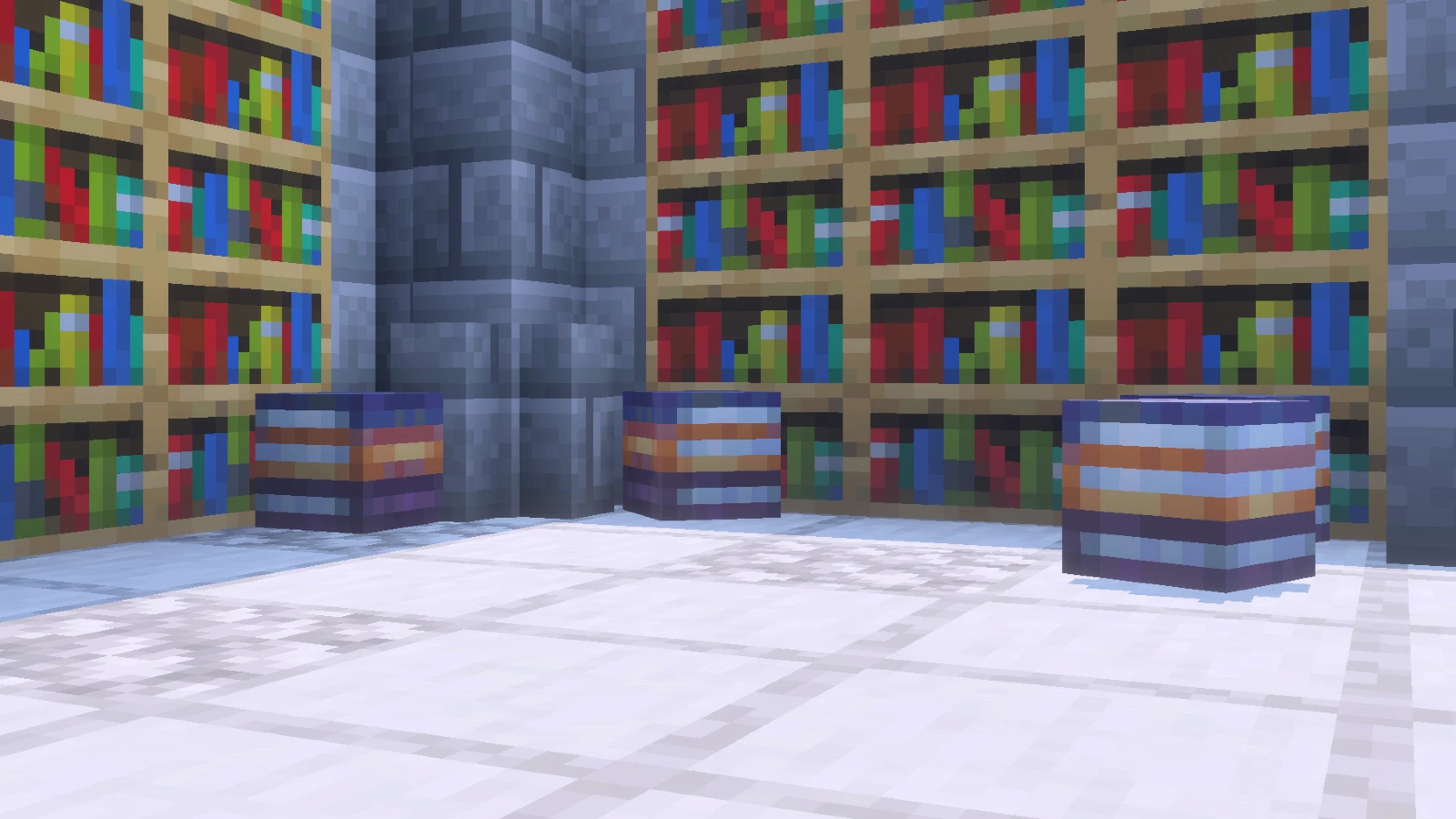
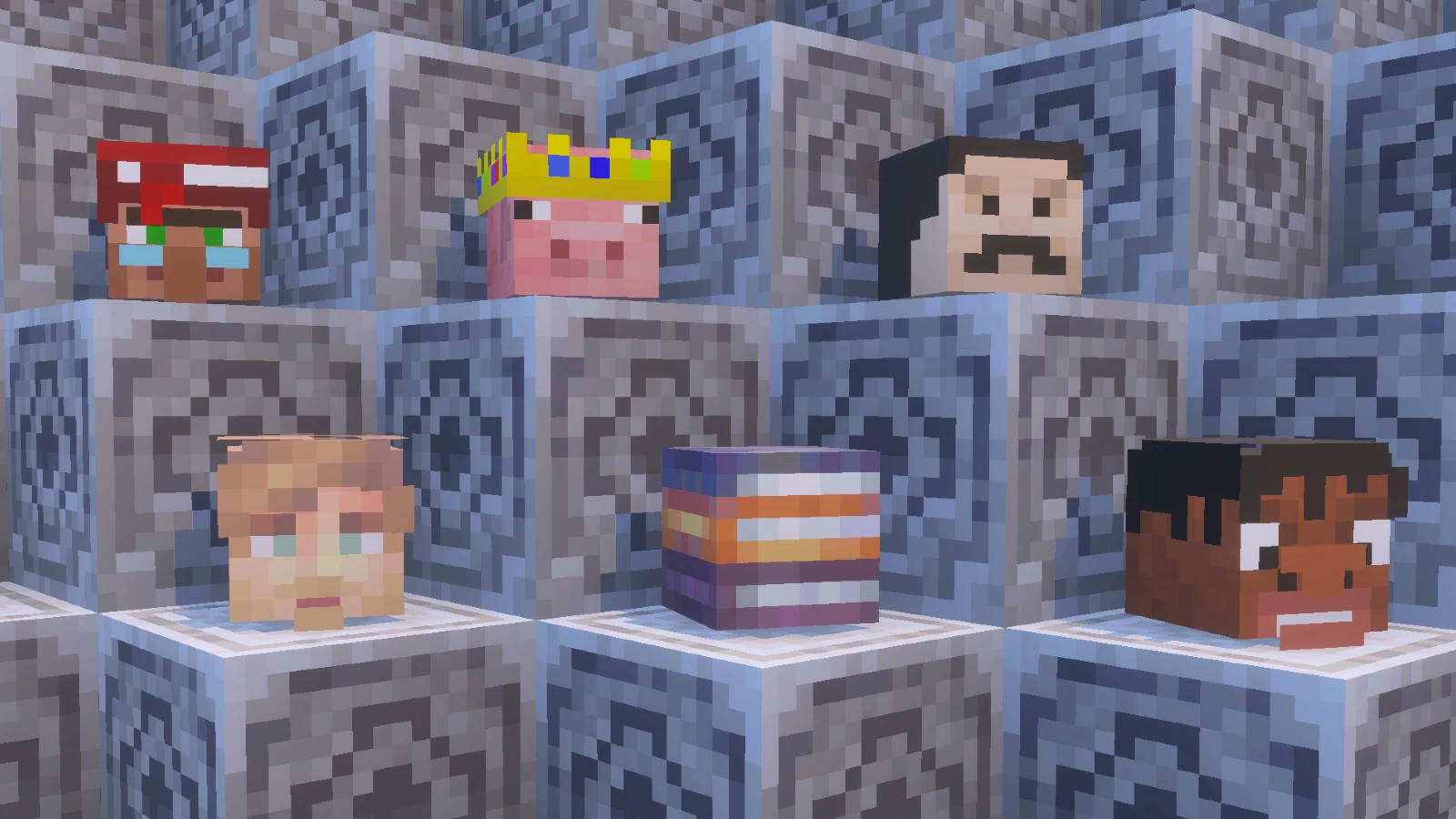
Custom head skins allow you to simulate many objects such as portals, mini blocks, books, food, and much more, making them perfect for detailed builds and creative designs.
Put it on your head:
Imported heads can be equipped on your head, working exactly like a vanilla item.
You can preview how the head block will look below everything in the online editor.
Installation & Usage
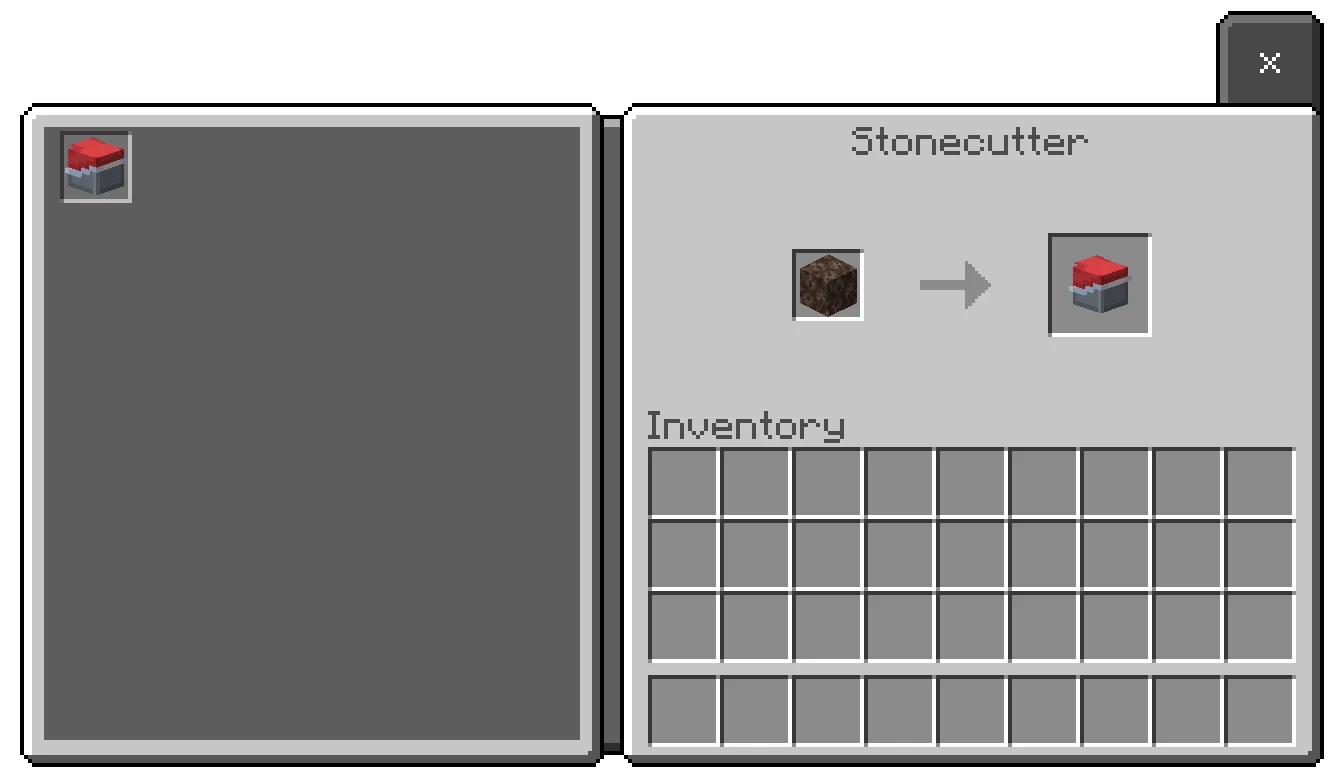
Activate Time This add-on is installed as both a behavior pack and a resource pack. You need to activate it in your world. Once enabled, you can find it in the Creative menu under the “Items” category, or by placing a soul sand block in the stonecutter.
No Mods Needed: It doesn't require experimental toggles or scripts, making it compatible with almost any
version.
Creative Ideas
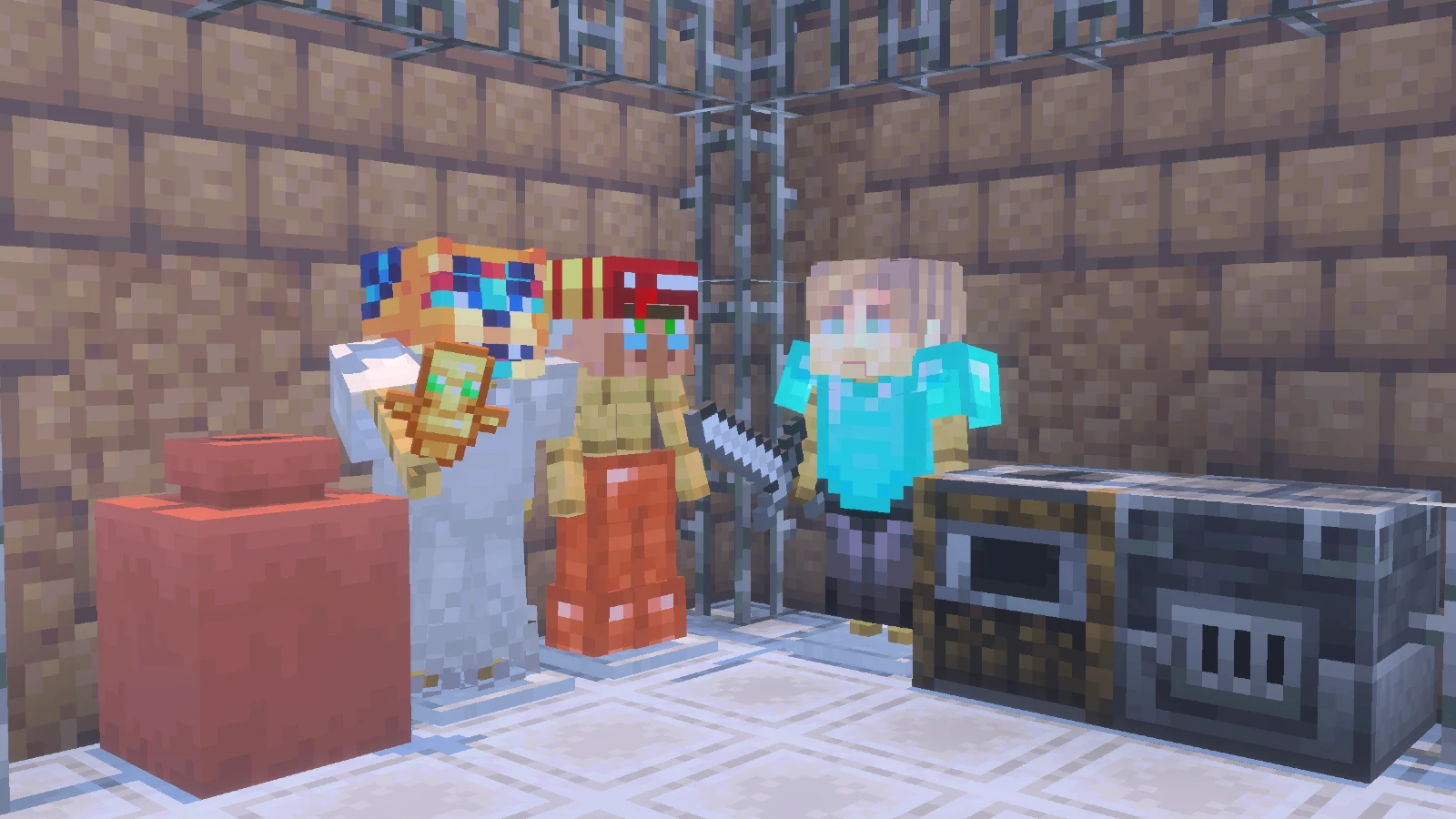
- Heads as objects: You can use heads to simulate small blocks or items, such as books, food, weapons, and more.
- YouTuber heads: Import heads of your favorite YouTubers like MrBeast, ElRubius, Mumbo Jumbo, Dream, and many more! You can place them or equip them on armor stands.
- Trophy heads: Place mob or player heads as trophies in your rooms, including those of your own friends. This decoration is 100% vanilla, similar to Java Edition.
How to Download
At the very bottom you’ll find the editor. It’s very easy to use with just three clicks you’ll have your addon downloaded with your custom player heads.
TUTORIAL: Using the Editor
To get your addon, follow these steps in our web editor:
1. Upload Skins: Upload the Minecraft head skins you need.
2. Add Heads: Once all the head skins are uploaded, make sure everything is ready.
3. Export: Click "Export Addon" to generate your file.
4. Download & Use: A .mcaddon file will be downloaded. Run it to install and use your custom player heads in Minecraft.
Images


Crafting
Creative:
All custom heads are stored in the items section, in the creative menu, with the name of the uploaded file.
Survival:
To obtain heads in survival mode, you will need soul sand, which you will then place in a stone cutter. The stone cutter will display a list of all heads imported into the world.
Language Support
 English
 Spanish
 Portuguese
 Japanese
 Chinese
 German
 French
Changelog


Importing...
filename.mcaddon
0%

New custom addon
Create an addon from scratch
Import addon
Edit existing .mcaddon or .zip

Commands Guide
Learn /execute...