Agustheking
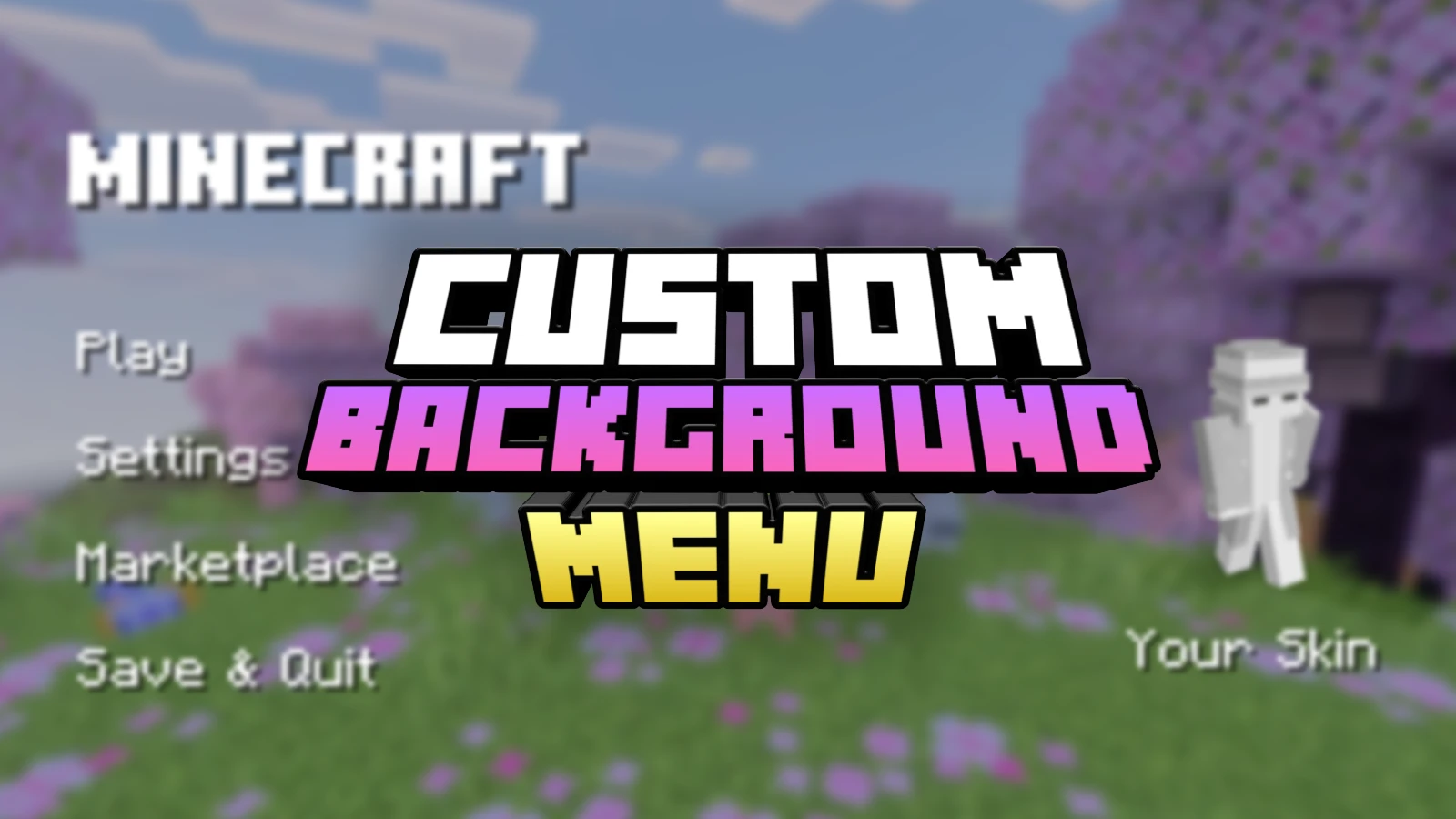

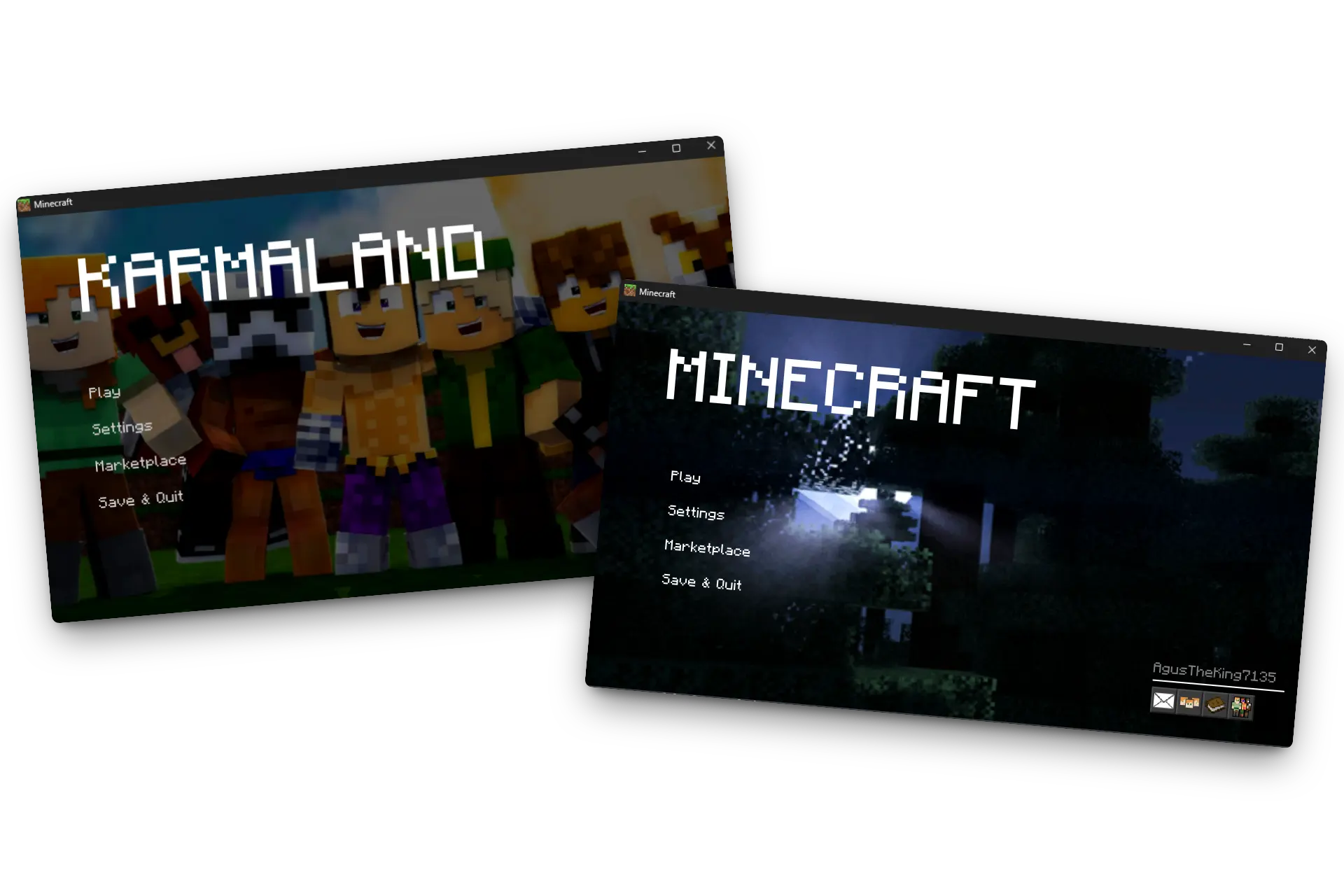
This is a powerful tool that allows you to fully customize the Minecraft Bedrock start screen. Through the TRMC ADDON web editor, you can
personalize your game by adding custom images or animated GIFs that will appear as your main menu background.
Change the look of your game instantly with your own designs
and enjoy a unique experience every time you open Minecraft.
Main Features:
Custom Backgrounds:
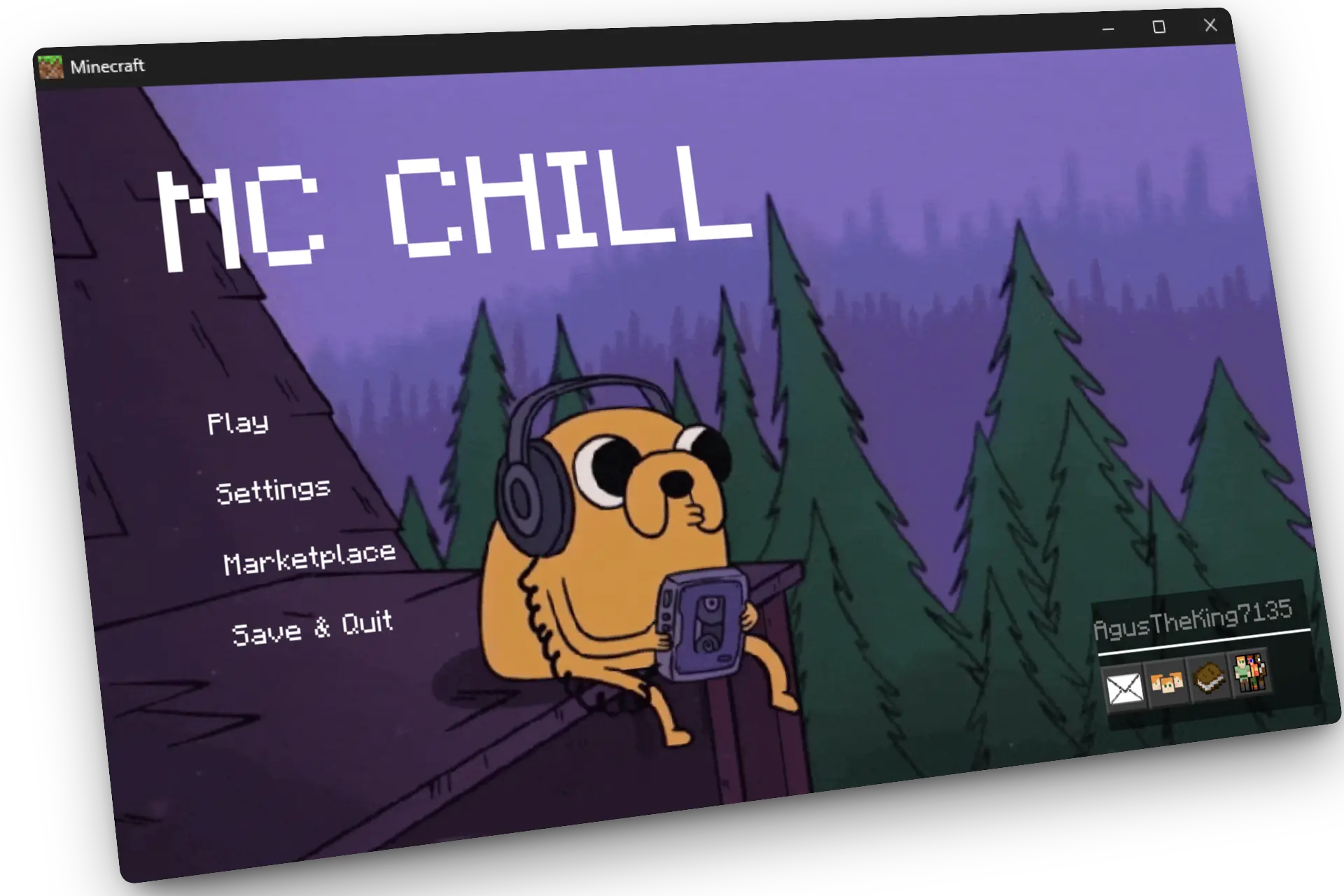
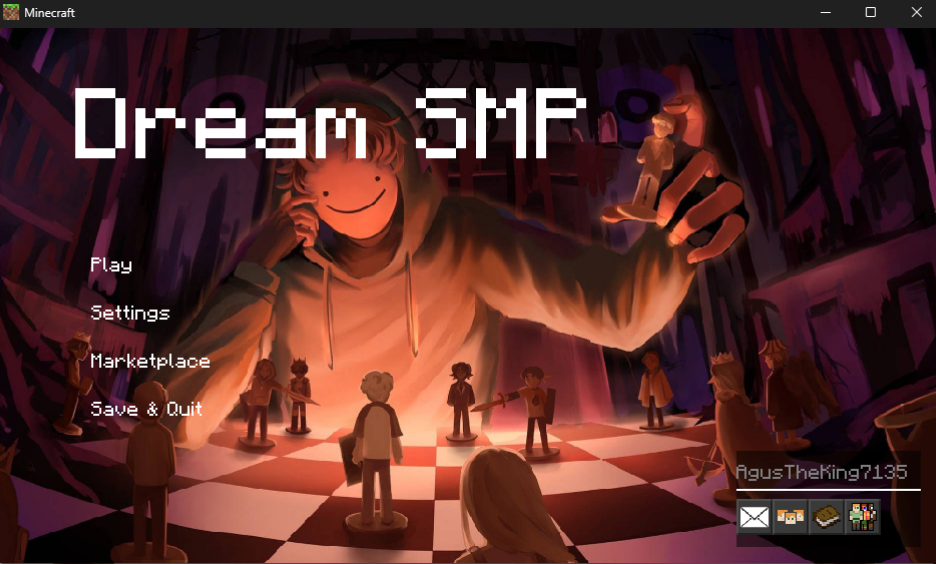
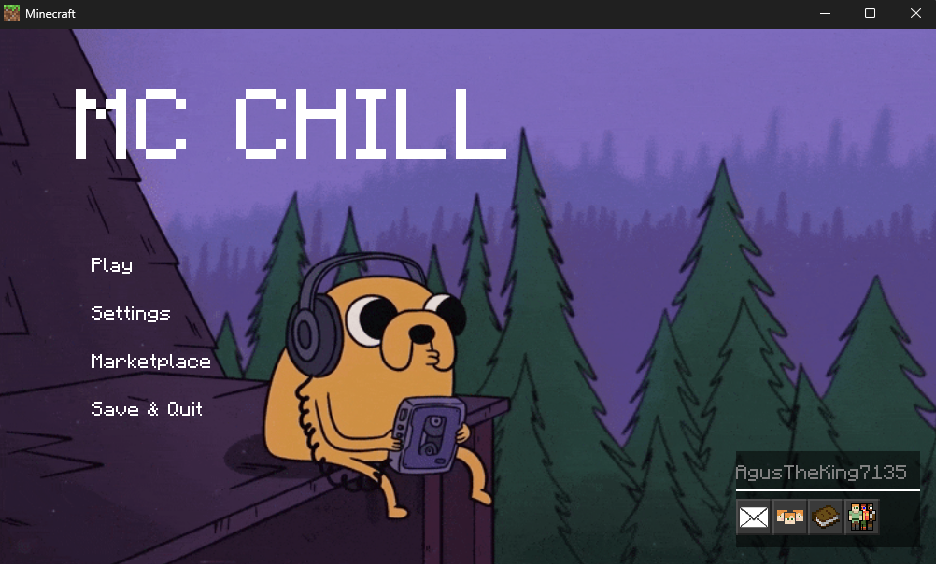
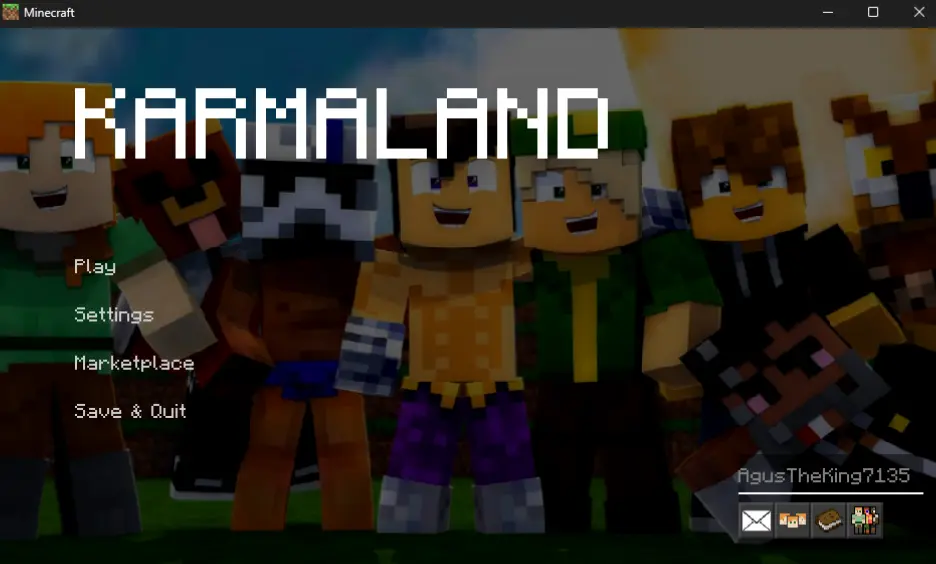
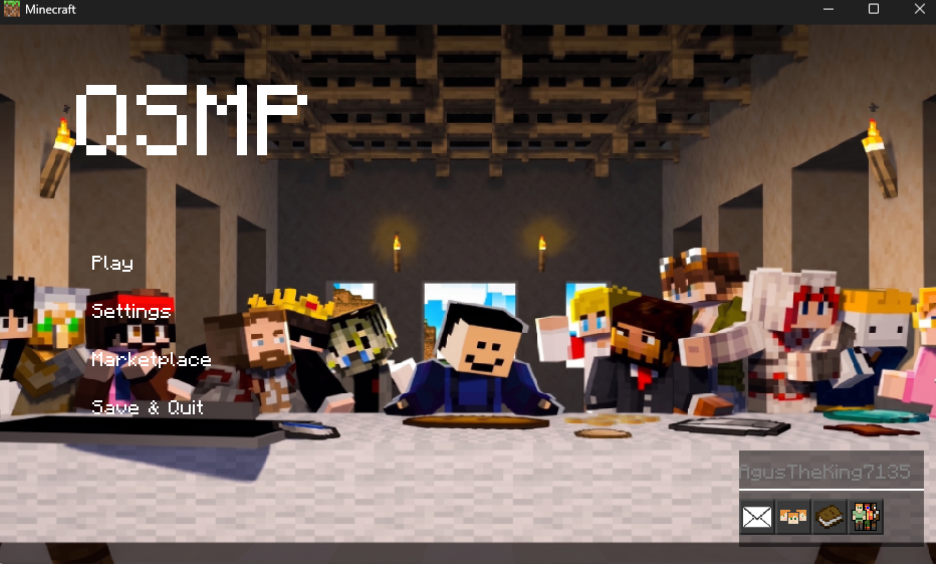
Replace the boring default panorama with any image you like. From high-quality landscapes to your favorite character fanart.
GIF Support:
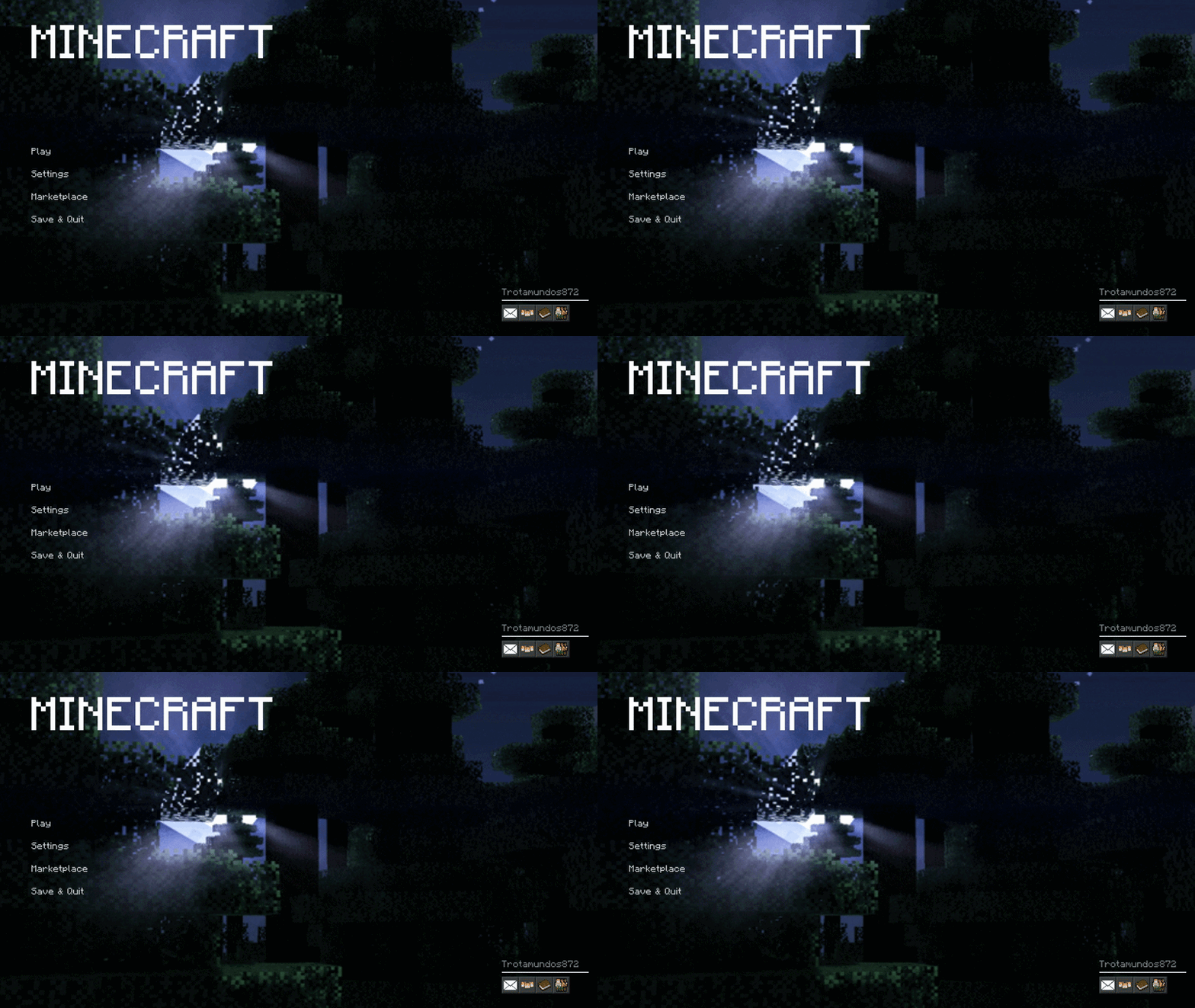
Want a moving background? You can upload GIFs and the editor will automatically process the frames to create a smooth animation in-game.
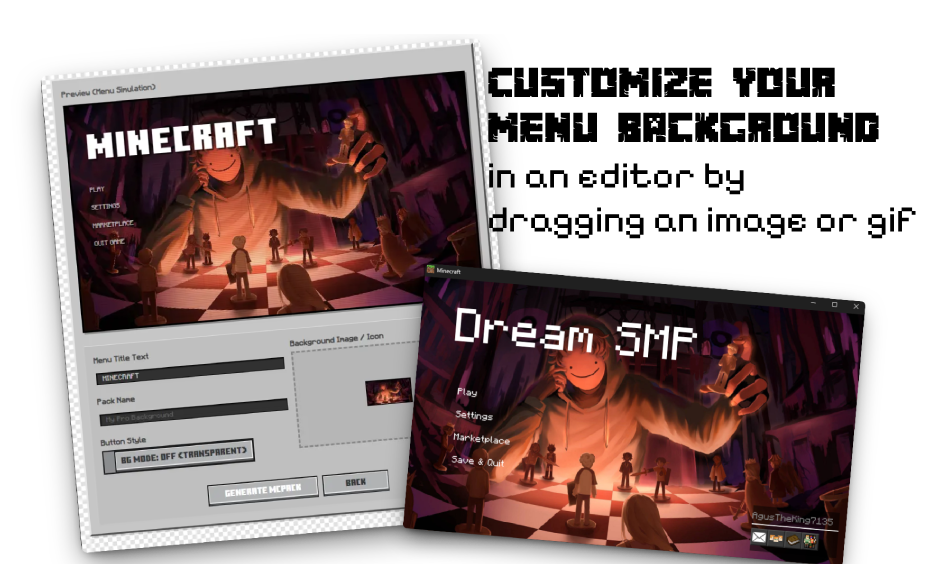
You can preview your background directly in the simulator. Use the editor to adjust how the buttons look on top of your image, ensuring perfect visibility and a professional finish.
Installation & Usage
Global Resources: This addon works as a Resource Pack. Once exported, just double-click the file to install it and activate it in your Global Resources settings.
No Mods Needed: It doesn't require experimental toggles or scripts, making it compatible with almost any version.
Creative Ideas
- Branding: Create a unique look for your Realm or Server by adding a custom logo or thematic background.
- Aesthetics: Match your menu with your current texture pack for a fully immersive "Aesthetic" experience.
- Memories: Set a photo of your technical server base or a group shot with your friends as your start screen.
How to Download
Since this is a fully custom generator, you need to create your pack using the editor. Upload your desired images/GIFs and the tool will generate a unique .mcpack just for you.
TUTORIAL: Using the Editor
To get your addon, follow these steps in our web editor:
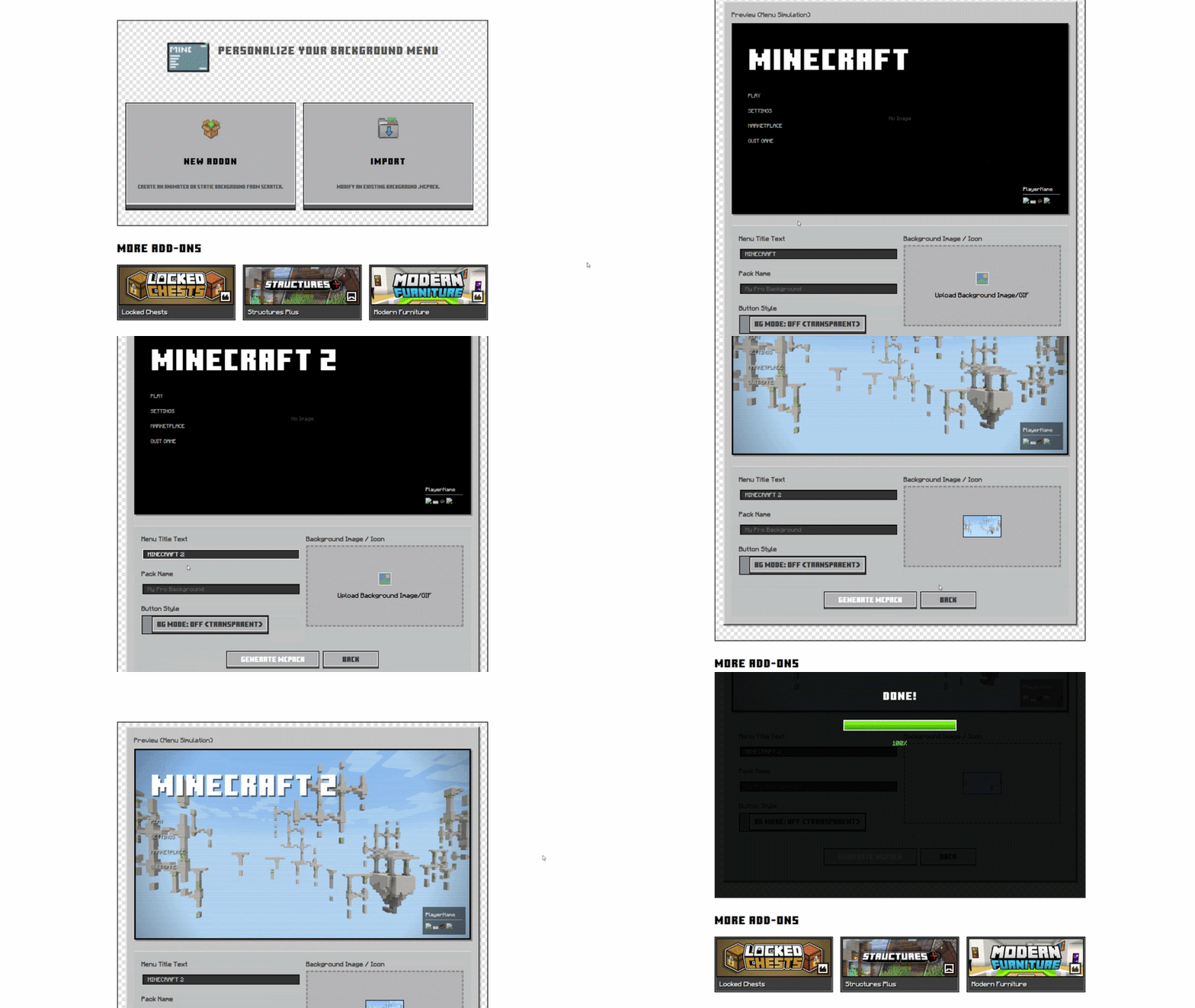
1. Start Your Project: Click "Create New Project" to upload a new background image or GIF, or use "Import" to update an existing background pack.
2. Configuring the Look: Use the "BG Mode" toggle to switch between transparent or solid button styles. This helps you see how the Minecraft menu buttons will look over your background.
3. Preview & Optimization: The simulator shows a real-time preview. If you use a GIF, you can see the animation loops and ensure it fits perfectly behind the UI buttons.
4. Settings: You can change the Minecraft title name and also the name for exporting the mcpack.
5. Exporting: Click "Export" and the editor will compile all textures and JSON files into an .mcpack. Import it into Minecraft and enjoy your new custom menu!
Images


Language Support
 English
 Spanish
 Portuguese
 Japanese
 Chinese
 German
 French
Changelog
PROCESSING...
0%

New Addon
Create an animated or static background from scratch.

Import
Modify an existing background .mcpack.
Preview (Menu Simulation)
MINECRAFT


Upload Background Image/GIF

Zip to MCWorld
Install MCWorlds