endermen76428


Have you ever gotten lost from your home in your world while exploring? Now your problems are over with this Waypoint addon, which will help you create points in your world to guide you back.
Locator
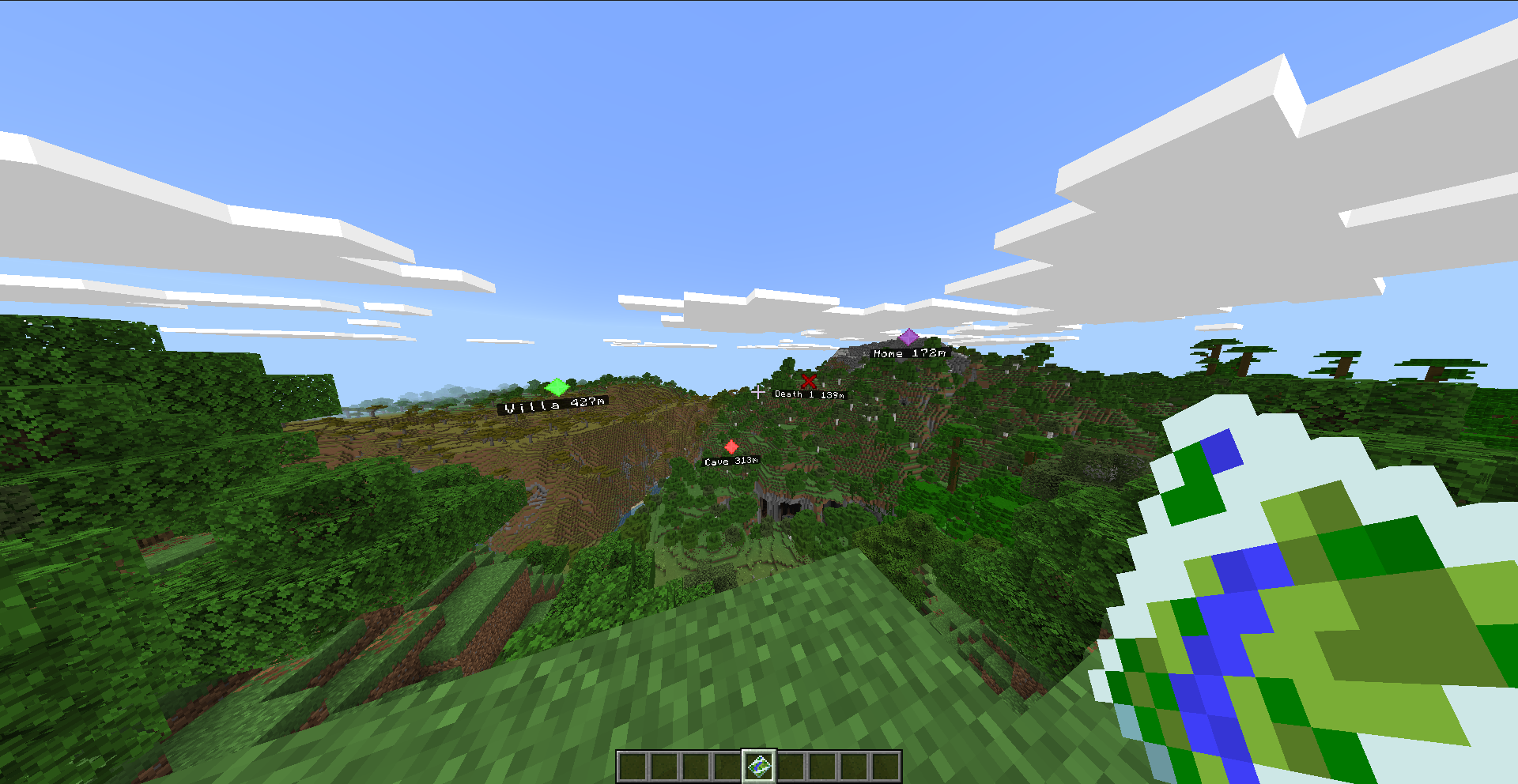
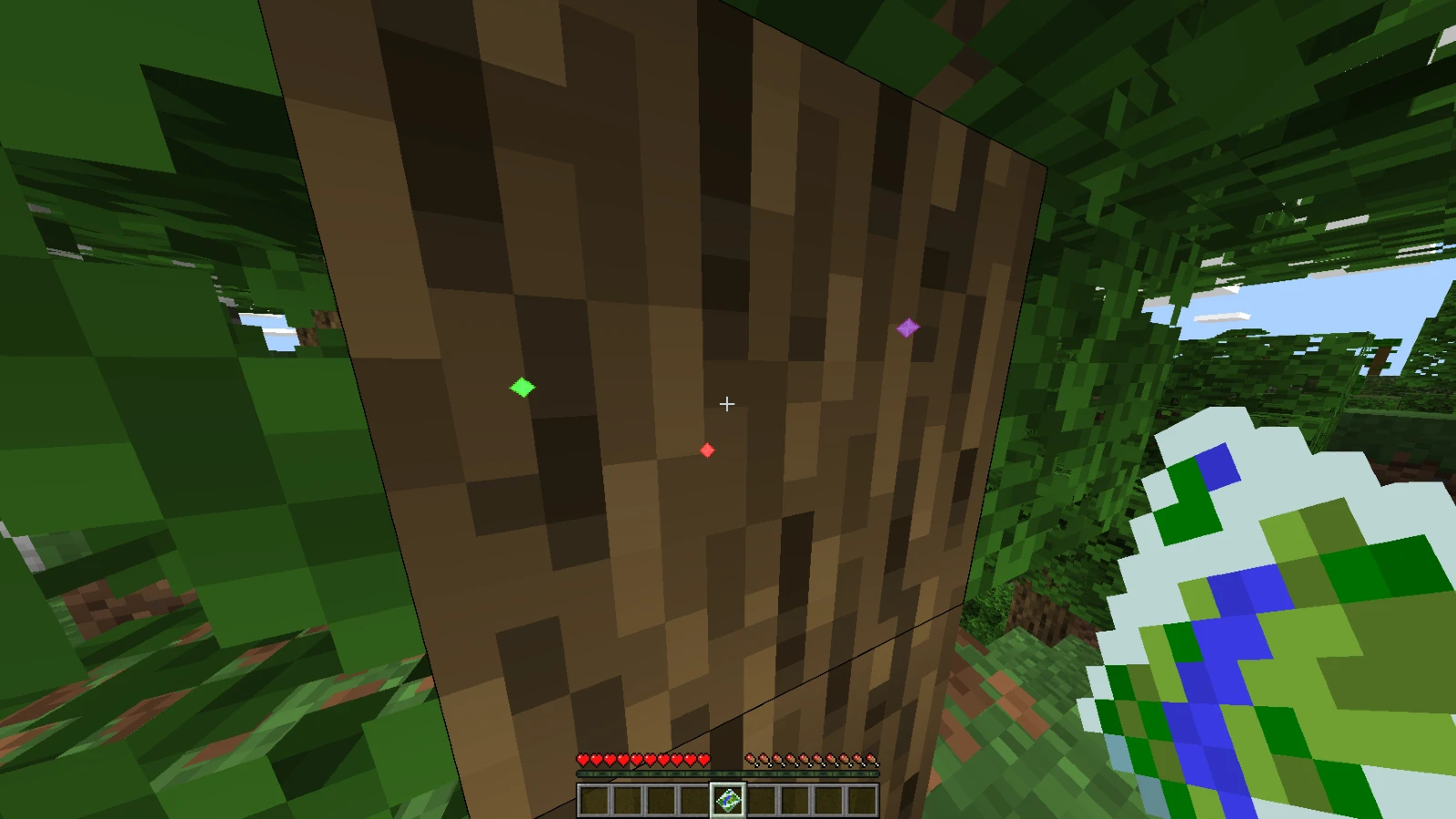
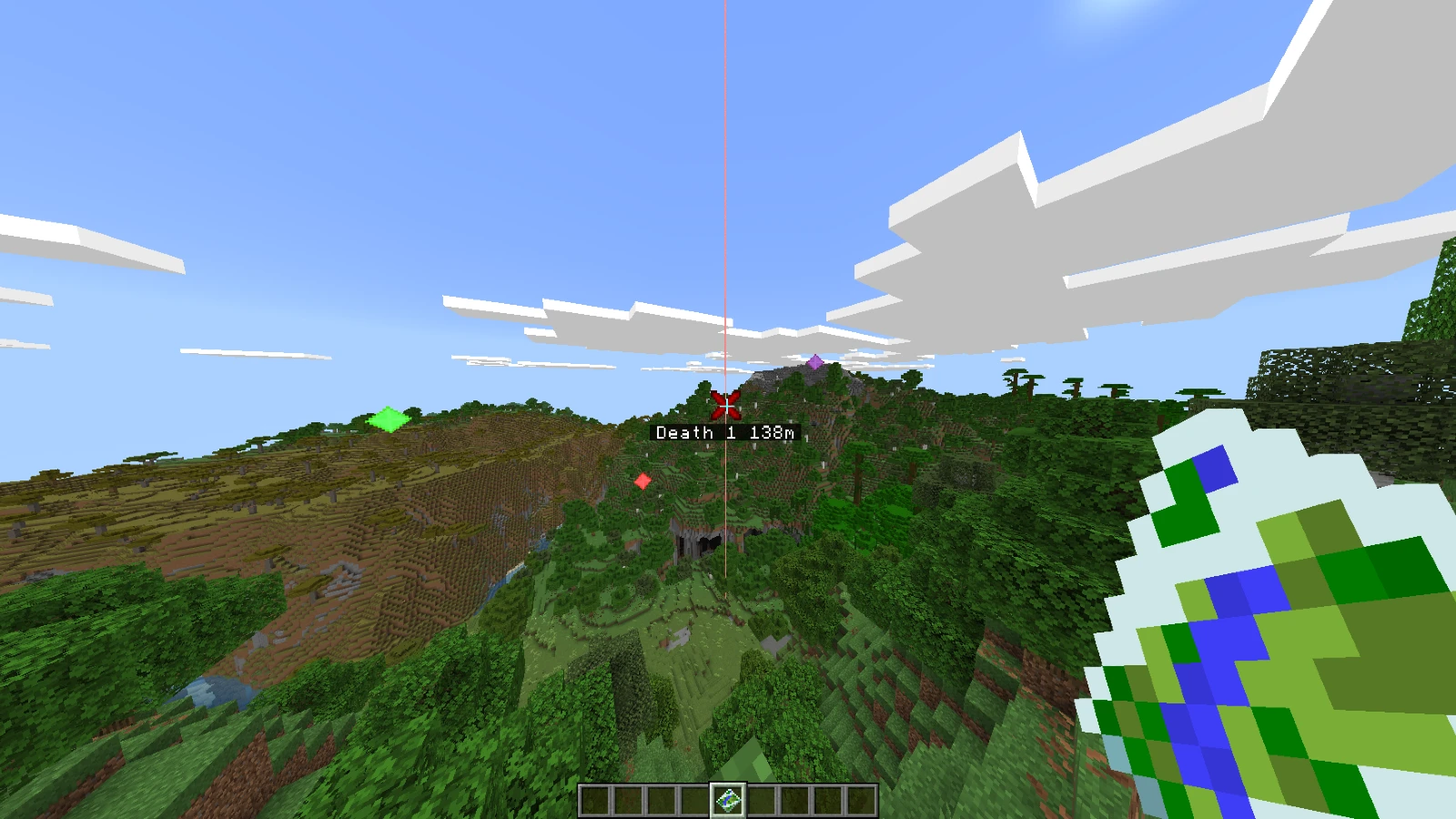
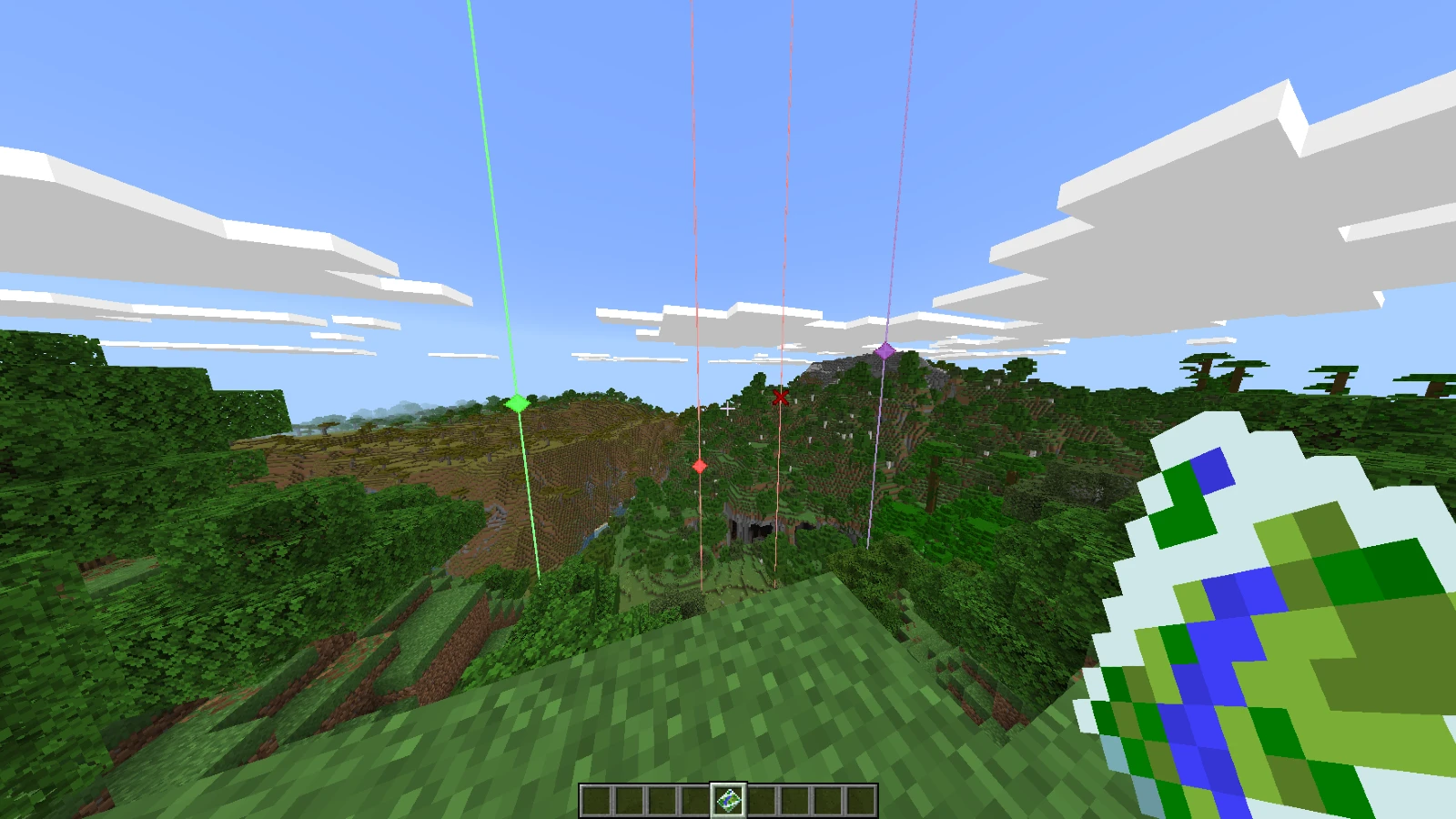
All waypoints are shown at the same time in your world.
The display name is the first 13 letters of the entered name and the Max distance shown is 9,999,999 blocks.
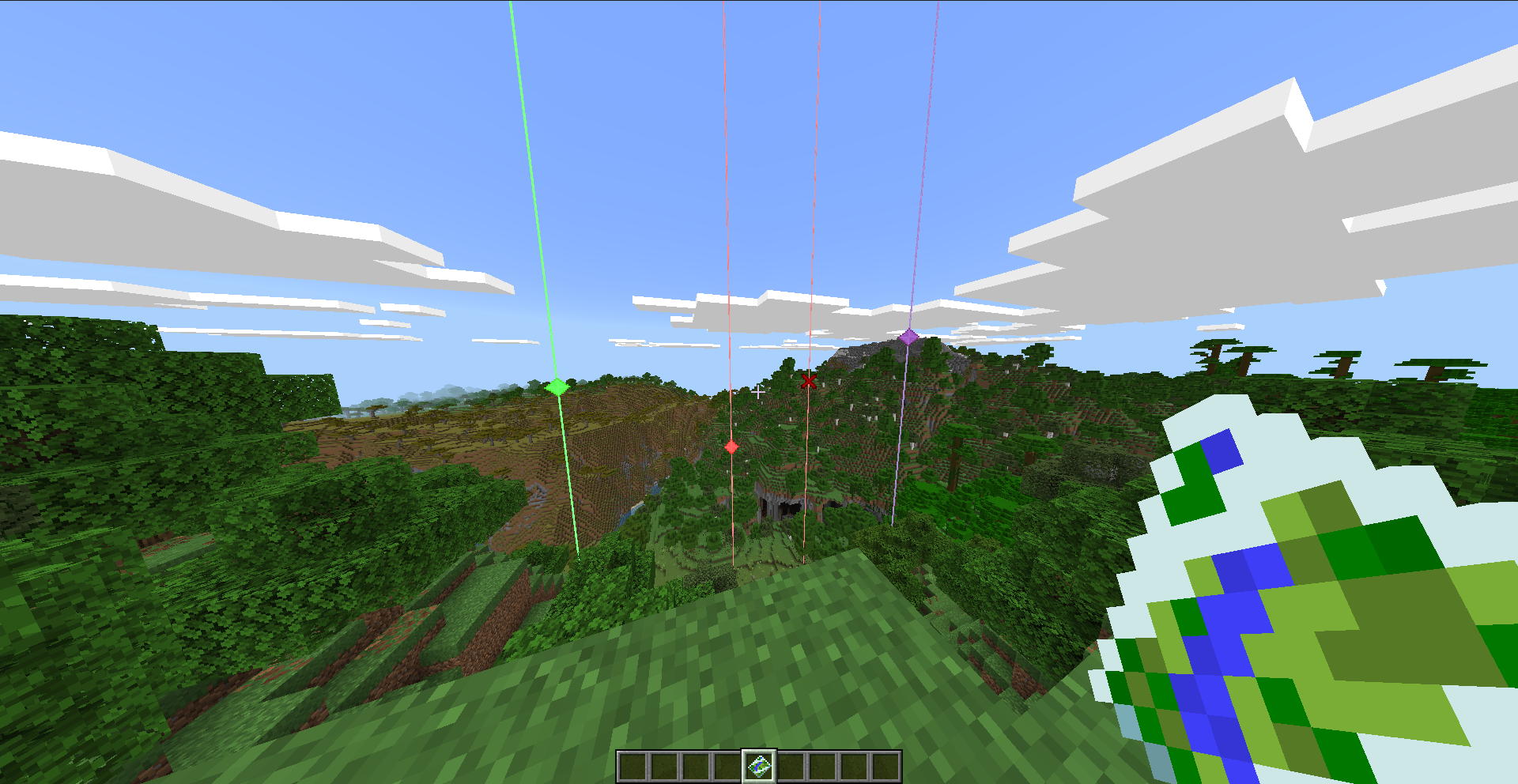
They can be seen through walls
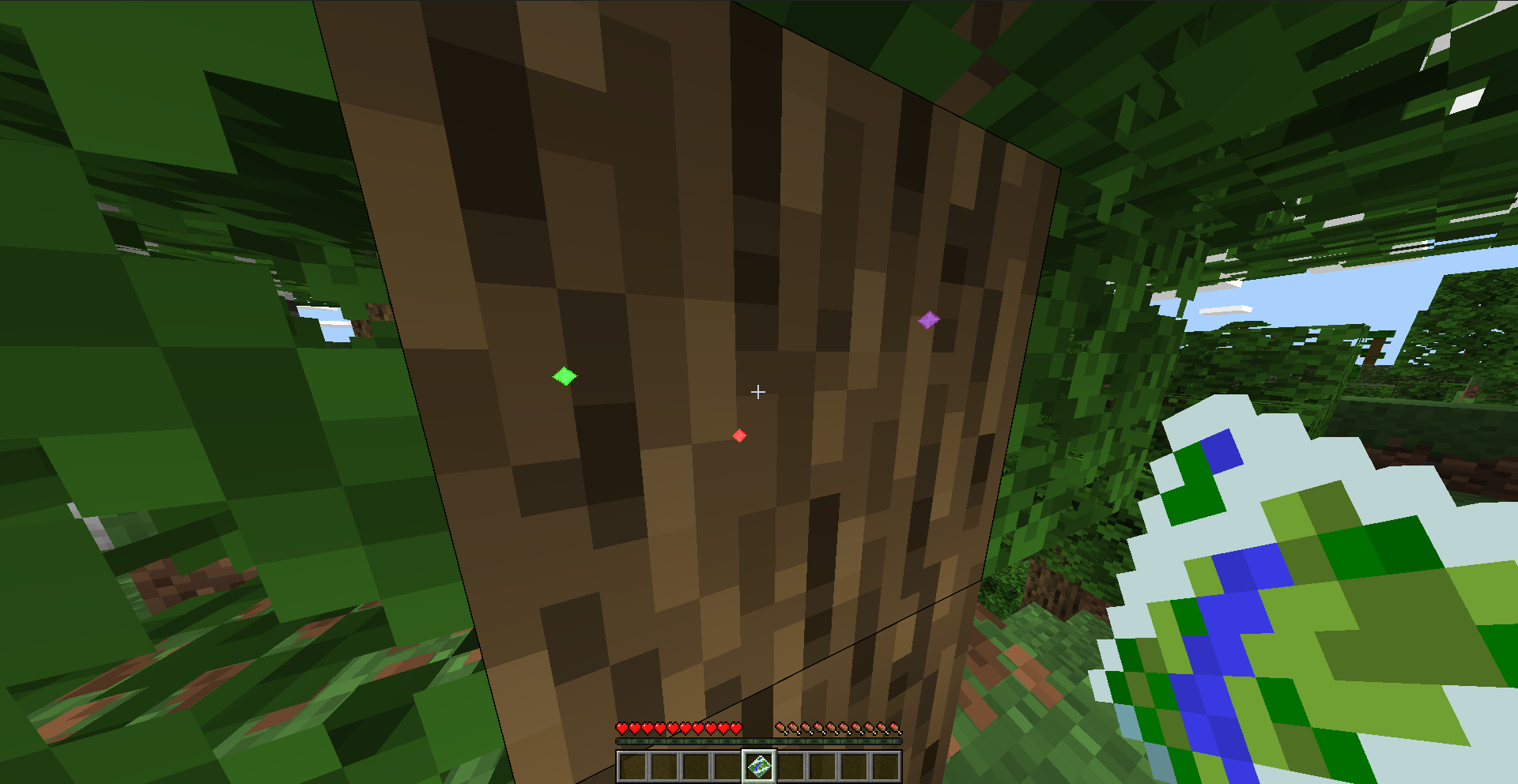
Each Waypoint is exclusive for each person
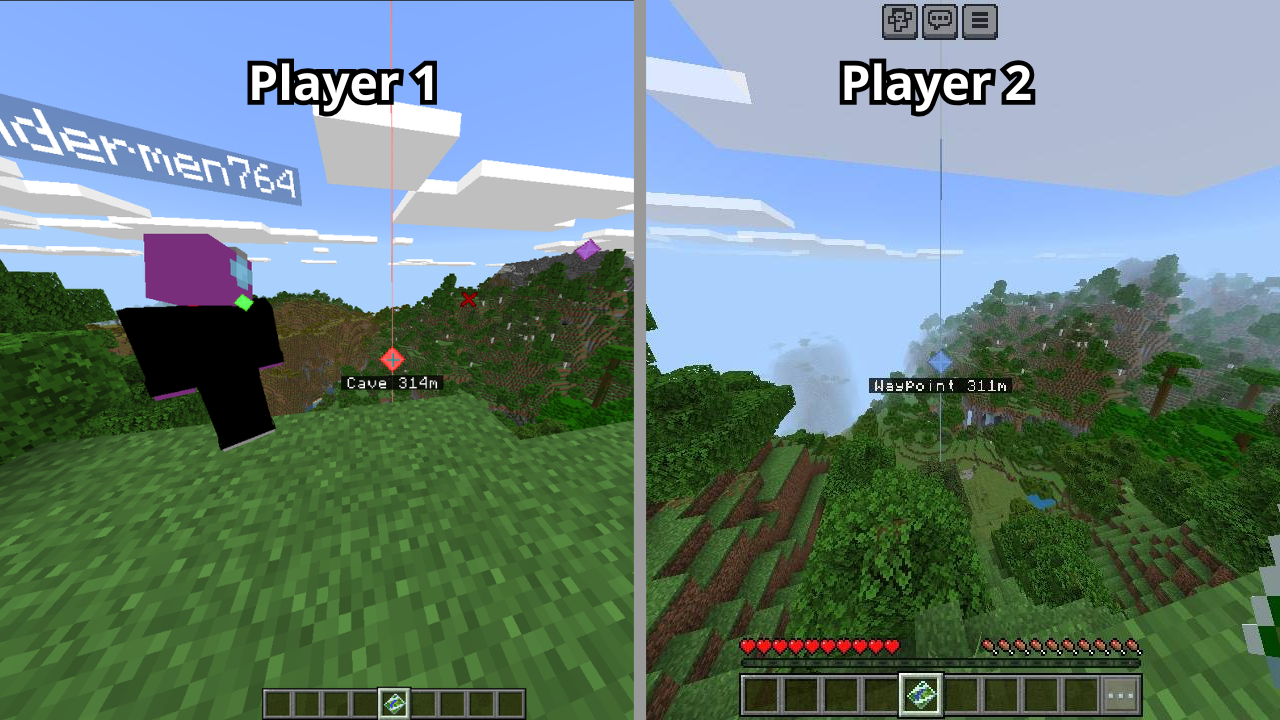
Death Point
Did you die? Don't worry a waypoint will be create where you die: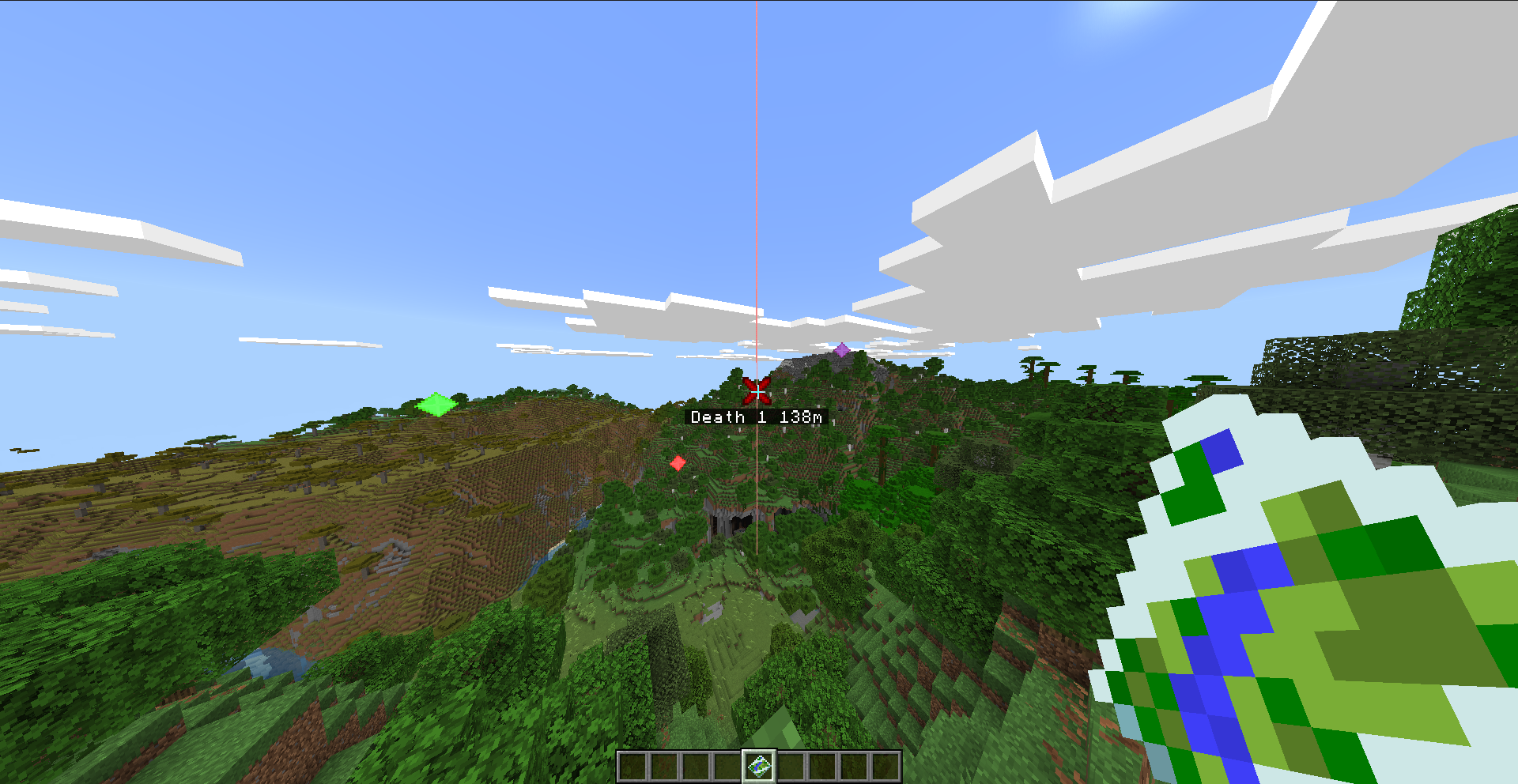
It has a Death Counter :)
Teleport
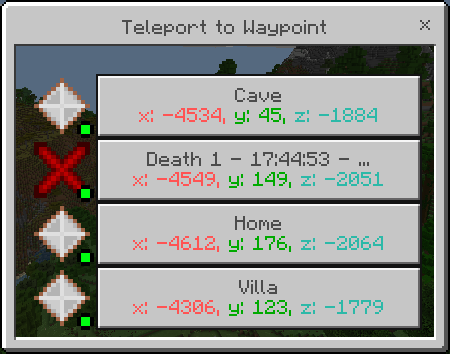
The teleport button is only available when using the "Advanced Waypoint" item; it cannot be used with the normal item or via the command.
If you have some Xp, you can teleport between your waypoints.
1 Xp level for every 500 blocks of distance.
Edit
If you have created a waypoint with the wrong name, icon, color or position, go to the menu and click "Edit Point" select the desired waypoint to change it.
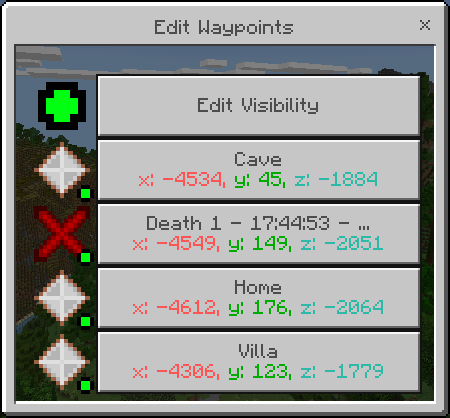
If you need to disable some waypoint you can use the button "Edit Visibility", this button will show you the list of your waypoints with a toggle to select if you want to disable that waypoint.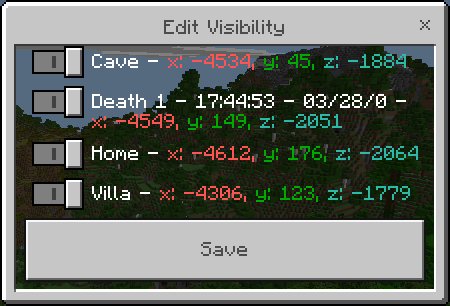
When you disable your waypoints the icon next to it will also be turned off: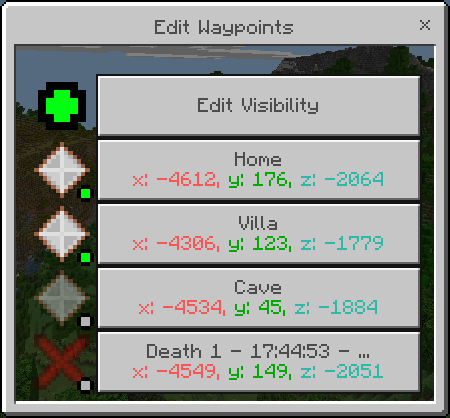
Delete
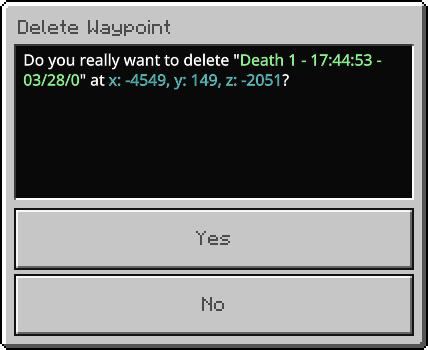
If you no longer want a Waypoint, just go to the menu and click on the "Delete Point" button and select the Waypoint you want to remove.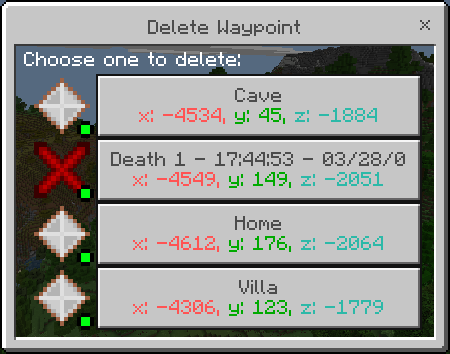
Share
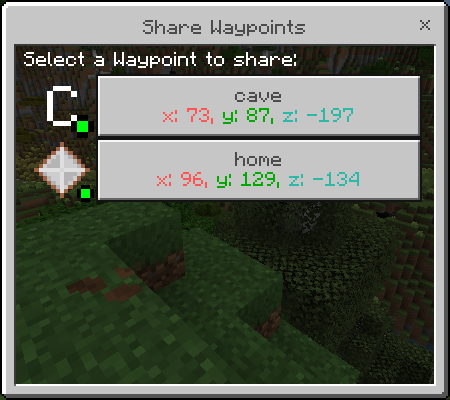
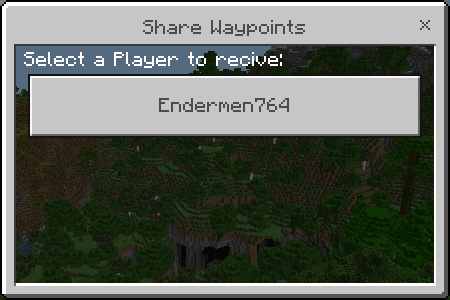
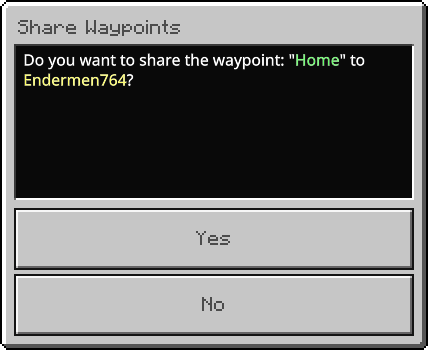
If you have a Waypoint to share to your friend you can use this function, select the waypoint to share and after select the player to receive this waypoint:
Options
Go to the menu and click on the "Options" button, there you will see 2 options:
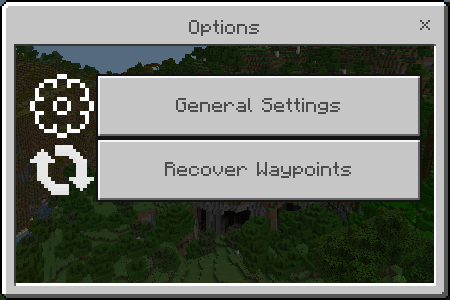
General Settings
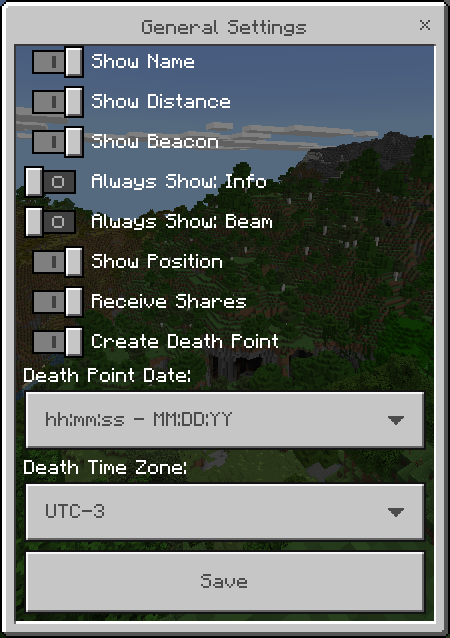
In the general settings you can define:
- Show Name: Name will be shown in the Waypoints.
- Show Distance: Distance will be shown in the Waypoints.
- Show Position: Position on the Edit or Teleport screen.
- Create Death Point: Can create death points.
- Death Point Date: What date format appears in Death point.
Always Show Info
Always Show Beam
Recover Waypoints
If a waypoint disappears or the name of the waypoint get wrong for some reason, just click on this option and all (visible) waypoints will reappear.
Some cases in which they may disappear are:
- /kill @e
Commands
- "/waypoint" used to open the waypoint menu.
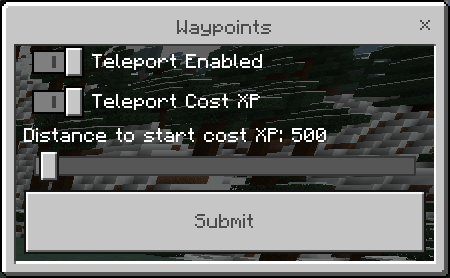
- "/waypointconfig" used to enable the teleport and change the xp cost by distance (Only can used by the world owner or anyone with /op).
Other Infos
- This addon is Achievements Friendly.
- This addon doesn't use Experimental.
- This addon doesn't use player.json.
- This addon is compatible with other addons.
Images


How to Get the Waypoints
First you will have to create the Waypoints Item on the cartography table with 2 papers.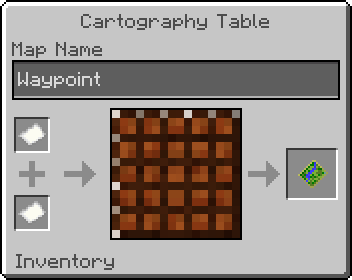
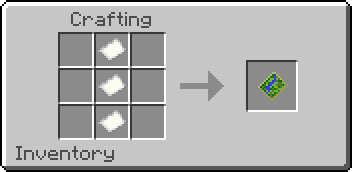
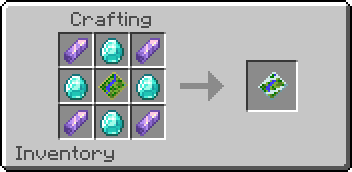
To create a Waypoint just go to the menu by clicking with the Waypoint Item in your hand or use the command "/waypoint"
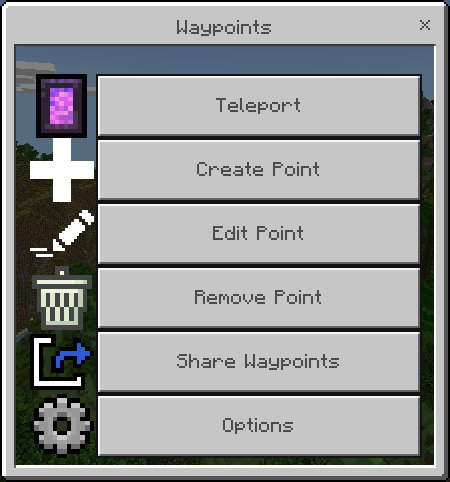
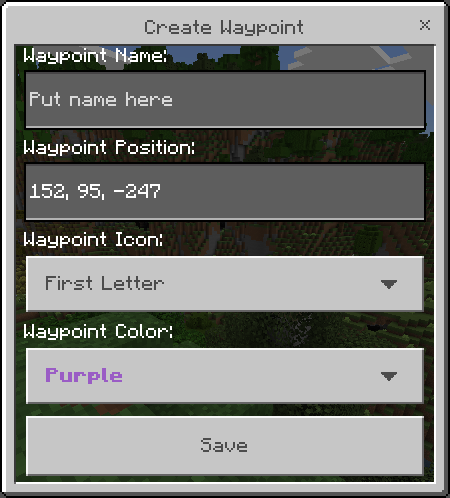
Click on the "Create Point" button and give a name to the Waypoint, select the waypoint icon and color.
The position of the Waypoint will be your position at the moment you create it but if you want you can create a waypoint in specific position. Each dimension has its own list of Waypoints.
Language Support
 English
 Portuguese
Changelog
Downloads


Zip to MCpack
Install MCaddons